Education
The Best AI Image Generator for Artistic Creations
Compare top AI image generators and learn how Decktopus AI creates custom slide visuals directly inside your presentations.


Decktopus Content Team
Table of Contents
What Are AI Image Generators?
How AI Image Generators Actually Work
Popular AI Image Generation Models
Real-World Applications of AI Image Generators
The 5-Factor Framework for Choosing an AI Image Generator
AI Image Generators Compared
Common Mistakes to Avoid
How to Build Your Presentation Visuals with Decktopus AI
Conclusion
Stay Connected
What Are AI Image Generators?
An AI image generator is software that uses deep learning to create original visual content from a text prompt or reference input. Its main benefit is speed: what used to take a designer hours now takes seconds.
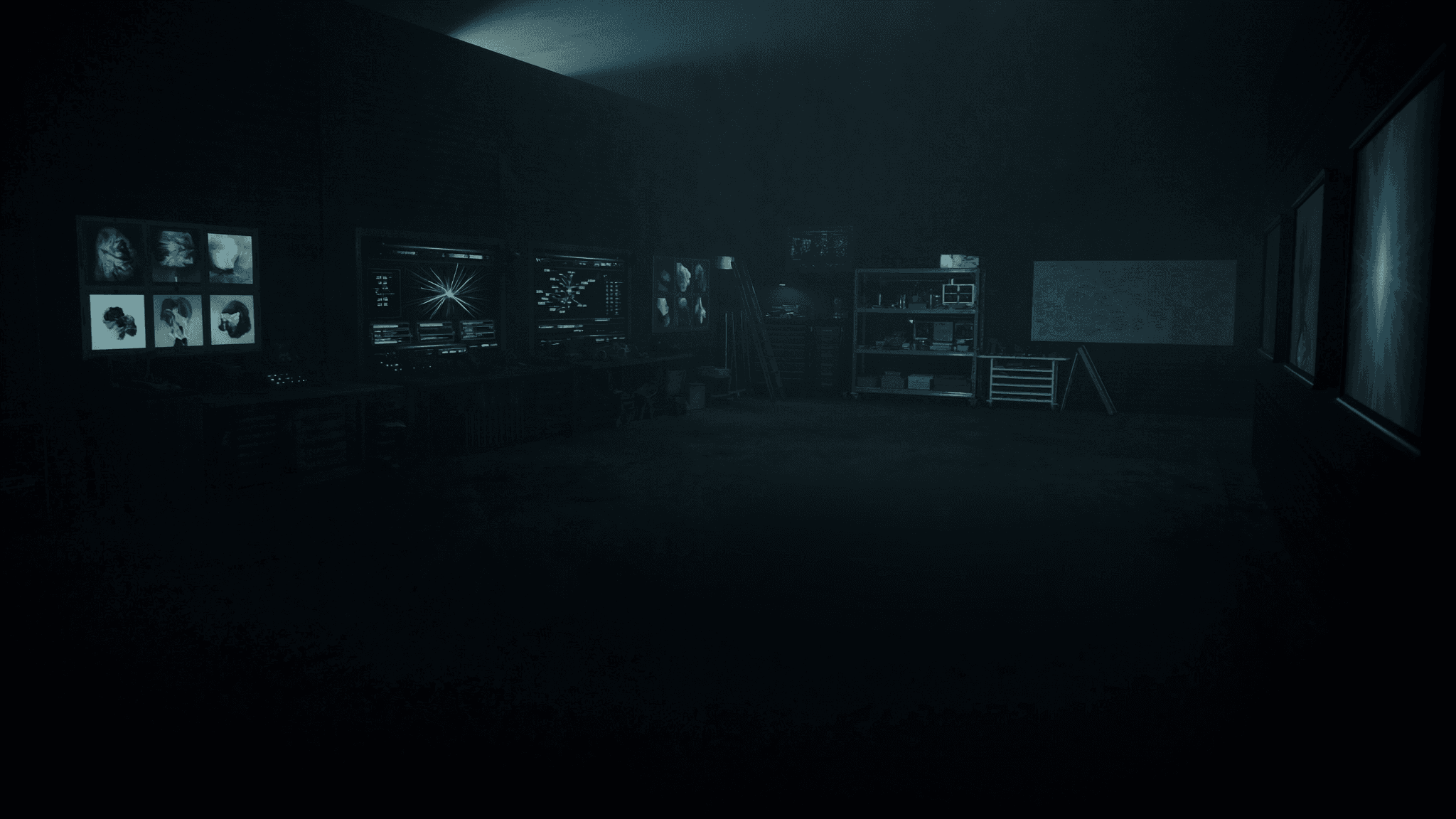
73% of marketers say AI-generated visuals now play a role in their content production, according to a 2024 survey cited by McKinsey on generative AI adoption. That shift is not limited to marketing teams.
Students, founders, educators, and sales teams all lean on these tools now. The reason is simple.
Good visuals used to require a designer, a stock photo budget, or hours in Photoshop. AI image generators remove that bottleneck entirely.
How AI Image Generators Actually Work
Most AI image generators rely on one of two model families. Understanding the difference helps you pick the right tool for the job.
GANs: Two Networks Competing
A Generative Adversarial Network (GAN) pairs two neural networks against each other. One network, the generator, creates images.
The other, the discriminator, judges whether each image looks real or fake. Over millions of rounds, the generator gets better at fooling the discriminator.
The result is increasingly realistic output. GANs power many of the photorealistic image tools you see today.
VAEs: Learning Compressed Representations
A Variational Autoencoder (VAE) takes a different approach. It compresses training images into a simplified mathematical representation, then learns to reconstruct new images from that compressed space.
VAEs tend to produce smoother, more abstract results than GANs. They are often used alongside other techniques rather than alone.
Diffusion Models: The Current Standard
Most modern AI tools now use diffusion models instead of pure GANs. These models start with random noise and gradually refine it into a coherent image, guided by your text prompt.
Diffusion models are why tools like Midjourney and Stable Diffusion produce such detailed, controllable output. They have largely replaced GANs as the industry standard since 2022.
Popular AI Image Generation Models
A handful of models shaped the field and are worth knowing by name, even if you never touch the underlying code.
DALL-E: Text-to-Image Pioneer
OpenAI's DALL-E was one of the first models to popularize turning a plain-English text prompt into a finished image. It made AI image generation accessible to non-technical users for the first time.
StyleGAN and StyleGAN2
NVIDIA's StyleGAN family became known for producing highly realistic human faces and portraits. StyleGAN2 improved on the original by fixing visual artifacts and increasing detail quality.
BigGAN
Google Brain's BigGAN focused on generating detailed, diverse images across hundreds of object classes at once. It demonstrated that GANs could scale to much larger and more varied training sets.
CycleGAN
CycleGAN specializes in transforming one type of image into another, like turning a photo of a horse into a zebra or simulating a different season. It does this without needing paired before-and-after training examples.
Real-World Applications of AI Image Generators
AI image generation has moved far beyond research labs. Here is where it shows up in daily work today.
Art and Creative Work
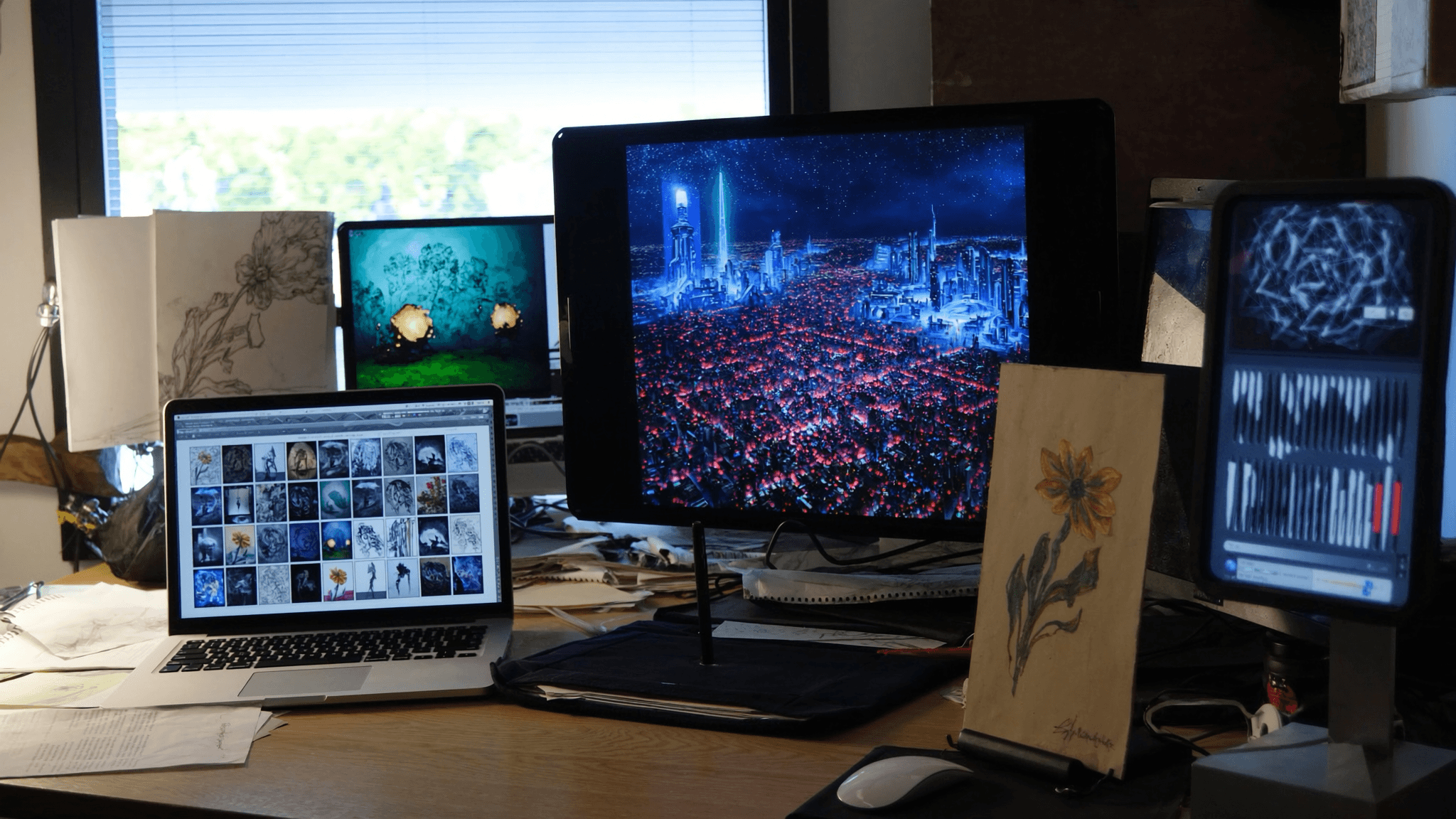
Digital artists use GAN and diffusion tools as a new kind of creative palette. Independent creators can now produce work that once required a full studio team.
Entertainment and Gaming
Film and game studios use AI-generated visuals for concept art, character design, and environment tests. This speeds up early production before final assets are built by hand.
Business Data Visualization
AI image tools help turn dense datasets into visuals that are easier for a room to absorb. This matters most in internal reports and stakeholder presentations, where clarity drives decisions.
Education
Teachers use AI-generated visuals to make abstract concepts concrete for students. A generated diagram or illustration often lands better than a wall of text.
Presentations
This is where AI image generation has the most direct, daily impact for professionals. Presentation tools like Decktopus now build AI image generation directly into the slide creation process.
You never have to leave the deck to find or create a visual. Instead of hunting for stock photos that almost fit, you describe the image you need and get one generated for that exact slide.
The 5-Factor Framework for Choosing an AI Image Generator
Not every AI image generator fits every job. Use these five factors to evaluate your options.
Output quality. Check whether the tool produces sharp, artifact-free images at the resolution you need.
Prompt control. Look for tools that let you refine an image with follow-up instructions instead of starting over.
Speed. Some models take seconds, others take minutes. Speed matters most when you are working against a deadline.
Integration. A generator built into your existing workflow (like a presentation tool) saves the export-import cycle entirely.
Licensing clarity. Confirm you actually own commercial rights to what you generate before using it publicly.
AI Image Generators Compared
Tool | Best For | Learning Curve | Built for Presentations |
|---|---|---|---|
Standalone diffusion tools (Midjourney, Stable Diffusion) | High-end standalone art | Moderate to steep | No, requires export |
DALL-E style tools | Quick concept generation | Low | No, requires export |
Decktopus AI Image Generation | Slide-ready visuals in context | Low | Yes, native |
Generic stock libraries | Generic, non-original imagery | Low | Partial, via import |
Before vs. After: Building a Presentation Visual
Step | Old Workflow | AI-Native Workflow |
|---|---|---|
Finding a visual | Search stock sites, hope for a fit | Describe the image in a prompt |
Editing | Open a separate design tool | Refine with a follow-up prompt |
Placing in the deck | Download, resize, import manually | Image drops directly into the slide |
Total time | 15 to 30 minutes per visual | Under a minute per visual |
Common Mistakes to Avoid
Even with a capable tool, a few habits consistently produce weak results.
Vague prompts. "A business image" gives the model almost nothing to work with. Describe subject, style, and mood specifically.
Ignoring brand consistency. Mixing wildly different visual styles across one presentation breaks audience trust.
Skipping the review step. AI-generated images can contain small errors. Always preview before you present.
Overloading slides with visuals. One strong image communicates more than three cluttered ones.
Using generic outputs. If everyone's prompt looks the same, everyone's image looks the same. Add specific detail to stand out.
How to Build Your Presentation Visuals with Decktopus AI
If your goal is to get from idea to a polished, image-rich presentation without switching between five different tools, this is where Decktopus AI fits.
Decktopus was built around the idea that a full presentation, not just a slide background, should come out of one AI-native workflow.
Why Decktopus AI Is Built for Visual Presentations
Decktopus AI's AI Image Generation feature creates custom images directly from a natural language description, right inside the slide you are building. You never export to another app and reimport.
If you would rather not generate from scratch, the built-in Stock Image Library gives you in-app access to Unsplash and Freepik. Both options live in the same panel, so you can mix generated and stock visuals in the same deck.
Once your images are in place, Edit with AI lets you refine layouts, text, and visual elements with a natural language prompt, previewing changes before you apply them, with undo always available.
If you already have a deck with visuals you like the structure of but not the design, Beautify can redesign it while keeping your existing text and structure intact, or use it as a resource to extract key points into a brand-new presentation.
Decktopus AI vs. Traditional Design Tools
Task | Traditional Tools | Decktopus AI |
|---|---|---|
Generating a custom image | Separate AI art tool, then export | Generated inside the slide directly |
Sourcing stock photos | Separate stock site subscription | Built-in Unsplash and Freepik access |
Matching brand style | Manual color and font matching | Brand Import via URL, automatic |
Sharing the finished deck | Export and email a file | Live link with auto-updating edits |
Knowing who viewed it | No visibility | Deck Analytics, slide by slide |
Who This Is For
Marketers building campaign decks that need original, on-brand visuals fast
Founders putting together pitch decks without a design budget
Sales teams customizing visuals for each prospect conversation
Agencies producing client-ready visuals across multiple accounts
The Step-by-Step Workflow
Describe your topic. Type a short description like "Q3 marketing results for our leadership team." Or upload source files through the paperclip icon. If you have an older deck, Beautify can either use it as a resource to build something new, or redesign it while keeping the existing structure.
Choose your style. Import your brand directly from your company website URL, apply a previously saved style, or let AI generate one from scratch.
Review the AI-generated outline. Decktopus AI produces a section-by-section outline first. Edit titles, reorder sections, or adjust the count before generating full slides.
Generate the full presentation. Once you approve the outline, Decktopus AI builds the complete deck with content, layout, and design together.
Refine with Edit with AI or Edit Text. Try prompts like "make the visuals more vibrant," "swap this image for something more minimal," or "add a custom image of a growth chart to this slide." Edit Text lets you make direct changes without a prompt. Every change is tracked in unlimited version history.
Add images. Generate custom AI images from a description, upload your own photos, or pull from the Unsplash and Freepik stock library.
Rehearse with Loop AI Delivery Coach. Get real-time feedback on your delivery, plus likely audience questions to prepare for ahead of time.
Export or share. Export to PDF, PPT, or PNG. Share a live link that updates automatically with your edits. Enable the email gate to collect viewer emails and turn the deck into a lead generation tool. Track engagement afterward with Deck Analytics.
Prefer to build from inside a tool you already use? The ChatGPT Integration lets you create Decktopus decks directly from ChatGPT, and the MCP Server connects Decktopus to AI coding tools like Claude Code and Cursor for teams that want to generate decks programmatically.
Get started with Decktopus AI and build your next presentation with original visuals baked in from the first slide.
Need a deeper look at how AI content tools compare across formats? See our breakdown of the best AI content generators or explore AI text generation tools for the writing side of your deck.
Get started with Decktopus AI today and see how much faster a visual-first deck comes together.
Frequently Asked Questions
What is an AI image generator?
An AI image generator is software that uses deep learning models, like GANs, VAEs, or diffusion models, to create original images from a text prompt or reference input.
How do AI image generators actually work?
Most rely on training a model on large image datasets, then using that trained model to produce new visuals that match a given prompt or style.
What is the difference between a GAN and a diffusion model?
A GAN pits two networks against each other to sharpen realism, while a diffusion model starts with random noise and gradually refines it into a coherent image.
Is DALL-E still relevant?
Yes. DALL-E remains one of the most recognized text-to-image tools and helped popularize prompt-based image generation for general audiences.
Can I use AI-generated images commercially?
It depends on the tool's licensing terms. Always check the specific platform's commercial use policy before publishing generated images.
Does Decktopus have an AI image generator?
Yes. Decktopus AI's Image Generation feature creates custom images from a natural language description directly inside your slides.
Can I use my own photos instead of AI-generated ones in Decktopus?
Yes. You can upload your own images through the paperclip icon, or pull from the built-in Unsplash and Freepik stock library.
What industries use AI image generators the most?
Art, entertainment, business data visualization, education, and presentation design are among the most common use cases today.
Are AI-generated images always realistic?
Not always. Quality varies by model and prompt specificity, so it is worth reviewing output before using it in a final presentation.
What makes a good AI image prompt?
Specific detail helps most: name the subject, the style, the mood, and any relevant context rather than a generic one-word description.
Can AI image generation replace a designer?
It replaces some tasks, especially quick visual needs, but skilled human design work still matters for complex, brand-critical projects.
How is Decktopus different from a standalone AI art tool?
Decktopus generates images directly inside the slide you're building, so there is no exporting and reimporting between separate apps.
Does Decktopus track who views my presentation?
Yes, through Deck Analytics, which shows who viewed your shared deck, how long they spent, and which slides they focused on.
Conclusion
AI image generators have moved from research curiosity to everyday tool in under a decade. GANs, VAEs, and diffusion models each contributed something different to how realistic and controllable generated visuals have become.
For most professionals, the practical question is not which model is technically superior. It is which tool fits into your actual workflow without adding extra steps.
That is exactly the gap Decktopus AI closes for presentations. Image generation, editing, brand styling, and delivery all live in one place, so you go from a blank slide to a finished, visually compelling deck without leaving the app.
Get started with Decktopus AI and turn your next presentation into one built with original visuals from the very first slide.
Stay Connected
Related posts

[UPDATED] 8 Niche Areas for Online Courses for 2026
79% of online students said that they preferred online learning to in-school education. What’s more, the e-learning industry is expected to reach 325 billion dollars of value by 2025. As a result, many people dove into online learning systems. Check out these online course domains!
Education

A Conversation on How Decktopus Can Help Ease Student Life for Engineers
In an extended interview with the Vitruvian organizing team, we were able to identify the growing need for a tool or platform for presentation and document creation that would alleviate the time and stress involved for organizations like these.
Education
A Message to Students and Teachers: Decktopus is here to help!
Studies have shown that teachers are spending at least 3.5 billion dollars on class materials and supporting equipment every year. Does that sound fair? Decktopus didn’t think so!
Education