Presentations
How to End a Presentation With Impact
Discover how to end your presentations with impact by mastering seven proven closing techniques like direct CTAs, story callbacks, and interactive questions, and see how Decktopus makes building powerful call-to-action slides effortless.


Decktopus Content Team
How to End a Presentation With Impact
A memorable presentation requires both a strong opening and a compelling close. It needs a memorable ending that reinforces your message and motivates action. Studies show people recall the first and last parts of an experience best, so crafting an effective conclusion is crucial. In this post, we’ll explore proven presentation closing tips, show you how to end a presentation with clarity and persuasion, and introduce call to action slides you can build in seconds with Decktopus.
The Goals of a Strong Presentation Ending
A strategic conclusion achieves four essential objectives:
1. Reinforce Your Core Message
Remind your audience of the main point. This repetition cements the idea and ties everything together.
2. Inspire Action
Equip your listeners with a clear next step—whether it’s signing up, downloading a resource, or scheduling a demo.
3. Provide Closure
Signal that the story is complete. A deliberate ending prevents your talk from feeling abrupt or unfinished.
4. Enable Follow-Up
Offer ways to continue the conversation. Provide links, contacts, or QR codes so your audience can engage after the session.

7 Powerful Ways to End Your Presentation
Below are seven proven techniques, each paired with a Decktopus slide template—to close with maximum impact.
1. Direct Call to Action (CTA)
What it is: A clear instruction that tells your audience exactly what to do next (e.g., “Schedule your free trial today!”).
Why it works: Specific CTAs reduce friction and guide attendees toward conversion.
Implementation tips: Keep the action simple and time-bound: “Sign up by Friday to get 20% off.”
Example: Picture a slide where a bold “Start Free Trial” button sits center-stage, accompanied by a QR code in the bottom-right—no extra clicks required.
Visual Cue: (See screenshot below for reference.)
Decktopus Slide: Use the CTA Slide to embed a button, clickable link, or QR code automatically.
2. Quote Reinforcement
What it is: Close with the same or a related quote you opened with to create narrative symmetry.
Why it works: Callbacks strengthen memory by framing your message in a familiar context.
Implementation tips: Choose a concise, powerful quote. Display the speaker’s name and affiliation in smaller text beneath.
Decktopus Slide: The Quote Wrap-Up Slide neatly formats quotes with stylish typography.
3. Next Steps Slide
What it is: A slide that lists three concrete actions the audience can take immediately.
Why it works: Breaking down actions into bite-sized steps lowers the barrier to follow-through.
Implementation tips: Use numbered bullets and verbs (“Download”, “Connect”, “Share”).
Decktopus Slide: The Checklist or Roadmap Slide offers customizable icons and progress indicators.

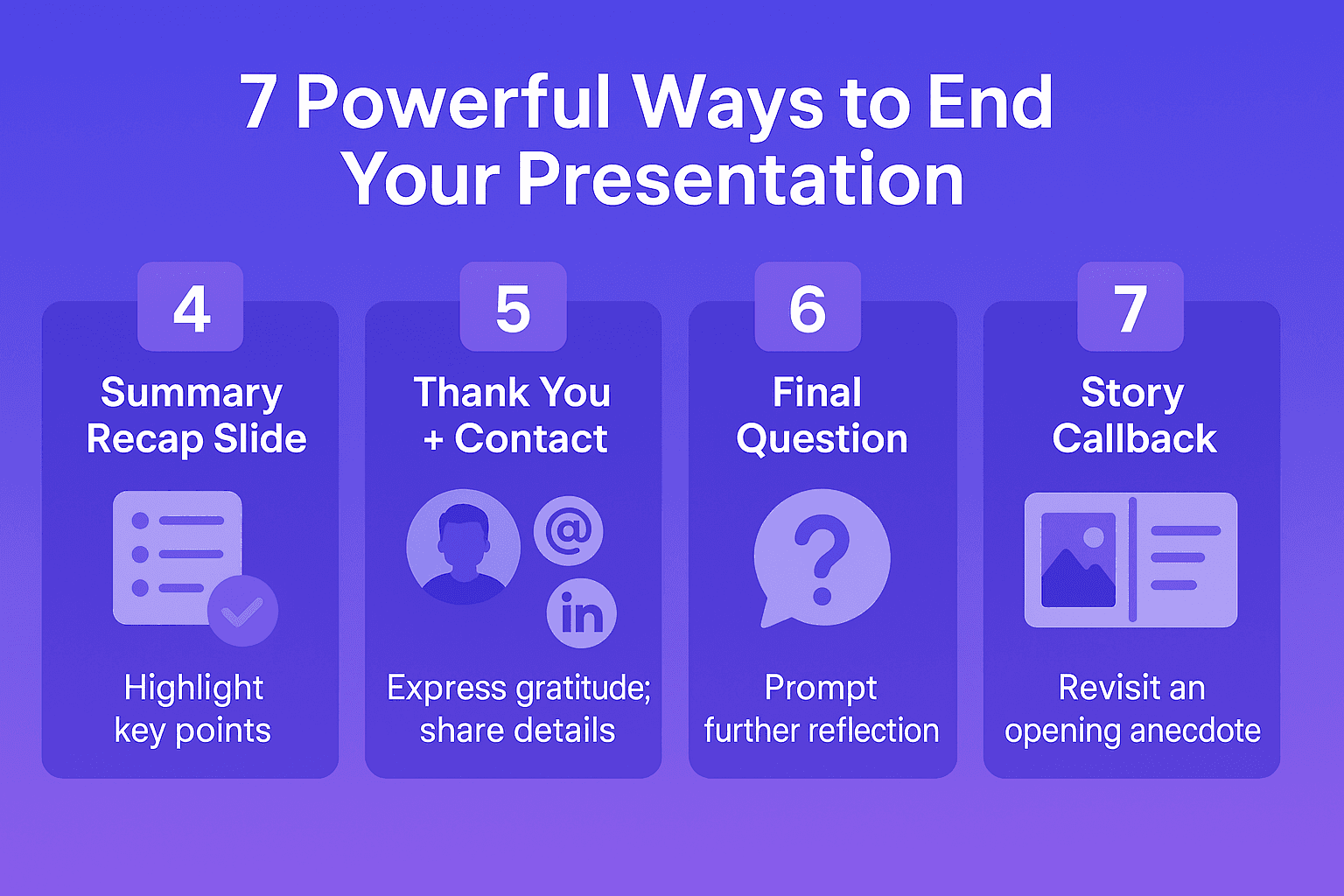
4. Summary Recap Slide
What it is: A visually engaging bullet summary of your key points.
Why it works: Recaps help information retention and give the brain a final review.
Implementation tips: Limit bullets to 3–5 core takeaways. Pair each with a simple icon.
Decktopus Slide: The Key Takeaways Slide uses consistent formatting to keep your recap clean and digestible.
5. Thank You + Contact
What it is: A warm thank-you message paired with your contact details and social links.
Why it works: Expressing gratitude fosters goodwill; contact info encourages follow-up questions.
Implementation tips: Include email, LinkedIn, or Twitter handles. Add a small headshot for familiarity.
Decktopus Slide: Try the Smart Contact Slide, which auto-formats links into clickable icons.
6. Final Question
What it is: Pose a thought-provoking question that relates to your topic and prompts reflection.
Why it works: Questions engage the audience mentally and leave them considering your message after the talk ends.
Implementation tips: Use open-ended questions (“What could you achieve if…?”) to spark imagination.
Decktopus Slide: Use an Interactive Exit Poll Slide to collect live responses and foster engagement.
7. Story Callback
What it is: Revisit the anecdote or story you began with, bringing the narrative full circle.
Why it works: Story arcs create emotional resonance and a satisfying sense of completion.
Implementation tips: Show a split screen: left half the opening image, right half your final point.
Decktopus Slide: The Story Wrap-Up Layout offers side-by-side imagery and text blocks for seamless narrative flow.
How Decktopus Makes Creating Call to Action Slides Effortless
Take the closing techniques above and supercharge them with Decktopus’s seamless slide-building tools, no design skills required.
Decktopus streamlines the process so you can focus on your message, not design:
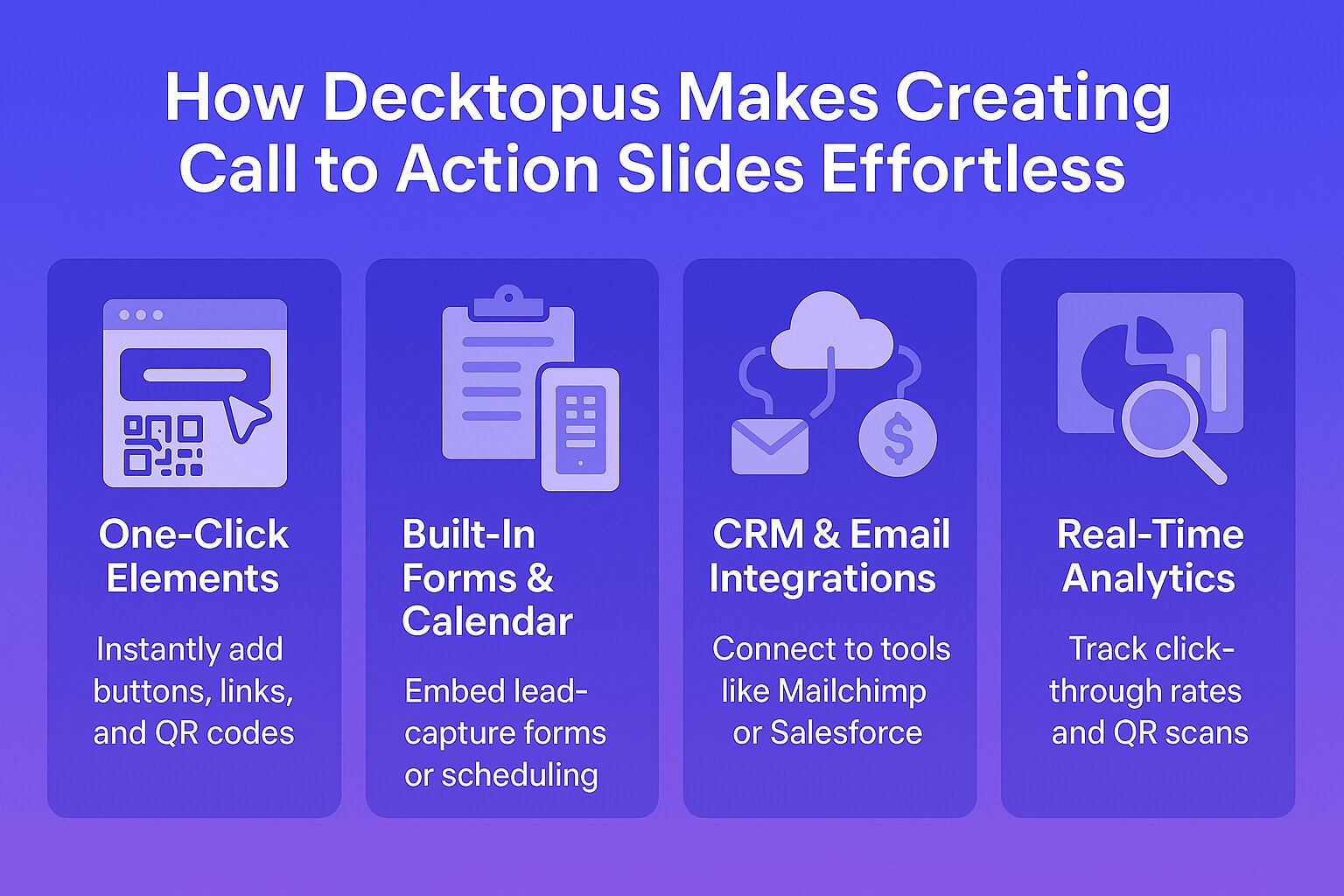
One-Click Elements: Instantly add buttons, links, and QR codes without manual formatting.
Built-In Forms & Calendar: Embed lead-capture forms or scheduling links directly into your slide.
CRM & Email Integrations: Connect to tools like Mailchimp or Salesforce to funnel responses automatically.
Real-Time Analytics: Track click-through rates and QR scans to measure engagement immediately.
With these features, you’ll spend less time polishing slides and more time crafting a persuasive narrative.
Rehearse Your Closing with Loop AI Delivery Coach
A powerful closing slide only works if the delivery matches its weight. Rush your final ask and the audience walks out unsure what to do. Whisper your call to action and the room dismisses it. The close is 20% of what your audience remembers - but only if you deliver it with the intent your slide deserves.
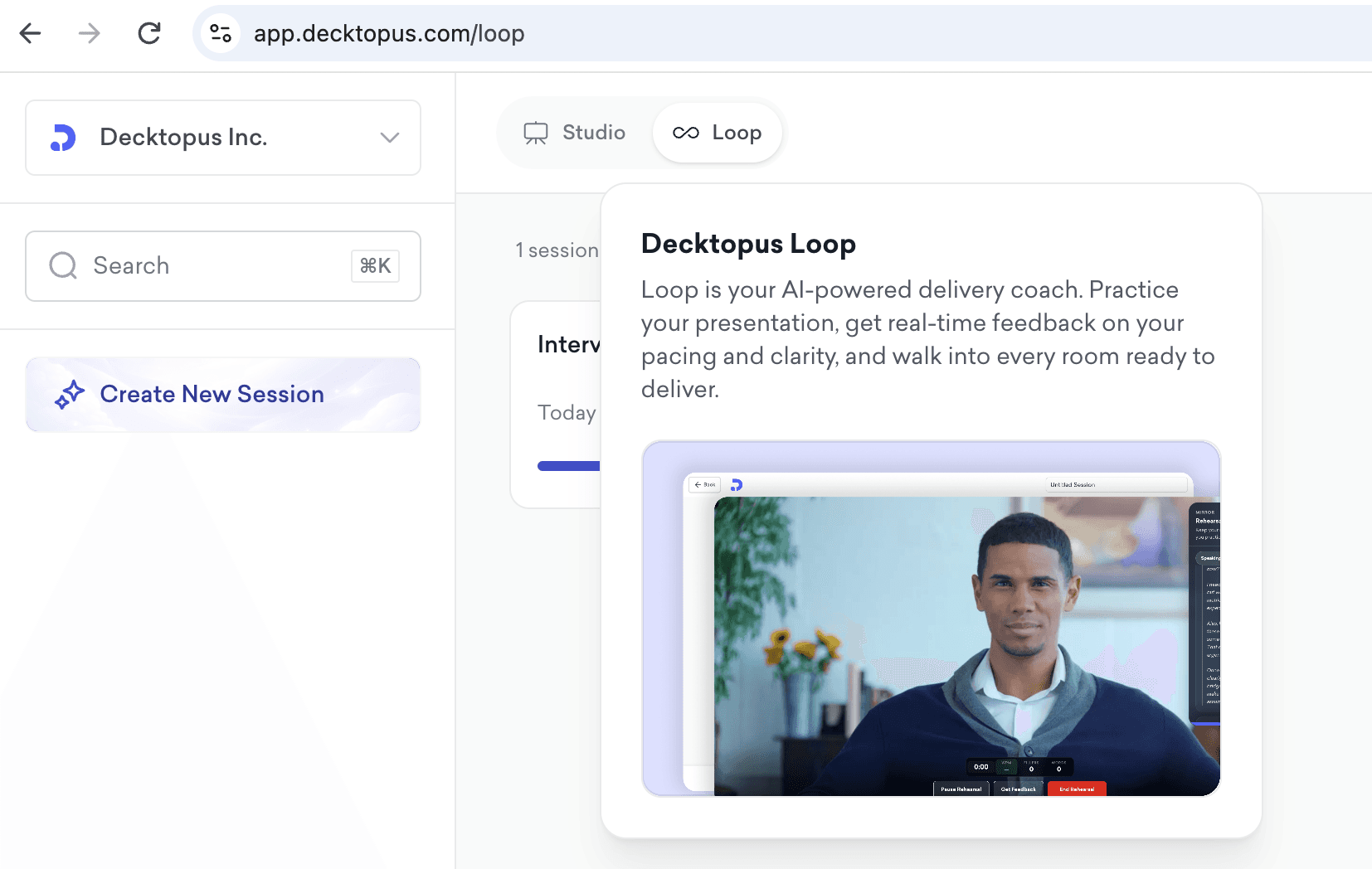
Loop AI Delivery Coach is Decktopus AI's built-in rehearsal environment for exactly this problem. It puts four AI agents between you and your real audience so the ending lands the way you designed it.
The 4 Loop Agents That Sharpen Your Close
Profiler (Emily) - Simulates the audience you're actually closing for. If your final ask is "sign up by Friday" to a room of enterprise buyers, Emily reacts like an enterprise buyer would - cautious, evaluating, asking for the next concrete step. She tells you whether your close moves the actual decision-maker.
Architect (Marcus) - Reviews the structure of your last three slides. Flags when your recap runs long, when the CTA is buried under thank-you language, or when the ask isn't specific enough to act on.
Red Team - Fires the objections your closing might trigger. If you close with "Start your trial today," Red Team pushes back with "why should I do this now instead of next quarter?" - surfacing the hesitations you'll face live.
Mirror - Records your closing delivery and plays it back. You'll see pace on the final line, pause length after the ask, whether your voice trailed off. Weak closings almost always come from weak final-line delivery - Mirror shows you exactly where.
How to Rehearse Your Close with Loop
Build your closing slides in Decktopus AI
Open Loop and define your target audience
Deliver the last 90 seconds - Emily reacts, Marcus scores structure
Face Red Team's pushback on your ask
Review Mirror playback and firm up the delivery
Repeat until the close lands with intent every time
The best presenters treat the close as the most-rehearsed 90 seconds of the deck. Loop is how you get there without a human coach.
Rehearse your next close with Loop →
Ready to Close with Confidence?
Don’t leave your audience hanging—end your presentation with a clear, compelling call to action. Build your interactive CTA slide in seconds with Decktopus and ensure your message resonates long after the lights come up.
[[EMBED:PGRpdiBzdHlsZT0iYmFja2dyb3VuZDpsaW5lYXItZ3JhZGllbnQoMTM1ZGVnLCM0ZjYxZmYsIzdDM0FFRCk7Ym9yZGVyLXJhZGl1czoxNnB4O3BhZGRpbmc6MzJweCAyOHB4O3RleHQtYWxpZ246Y2VudGVyO21hcmdpbjoyOHB4IDA7Y29sb3I6I2ZmZiI+PGRpdiBzdHlsZT0iZm9udC1zaXplOjIycHg7Zm9udC13ZWlnaHQ6NzAwO2xpbmUtaGVpZ2h0OjEuMzttYXJnaW4tYm90dG9tOjhweCI+Q3JlYXRlIHlvdXIgbmV4dCBwcmVzZW50YXRpb24gd2l0aCBBSTwvZGl2PjxkaXYgc3R5bGU9ImZvbnQtc2l6ZToxNXB4O2xpbmUtaGVpZ2h0OjEuNTtvcGFjaXR5Oi45MjttYXJnaW46MCBhdXRvIDIwcHg7bWF4LXdpZHRoOjUyMHB4Ij5UdXJuIGFueSB0b3BpYyBpbnRvIGEgcG9saXNoZWQsIG9uLWJyYW5kIGRlY2sgaW4gbWludXRlcyB3aXRoIERlY2t0b3B1cy48L2Rpdj48YSBocmVmPSJodHRwczovL2FwcC5kZWNrdG9wdXMuY29tL3JlZ2lzdGVyIiB0YXJnZXQ9Il9ibGFuayIgcmVsPSJub29wZW5lciIgc3R5bGU9ImRpc3BsYXk6aW5saW5lLWJsb2NrO2JhY2tncm91bmQ6I2ZmZjtjb2xvcjojNGY2MWZmO3BhZGRpbmc6MTRweCAzMnB4O2JvcmRlci1yYWRpdXM6MTBweDtmb250LXdlaWdodDo2MDA7Zm9udC1zaXplOjE1cHg7dGV4dC1kZWNvcmF0aW9uOm5vbmUiPkdldCBTdGFydGVkIEZyZWU8L2E+PC9kaXY+]]
Related posts

Webinar Follow-Up Emails: The Sequence That Runs After the Deck Ends
Learn how to build a webinar follow-up email sequence with behavioral segmentation, timely emails, better deliverability, and personalized outreach.
Presentations

Best TED Talks to Improve Your Presentation Skills
Watch ten of the best TED talks for presentation skills and use a practical exercise from each to improve structure, voice, visuals, and confidence.
Presentations

Decktopus AI Best Practices: The Complete Guide, Tips and Tricks (2026)
A complete guide to using Decktopus AI effectively, from writing better prompts and reviewing outlines to rehearsing with Loop and building carousels.
Presentations