AI & Tools
The Best 10 Free and Paid AI Text-to-Image Generators 2026
The days of searching your own visuals are over! With the AI image generators, you can create personally customized images for your taste. Here are the best image generators, from Decktopus to Dall-E and more!


Decktopus Content Team
Are you tired of looking into Google Images and Unsplash for hours just to find a not-so-bad image? After searching for what feels like forever, you just give in and use whatever. What’s worse? Maybe, when you are in a hurry, you may leave your pages without visuals because you have no time to spare.
But no more! Decktopus generates stunning images for you within seconds! AI image-generating apps use algorithms to create images from text prompts based on the training data. This means after entering a prompt to describe what you want to create, your image is ready!
With the advancements in this technology, AI imagery tools have an inceased functionality, accuracy, and flexibility.
These tools are able to generate any art stles:
Abstract art,
Realistic art,
Portraits,
Anime,
Photography,
Cartoon,
Pixel art,
Pixel images and so on.
There is no limit!
Who Can or Should Use AI Image Generators?
Literally anyone! Image generators are useful for anywhere you need visuals.
There are student-friendly free AI image generators that can help with course presentations and essays. Similarly, educators can use these personalized visuals to create an engaging atmosphere. Business owners, bloggers, and content creators can use image generators to create unique and copyright free content. Even if you are none of these, you can use AI image generators to have fun! It is magical to see the created images from our texts!
In this post, we personally picked out our favorite image generators! After analyzing the pros and cons, we created the perfect photo generator list. These best AI image generators will help you to in customization and editing images!
Best Artificial Intelligence Image Generators
[[EMBED:PGRpdiBzdHlsZT0ib3ZlcmZsb3cteDphdXRvO21hcmdpbjoyMHB4IDAiPjx0YWJsZSBzdHlsZT0id2lkdGg6MTAwJTtib3JkZXItY29sbGFwc2U6Y29sbGFwc2U7Zm9udC1zaXplOjE1cHg7bWFyZ2luOjhweCAwIj48dHI+PHRoIHN0eWxlPSJib3JkZXI6MXB4IHNvbGlkICNlM2U2ZWE7cGFkZGluZzoxMHB4IDE0cHg7dGV4dC1hbGlnbjpsZWZ0O2JhY2tncm91bmQ6I2Y0ZjZmODtmb250LXdlaWdodDo2MDAiPkFJIEltYWdlIEdlbmVyYXRvcnM8L3RoPjx0aCBzdHlsZT0iYm9yZGVyOjFweCBzb2xpZCAjZTNlNmVhO3BhZGRpbmc6MTBweCAxNHB4O3RleHQtYWxpZ246bGVmdDtiYWNrZ3JvdW5kOiNmNGY2Zjg7Zm9udC13ZWlnaHQ6NjAwIj5GcmVlIFBsYW4gQXZhaWxhYmxlPC90aD48L3RyPjx0cj48dGQgc3R5bGU9ImJvcmRlcjoxcHggc29saWQgI2UzZTZlYTtwYWRkaW5nOjEwcHggMTRweDt0ZXh0LWFsaWduOmxlZnQ7dmVydGljYWwtYWxpZ246dG9wIj48YSBocmVmPSJodHRwczovL2FwcC5kZWNrdG9wdXMuY29tL3NpZ24tdXAiIHRhcmdldD0iX2JsYW5rIj5EZWNrdG9wdXM8L2E+PC90ZD48dGQgc3R5bGU9ImJvcmRlcjoxcHggc29saWQgI2UzZTZlYTtwYWRkaW5nOjEwcHggMTRweDt0ZXh0LWFsaWduOmxlZnQ7dmVydGljYWwtYWxpZ246dG9wIj5ObzwvdGQ+PC90cj48dHI+PHRkIHN0eWxlPSJib3JkZXI6MXB4IHNvbGlkICNlM2U2ZWE7cGFkZGluZzoxMHB4IDE0cHg7dGV4dC1hbGlnbjpsZWZ0O3ZlcnRpY2FsLWFsaWduOnRvcCI+QmluZyBJbWFnZSBDcmVhdG9yPC90ZD48dGQgc3R5bGU9ImJvcmRlcjoxcHggc29saWQgI2UzZTZlYTtwYWRkaW5nOjEwcHggMTRweDt0ZXh0LWFsaWduOmxlZnQ7dmVydGljYWwtYWxpZ246dG9wIj5ZZXM8L3RkPjwvdHI+PHRyPjx0ZCBzdHlsZT0iYm9yZGVyOjFweCBzb2xpZCAjZTNlNmVhO3BhZGRpbmc6MTBweCAxNHB4O3RleHQtYWxpZ246bGVmdDt2ZXJ0aWNhbC1hbGlnbjp0b3AiPkphc3BlciBBcnQ8L3RkPjx0ZCBzdHlsZT0iYm9yZGVyOjFweCBzb2xpZCAjZTNlNmVhO3BhZGRpbmc6MTBweCAxNHB4O3RleHQtYWxpZ246bGVmdDt2ZXJ0aWNhbC1hbGlnbjp0b3AiPk5vPC90ZD48L3RyPjx0cj48dGQgc3R5bGU9ImJvcmRlcjoxcHggc29saWQgI2UzZTZlYTtwYWRkaW5nOjEwcHggMTRweDt0ZXh0LWFsaWduOmxlZnQ7dmVydGljYWwtYWxpZ246dG9wIj5NaWRqb3VybmV5PC90ZD48dGQgc3R5bGU9ImJvcmRlcjoxcHggc29saWQgI2UzZTZlYTtwYWRkaW5nOjEwcHggMTRweDt0ZXh0LWFsaWduOmxlZnQ7dmVydGljYWwtYWxpZ246dG9wIj5ObzwvdGQ+PC90cj48dHI+PHRkIHN0eWxlPSJib3JkZXI6MXB4IHNvbGlkICNlM2U2ZWE7cGFkZGluZzoxMHB4IDE0cHg7dGV4dC1hbGlnbjpsZWZ0O3ZlcnRpY2FsLWFsaWduOnRvcCI+TGV4aWNhIEFJPC90ZD48dGQgc3R5bGU9ImJvcmRlcjoxcHggc29saWQgI2UzZTZlYTtwYWRkaW5nOjEwcHggMTRweDt0ZXh0LWFsaWduOmxlZnQ7dmVydGljYWwtYWxpZ246dG9wIj5ZZXM8L3RkPjwvdHI+PHRyPjx0ZCBzdHlsZT0iYm9yZGVyOjFweCBzb2xpZCAjZTNlNmVhO3BhZGRpbmc6MTBweCAxNHB4O3RleHQtYWxpZ246bGVmdDt2ZXJ0aWNhbC1hbGlnbjp0b3AiPkRhbGwtRTwvdGQ+PHRkIHN0eWxlPSJib3JkZXI6MXB4IHNvbGlkICNlM2U2ZWE7cGFkZGluZzoxMHB4IDE0cHg7dGV4dC1hbGlnbjpsZWZ0O3ZlcnRpY2FsLWFsaWduOnRvcCI+T25seSB0aHJvdWdoIEJpbmcgQ2hhdDwvdGQ+PC90cj48dHI+PHRkIHN0eWxlPSJib3JkZXI6MXB4IHNvbGlkICNlM2U2ZWE7cGFkZGluZzoxMHB4IDE0cHg7dGV4dC1hbGlnbjpsZWZ0O3ZlcnRpY2FsLWFsaWduOnRvcCI+TmlnaHRDYWZlPC90ZD48dGQgc3R5bGU9ImJvcmRlcjoxcHggc29saWQgI2UzZTZlYTtwYWRkaW5nOjEwcHggMTRweDt0ZXh0LWFsaWduOmxlZnQ7dmVydGljYWwtYWxpZ246dG9wIj5ZZXM8L3RkPjwvdHI+PHRyPjx0ZCBzdHlsZT0iYm9yZGVyOjFweCBzb2xpZCAjZTNlNmVhO3BhZGRpbmc6MTBweCAxNHB4O3RleHQtYWxpZ246bGVmdDt2ZXJ0aWNhbC1hbGlnbjp0b3AiPkRyZWFtU3R1ZGlvPC90ZD48dGQgc3R5bGU9ImJvcmRlcjoxcHggc29saWQgI2UzZTZlYTtwYWRkaW5nOjEwcHggMTRweDt0ZXh0LWFsaWduOmxlZnQ7dmVydGljYWwtYWxpZ246dG9wIj5ZZXMgKExpbWl0ZWQgZnJlZSBjcmVkaXRzKTwvdGQ+PC90cj48dHI+PHRkIHN0eWxlPSJib3JkZXI6MXB4IHNvbGlkICNlM2U2ZWE7cGFkZGluZzoxMHB4IDE0cHg7dGV4dC1hbGlnbjpsZWZ0O3ZlcnRpY2FsLWFsaWduOnRvcCI+RHJlYW0gYnkgV29tYm88L3RkPjx0ZCBzdHlsZT0iYm9yZGVyOjFweCBzb2xpZCAjZTNlNmVhO3BhZGRpbmc6MTBweCAxNHB4O3RleHQtYWxpZ246bGVmdDt2ZXJ0aWNhbC1hbGlnbjp0b3AiPlllczwvdGQ+PC90cj48dHI+PHRkIHN0eWxlPSJib3JkZXI6MXB4IHNvbGlkICNlM2U2ZWE7cGFkZGluZzoxMHB4IDE0cHg7dGV4dC1hbGlnbjpsZWZ0O3ZlcnRpY2FsLWFsaWduOnRvcCI+Q3JhaXlvbjwvdGQ+PHRkIHN0eWxlPSJib3JkZXI6MXB4IHNvbGlkICNlM2U2ZWE7cGFkZGluZzoxMHB4IDE0cHg7dGV4dC1hbGlnbjpsZWZ0O3ZlcnRpY2FsLWFsaWduOnRvcCI+WWVzPC90ZD48L3RyPjwvdGFibGU+PC9kaXY+]]
Decktopus
Decktopus is an AI-powered presentation tool that generates images automatically as part of your slides. Unlike standalone image generators, Decktopus reads the context of your content and creates visuals that fit, without you having to write a single prompt.
If you’re building a presentation and need images, illustrations, or visuals on every slide, Decktopus handles that for you in one place.
In addition to visuals, Decktopus also ranks among the top AI-powered presentation tools for creating complete pitch decks that combine intelligent design with automated slide generation.
Create a Decktopus Slide with 5 Easy Steps:
Here’s how to create a presentation with AI-generated images in Decktopus:
Describe your topic. Type what your deck is about, or upload supporting files. Decktopus generates a full outline and slide structure with relevant visuals.
Choose your style. Paste your homepage URL to auto-apply your brand, apply a saved Brand Kit, or let AI generate a style.
Review the outline. Adjust slide order or focus before the deck is built.
Refine in the editor. Click any image to regenerate it, or use the prompt bar to ask for specific visuals like “show a product team in a meeting” or “add a 3D illustration of a brain.”
Export or share. Download as PDF or PPT, share via link, or present directly.
Once your deck is ready, you can regenerate any image with a click or refine it with a prompt. Decktopus reads the content of your slide and generates relevant visuals automatically, so you don’t need to write detailed prompts. Need a specific style? “Use the prompt bar to request something like “minimalist line art” or “photorealistic team meeting.”
Example: Refining an Image with One Prompt
Let’s say you’re building a Hermès community pitch deck. Decktopus has already generated a slide titled “Safe Space, Bold Ideas” with a casual brainstorming photo. The image is fine, but it doesn’t quite match the luxury brand you’re presenting for.
Here’s what to do:
Step 1. Click “Edit with AI” on the slide.
Step 2. In the prompt bar, type what you want changed. For this example:
“Make this photo more luxurious. A diverse group collaborating in an upscale minimalist studio with marble floors, soft golden lighting, designer furniture, and elegant neutral attire. Editorial photography style.”
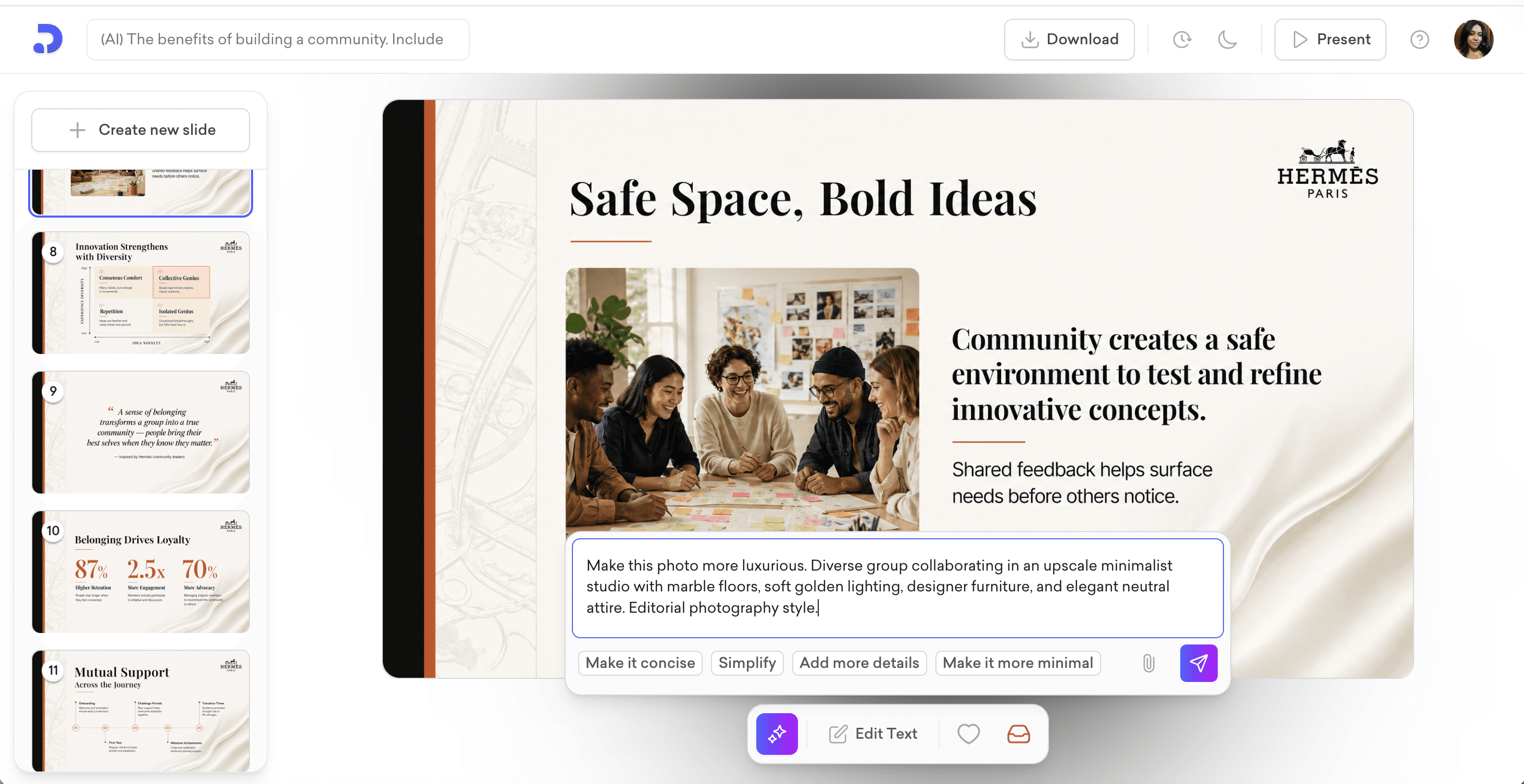
Step 3. Hit send.
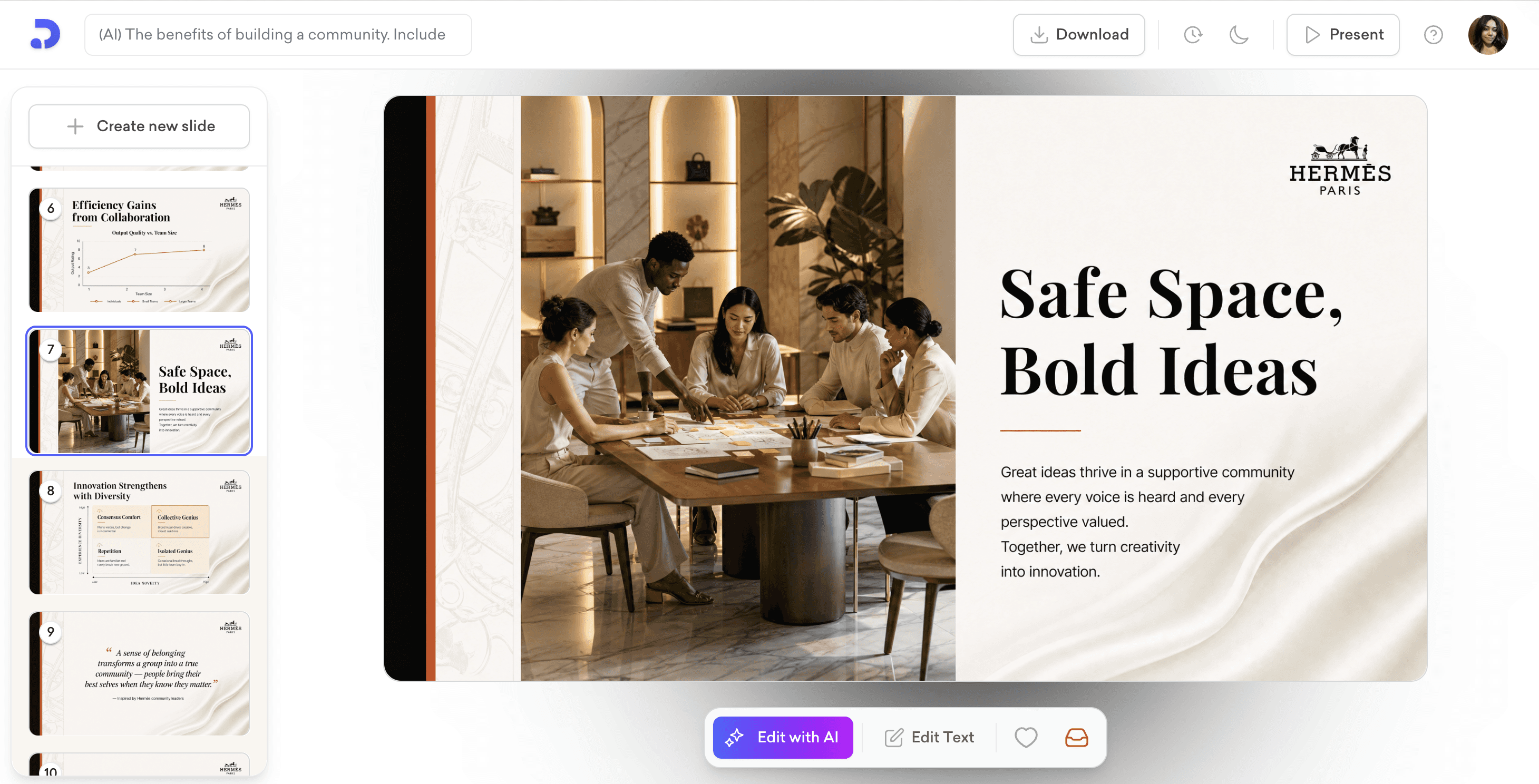
In seconds, Decktopus regenerates the visual. The casual brainstorming photo becomes an editorial-style image of a polished team gathered around a wooden table in a refined, golden-lit Hermès showroom. Marble floors, neutral attire, designer setting. Everything fits the brand.
The slide layout, text, and structure stay exactly the same. Only the image is updated.
This is the power of prompt-based image editing. No browsing stock photo libraries. No tab-switching to a separate image generator. No design adjustments after the fact. Just describe what you want, and Decktopus handles the rest.
Key Features:
AI Image Generator: Visuals generated automatically based on your slide content
AI Presentation Generation: Full deck built from your topic
Brand Import: Paste your website URL to auto-apply your brand
Brand Compliance: Auto-checks every slide for brand consistency
Prompt-based Editing: Refine any slide or image by typing what you want changed
Slide Library: Save and reuse high-performing slides
Version History: Restore any past version in one click
Export as PDF or PPT, share via link, or present directly
Pricing:
You can try Decktopus for free! There are two plans available for premium membership:
PRO AI: $24.99 per month. Includes AI credits, removes Decktopus logo from exports, folders, and analytics.
BUSINESS AI: $49.99 per user per month. Includes everything in Pro plus team collaboration, brand controls, and additional AI credits.
For more detail about pricing, take a look!
Bing Image Creator
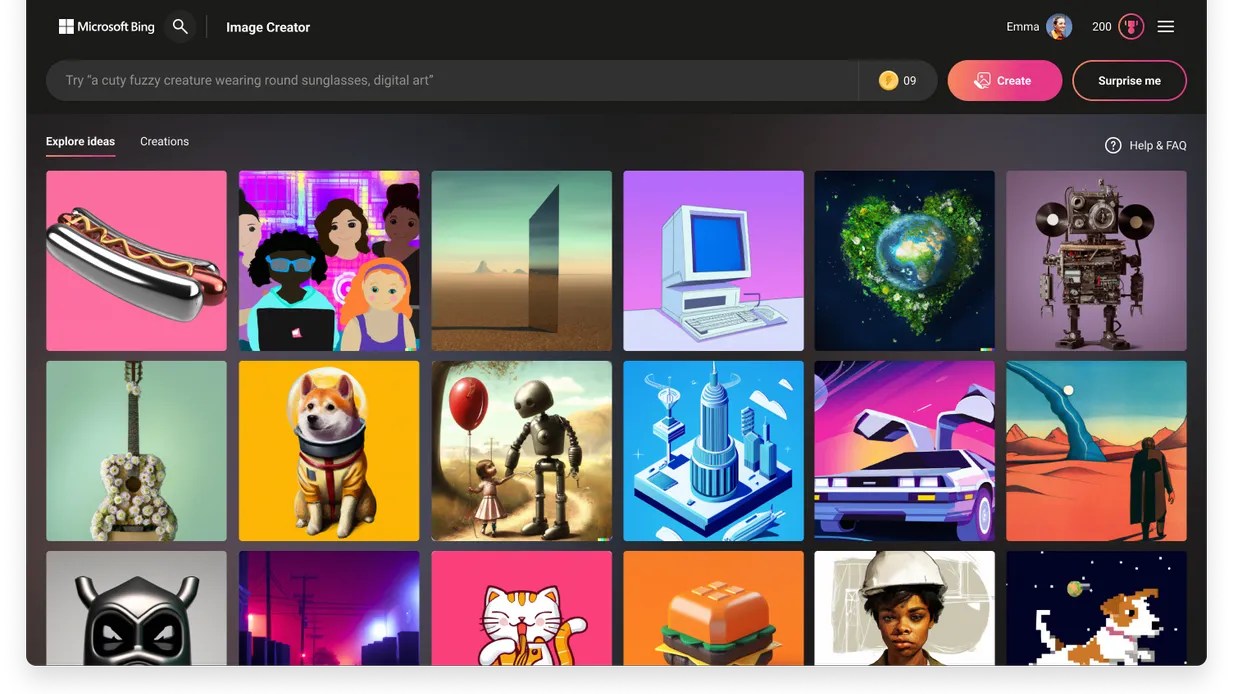
Bing Image Creator is a free image generator tool, integrated with Dall-E technology. This tool is integrated into Bing Chat, or you can visit the Image Creator website to access it individually. After creating a Microsoft account, the image generator is ready to use! You can enter any text prompt to create high-quality images! With the integrated chatbot, you can ask questions and then ask visuals for it!
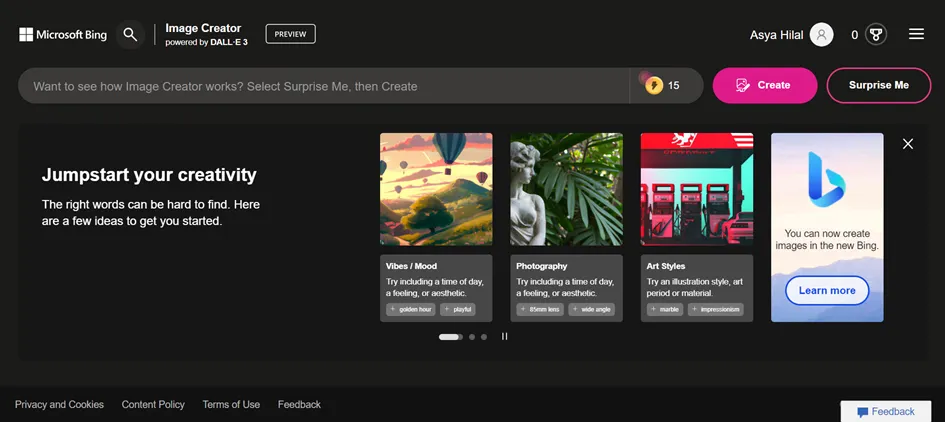
Key Features:
Integration of AI chatbot
Available in Microsoft Edge and other browsers
It has the option to speed up (Boost) the generation.
Has the option to choose the type of creation.
Pricing:
This tool is completely FREE!
There are no paid plans!
Jasper Art
Jasper Art is another image generative AI. Especially specialized in landscapes and portraits, Jasper Art is able to create realistic images. But you can choose any other genre to create art!
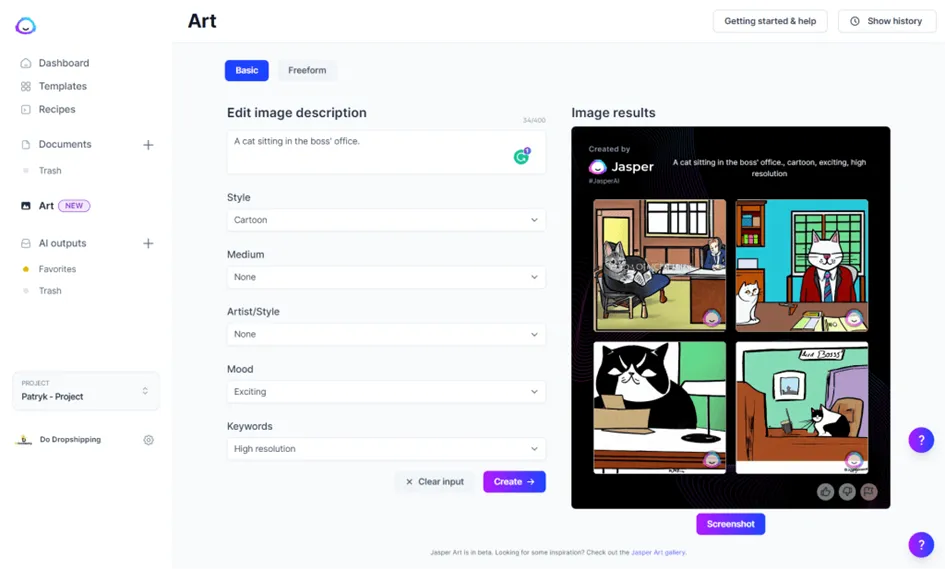
Key Features:
Has an art library to scan the works of members of the community
Can create artistically pleasing and sophisticated images
Pricing:
Jasper Art is included in the Jasper membership, with an additional fee.
For each active member, the pricing starts at $20 per month.
For more information about pricing, please visit this website.
Midjourney
Midjourney is one of the most popular image-generating tools. The tool can be accessed through Discord. After providing text prompts, the tool will generate artistically pleasing and beautiful images.
Key Features:
In the Midjourney Discord community and server, you can scan others’ work.
Can download, upscale, blend, and re-edit created images.
Has helped docs to walk through the generation process
Pricing:
Midjourney no longer offers a fixed free trial for every member. Notwithstanding, occasionally, they offer free trial periods. Midjourney has four subscription plans:
Basic Plan: Fast GPU time of 3.3 hours per month, 3 jobs and 10 jobs waiting in queue. It is $10 per month.
Standard Plan: Everything the basic plan offers, with Fast GPU time of 15 hours per month. It is $30 per month.
Pro Plan: Fast GPU time of 30 hours per month, 12 fast jobs, 3 relaxed jobs, and 10 jobs waiting in queue. Has a stealth mode. It is $60 per month.
Mega Plan: Everything the pro plan offers, with Fast GPU time of 60 hours per month. It is $120 per month.
For more details about pricing, visit Midjourney’s pricing page.
Lexica AI
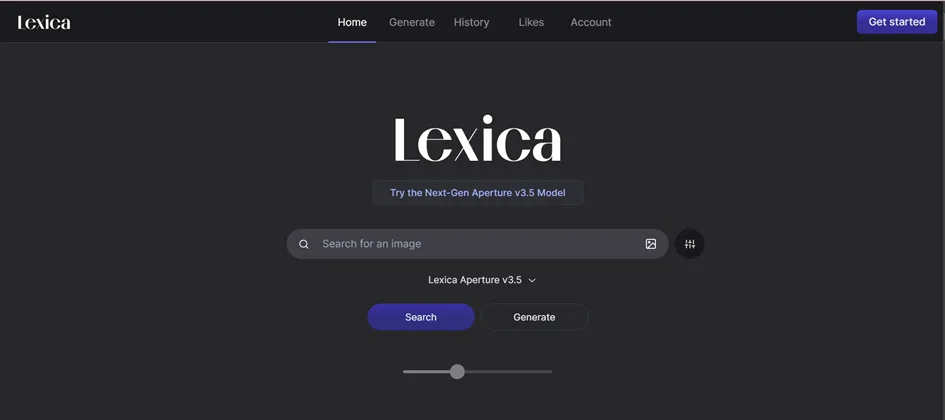
Lexica Art is an easy-to-use AI Image Generation tool. After prompting a text, the AI offers a wide range of options to choose from. Based on the details of your input, your outputs become more sophisticated and goal-directed. Especially for stock or vector image, this tool is perfect!
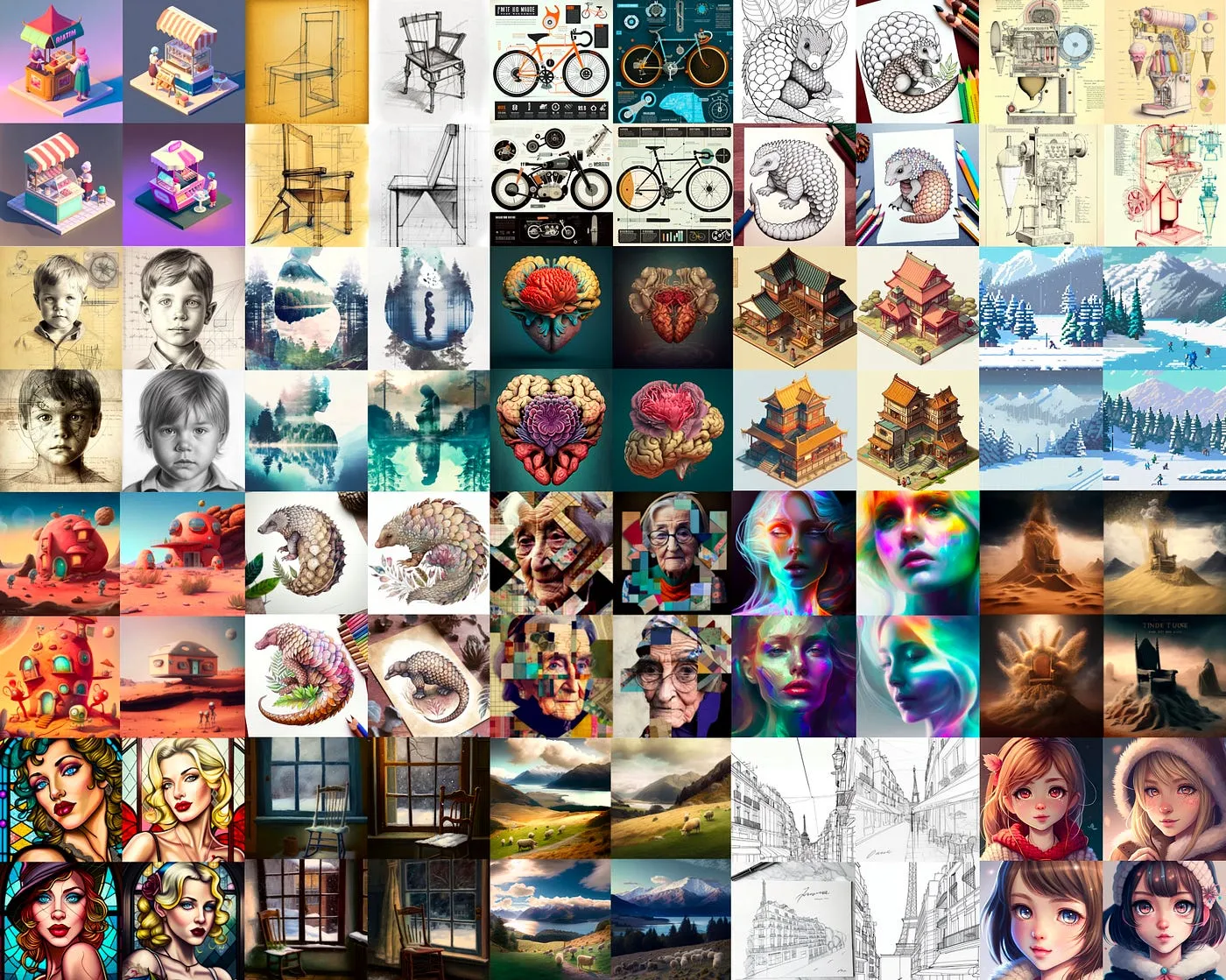
Key Features:
Offers different alternatives for a prompt
Can set dimensions for the created images and artworks
Has image-to-image function: Can provide images to create similar images
With the outpaint feature, it can wide the angle of the images.
Accessibility: it is free to use and doesn’t require any sign-up.
[[EMBED:PGlmcmFtZSBzcmM9Imh0dHBzOi8vd3d3LnlvdXR1YmUuY29tL2VtYmVkL2dNQXBtdmhGTVhnIiB0aXRsZT0iWW91VHViZSB2aWRlbyIgZnJhbWVib3JkZXI9IjAiIGFsbG93PSJhY2NlbGVyb21ldGVyO2F1dG9wbGF5O2NsaXBib2FyZC13cml0ZTtlbmNyeXB0ZWQtbWVkaWE7Z3lyb3Njb3BlO3BpY3R1cmUtaW4tcGljdHVyZSIgYWxsb3dmdWxsc2NyZWVuIHN0eWxlPSJ3aWR0aDoxMDAlO2FzcGVjdC1yYXRpbzoxNi85O2JvcmRlcjowO2JvcmRlci1yYWRpdXM6MTJweDttYXJnaW46OHB4IDAiPjwvaWZyYW1lPg==]]
Pricing:
Lexica Art is a FREE AI Image Generator tool! Howbeit, the free plan is only valid for individual use. For businesses, 3 subscription plans are offered, and all come with the commercial license:
Starter: 1000 fast generations and 2 parallel fast generations, images are public. It is $10 per month/ $8 per month if paid annually.
Pro: 3000 fast generations and 3 parallel fast generations, images are public. It is $30 per month/ $24 per month if paid annually.
Max: 7000 fast generations and 3 parallel fast generations, images are private. It is $60 per month/ $48 per month if paid annually.
DALL-E by OpenAI
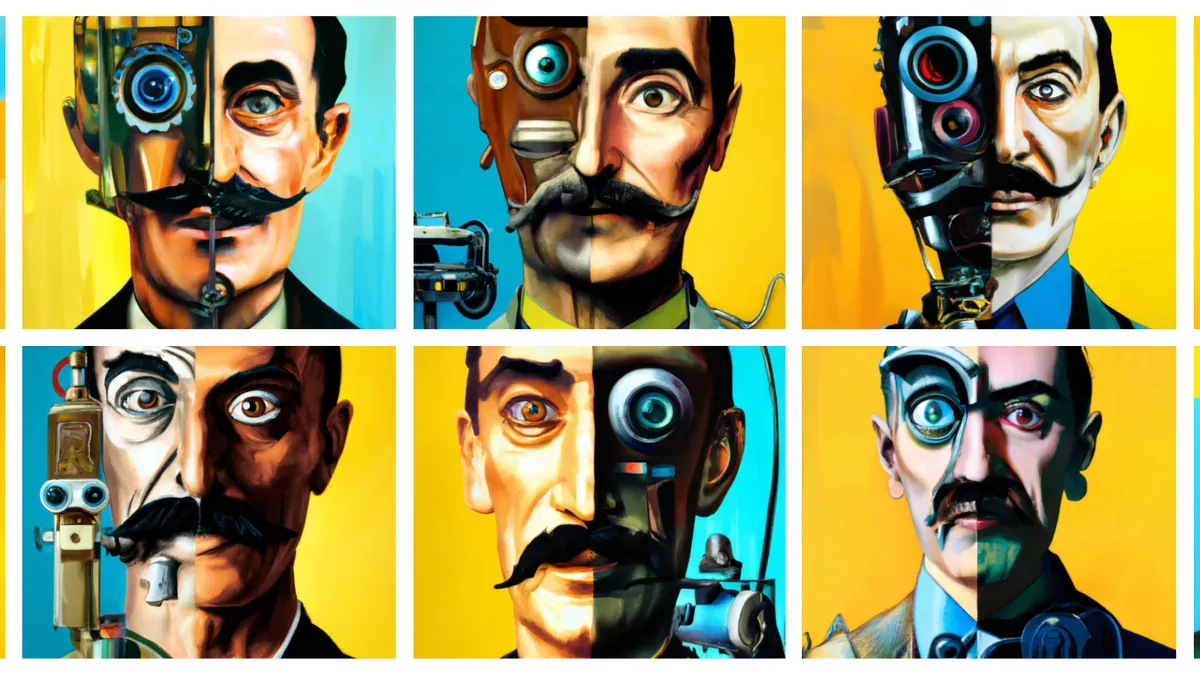
DALL-E and DALL-E 2 are image generators created by Open AI, the technology company that created ChatGPT. This text-to-image tool offers great control over the generated content.
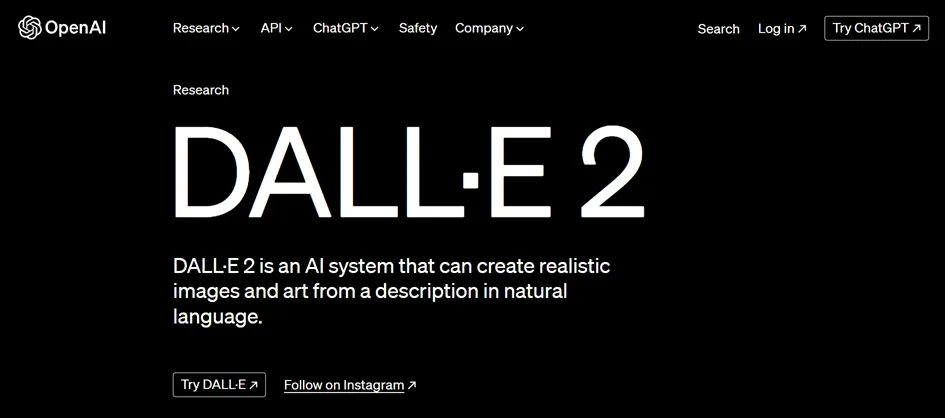
Key Features:
One of the quickest generator tools.
More compatible with artsy images rather than realistic images.
Can customize images: remix images, make changes to uploaded images, and assist in the creation of new images.
Available to use with ChatGPT Plus
Pricing:
Dall-E 3 is FREE over the use of Bing Chat. On its website, the pricing model is credit-based, with each image costing a set number of credits depending on quality and resolution.
Depending on the resolution and quality, each image costs differently. The price starts at $0.040 per image.
For more details of quality and resolution, please visit website.
NightCafe
NightCafe is an advanced AI picture generator that uses cutting-edge technology. Different from other tools, Nightcafe offers multiple editing features to optimize the best experience for its users. However, it may be hard to learn! The tool can be used to create aesthetic artworks and art inspirations.
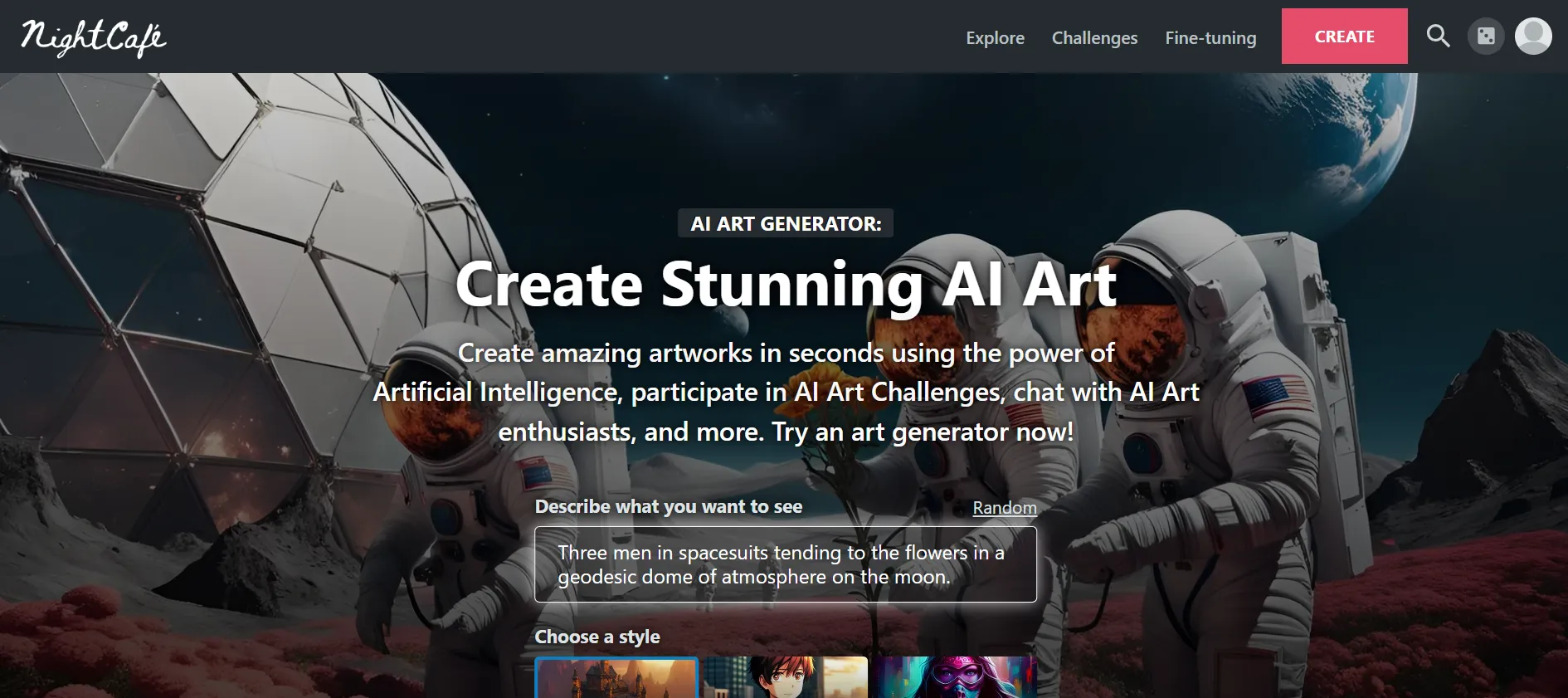
Key Features:
Offers extensive features and customization options that allow creativity.
Able to create image to 3D models.
Includes a variety of art styles and textures.
Pricing:
NightCafe is free to use! However, some features are only included in the premium plans:
Beginner: $5.99 per month/ $4.79 if paid quarterly.
Hobbyist: $9.99 per month/ $7.99 if paid quarterly.
Enthusiast: $19.99 per month/ $15.99 if paid quarterly.
Artist: $49.99 per month/ $39.99 if paid quarterly.
DreamStudio by Stability AI
Stable Diffusion is an open-source text-to-image generator. DreamStudio is a Stable Diffusion model incorporated AI. By providing a prompt, rendering beautiful customized images and artworks.
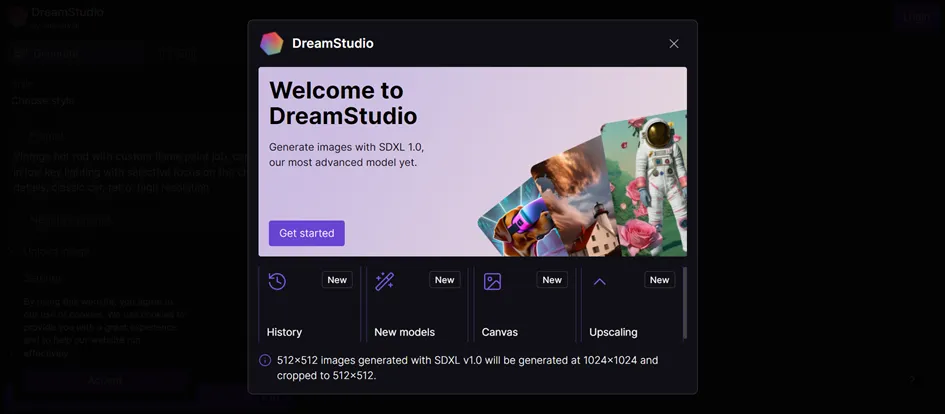
Key Features:
You can include negative prompts to inform what you DON’T want in the output.
The image ratio can be changed easily.
Editing tools may be hard to adjust.
Pricing:
The tool works with a credit system. After signing up, 25 credits are FREE! Credits are $10 per 1000 credits, which roughly creates 5000 SDXL 1.0 images.
Dream by WOMBO
WOMBO Dream is an AI prompt-initiated imagery generator tool. Rewarded as the best overall app in Google Play’s 2022 awards, this app is highly popular. The tool expertise in creativity focuses on abstract and unconventional art.
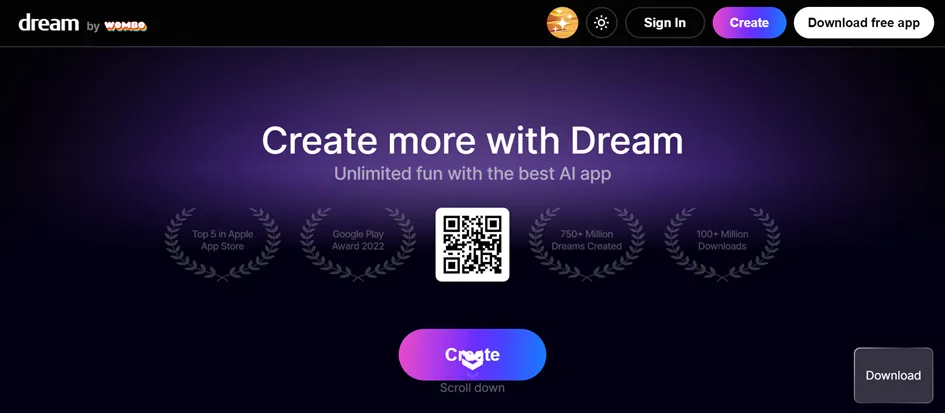
Key Features:
Has a desktop and mobile version.
Allows to pick the style of the images.
User-friendly.
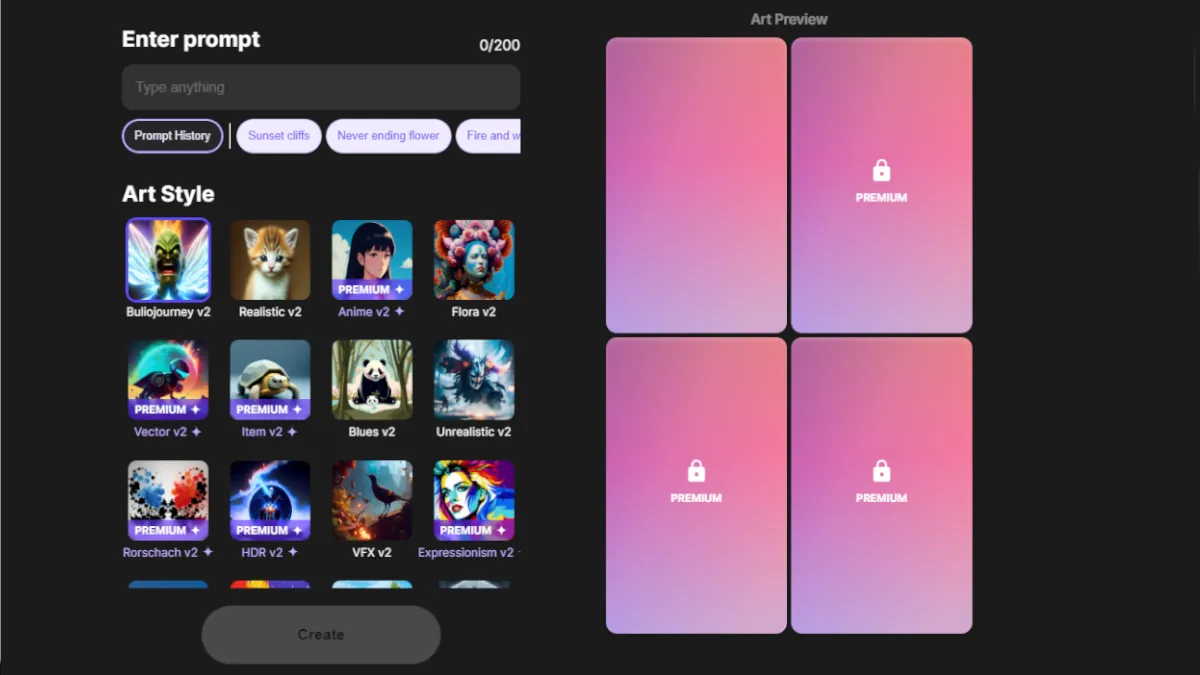
Pricing:
The tool comes with a FREE version. However, few features are available to premium users.
Craiyon
Craiyon is a light version of Dall-E, previously known as Dall-E mini. This image-to-text generator creates what you prompted perfectly.
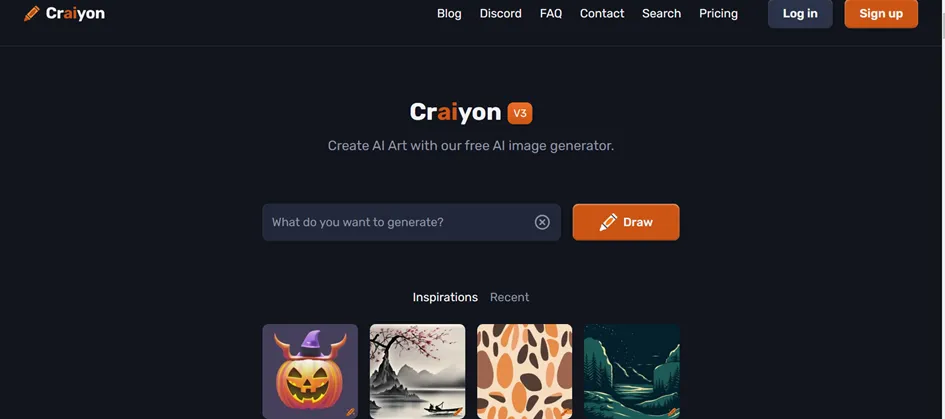
Key Features:
It is only available for Android users, as apps.
Can add negative prompts to avoid certain elements in the output.
It is easy to use.
Pricing:
Craiyon has a FREE plan that allows the generation of up to nine images without limits! There are 2 premium plans available:
Supporter: 45 seconds for 9 images, no watermark, high priority. It is $6 per month /$5 per month if paid annually.
Professional: 15 seconds for 9 images, no watermark, highest priority, early access to new features. It is $24 per month /$20 per month if paid annually.
You can visit this website for available plans.
What’s More?
There are few more AI image generators that didn’t make it to list. Some are pricey and some have more cons or weaknesses.
Honourable Mentions:
Adobe Photoshop Firefly and Adobe Express
Fotor AI
DeepAI Image Generator
Google Deep Dream
Frequently Asked Questions
1) How can I use AI Images in my work?
Generating hero images for blog posts
Creating social media posts
Generating slide decks and storyboards
Creating personalized images for customers
2) How to generate AI images
Check out this blog to learn step by step how to create presentations full of amazing AI images with Decktopus.
3) Which is the best free AI image generator?
For pure image generation, free tools like Bing Image Creator, Craiyon, and Lexica AI are solid options. If you need AI images inside a presentation, Decktopus generates visuals automatically as part of your slides, with a free trial available to start.
4) Can AI generate realistic photos?
Yes. Most AI image generators can produce realistic photos with the right prompts. Decktopus generates realistic visuals automatically based on your slide content, so you don’t have to write a detailed prompt for each image.
Related posts

8 AI Startups That Nailed Their Branding with a .AI Domain
Artificial intelligence continues to reshape the way we live and work. As an essential tool now powering a great number of industries, it’s no surprise that AI is driving a new era of search, too.
AI & Tools

5 Best AI Audio Enhancement Tools in 2026
AI Audio Enhancement Tools: Elevating Your Sound Experience
AI & Tools

AI Checker 2026: Unveiling the Latest in AI Detection Technology - ChatGPT, GPT-3, and Beyond
Explore the power of AI content checkers with our comprehensive guide. Discover how these intelligent tools enhance accuracy and efficiency in various applications. Stay ahead in 2026 with insights on the latest advancements and practical tips for leveraging AI checkers and chatgpt detectors effectively.
AI & Tools