AI & Tools
Can AI Generate Presentations Using My Company Logo, Colors, and Tone?
Yes, modern AI tools can generate presentations that follow your brand’s logo, colors, fonts, and tone. Learn how AI presentation branding works, why generic tools fail, and what to look for in truly brand-consistent slide generation.


Decktopus Content Team
Yes, but only if the AI tool is built to understand your brand.
Most modern AI presentation tools can generate slides using your logo, color palette, fonts, and even tone of voice, but there’s a catch. The results depend entirely on whether the AI has access to your brand assets and knows how to use them correctly.
If you’ve ever seen AI-generated slides that feel slightly off, wrong colors, weird font choices, generic tone, you’re not alone. Without clear brand instructions, AI tools fall back on defaults. And that’s where brand consistency breaks down.
But when trained properly, AI can become your most consistent slide designer, at scale, across teams, and on-brand every time.
Decktopus is one of the few AI presentation tools built with brand consistency as a core feature. From custom font uploads to locked brand kits and tone training, it turns AI into a true brand ambassador, not just a layout generator.

Unlock Brand-Perfect Slides in Minutes
How AI “Knows” What Your Brand Is
AI doesn’t magically “understand” branding. It follows rules, patterns, and inputs. That means you (or your team) need to teach it:
Your brand colors: Primary, secondary, accent
Your logo: High-res versions in correct formats
Your fonts: Including usage hierarchy (headers vs body text)
Your tone of voice: How your brand sounds when writing
These assets are typically added to a “brand kit” inside the tool, or embedded through prompts and templates. Some tools allow uploading brand guidelines directly; others require manual configuration.
Once this foundation is set, AI tools can consistently apply your visual identity across slides, just like a human designer would.
In Decktopus, these assets are added via its Brand Kit feature, where you can upload fonts, color codes, and logos. The system then applies these rules to every new deck, so slides stay on-brand automatically.
✅ Think of it like teaching a new team member. If you give them the right playbook, they can deliver work that looks and feels like your brand.
Why Generic AI Tools Often Get Branding Wrong
Here’s a familiar scenario:
You enter a prompt like
“Create a 10-slide pitch deck for a SaaS startup”
…and the AI gives you:
Blue and white default themes
Random Google Fonts
No logo in sight
A tone that sounds like a robot, not your brand
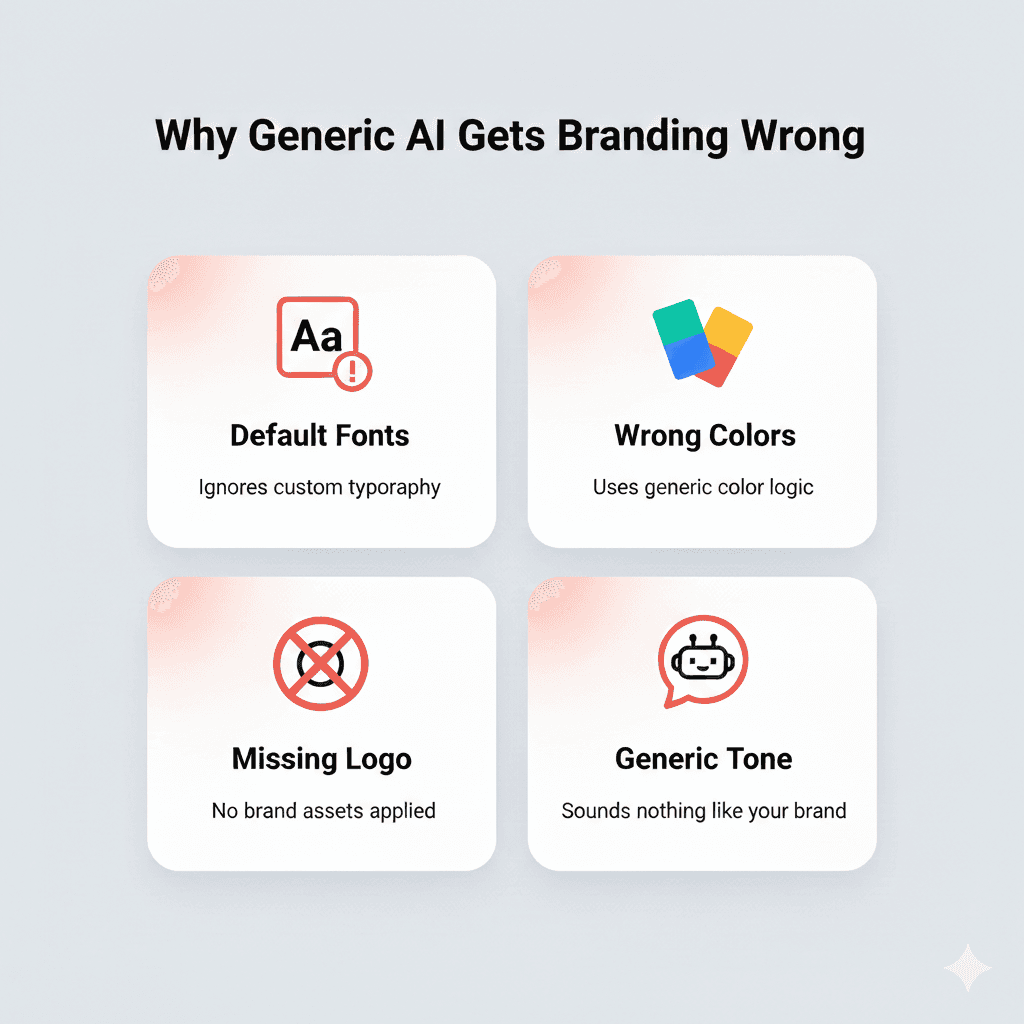
That’s not your fault. It’s how general-purpose AI works. These models are trained on billions of examples, but they’re not trained on you. They optimize for speed, not brand fidelity.
In contrast, Decktopus only generates slides after applying your brand settings, including fonts, logos, and voice. That means you don’t get “almost right,” you get “exactly right.”
Common ways AI tools mess up branding:
Use default fonts like Arial or Roboto instead of your custom typography
Choose color schemes based on vague associations (“blue = tech”)
Omit logos or place them inconsistently
Apply tone of voice that’s overly formal, stiff, or generic
❌ When AI lacks brand input, it fills the gap with assumptions, and assumptions aren’t on-brand.
That’s why relying on default AI tools often leads to off-brand presentations, which:
Undermine trust in sales meetings
Create visual inconsistency across teams
Waste time in reviews and redesigns
What Makes an AI “On-Brand” Engine
To get consistently branded slides, you don’t just need an AI, you need a branding-aware AI system.
That means the tool must support:
Brand kits: Upload or set your exact logo, colors, and fonts
Tone configuration: Adjust how the AI writes (formal, friendly, bold, etc.)
Locked templates or rulesets: Prevent deviation from brand guidelines
Reusable components: Like pre-approved slide types (team intro, product demo, etc.)
Decktopus checks all these boxes. Its brand locking system ensures that no team member, or even the AI, can drift from your visual identity.
Try Decktopus with Your Brand Kit
Rules vs Examples: How AI Learns Branding
AI follows two main types of inputs:
Rules (e.g. “Always use #0047AB for headings”)
Examples (e.g. past decks, tone samples, slide layouts)
The best tools let you set rules and feed examples. This allows the AI to infer the style, not just the structure, which is critical for things like tone and layout hierarchy.
Decktopus allows both. You can:
Set hard rules via the brand kit
Train tone using examples or prompts
Reuse branded slide structures across decks
This ensures the AI applies not just your colors, but your style.
Use Case Scenarios Where Branding Matters
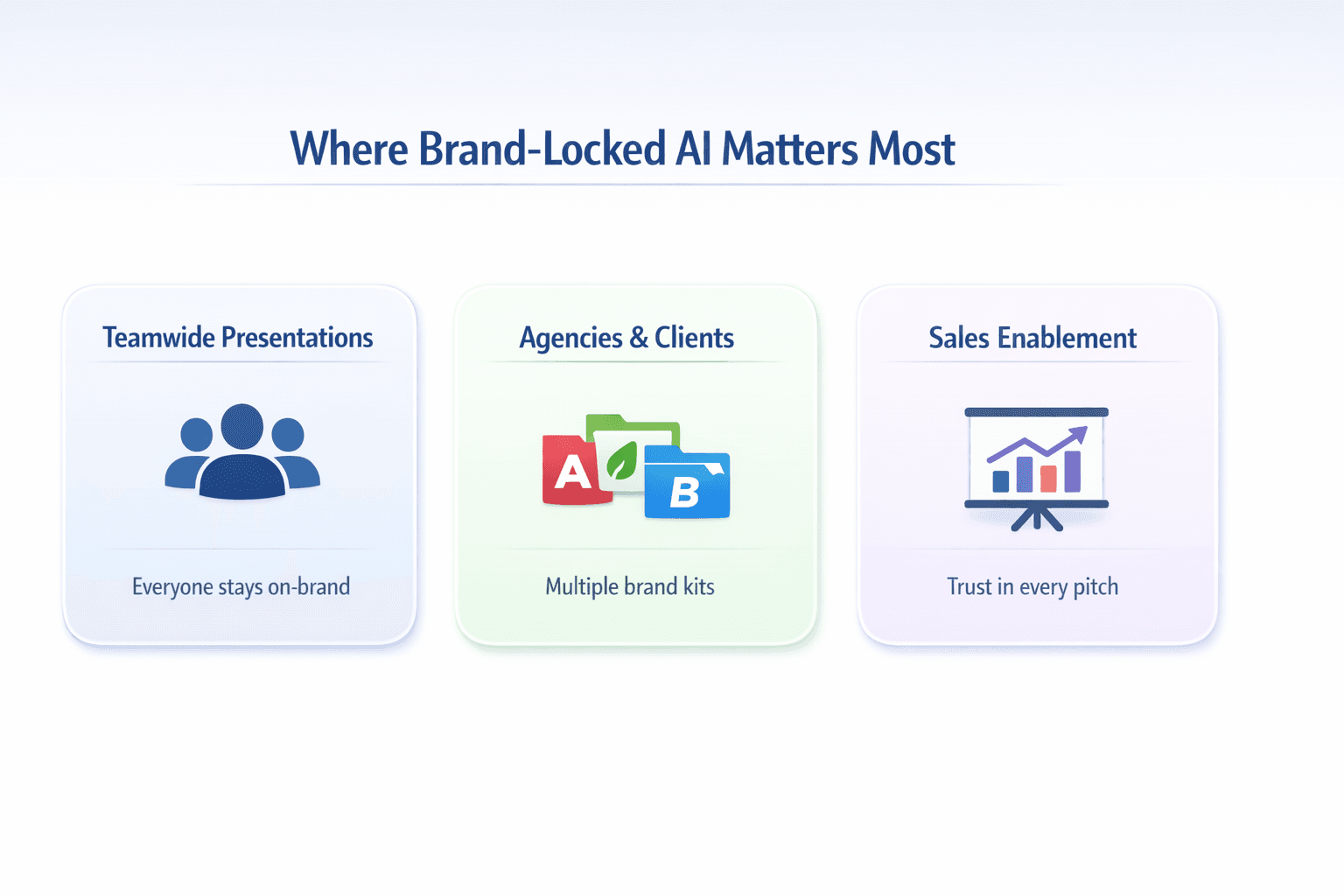
Here’s where AI-powered brand consistency becomes a superpower:
1. Teamwide Presentations
Without branding enforcement, internal teams drift fast. With Decktopus, marketing, sales, and HR can all create on-brand decks, even without a designer.
2. Agencies Handling Multiple Clients
Agencies juggle dozens of brand kits. With AI:
Each client’s deck uses the correct visual identity
Designers can focus on strategy, not formatting
Junior team members can still produce brand-consistent work
3. Sales Enablement Materials
Sales decks are make-or-break. Off-brand slides break trust.
With branded AI tools:
Every rep gets the right logo, colors, and tone baked in
Messaging stays consistent from pitch to pitch
Brand teams avoid last-minute slide reviews
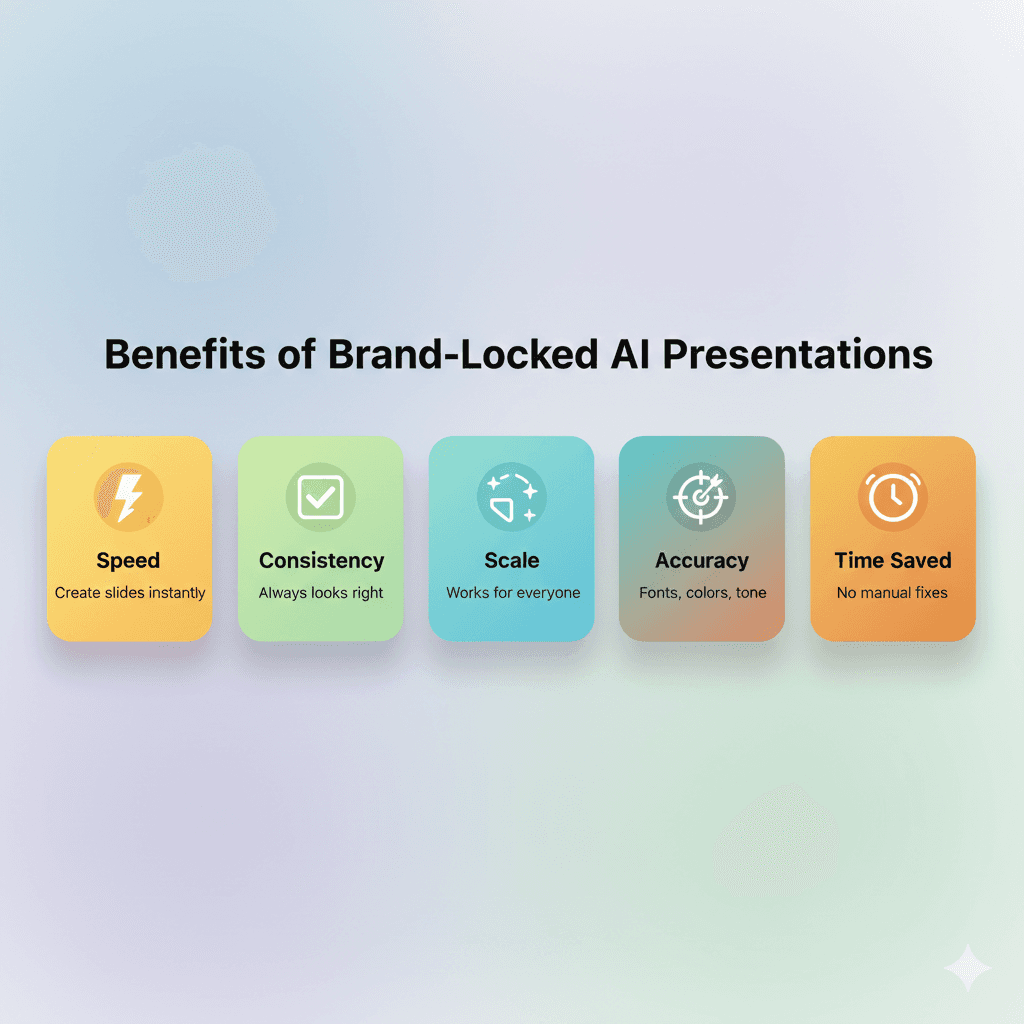
Benefits of AI-Generated, Brand-Locked Presentations
When AI gets your branding right, here’s what you gain:
Speed: No more rebuilding slides from scratch
Consistency: Every slide looks like your brand made it
Scalability: Roll out decks to 10, 100, or 1,000 users
Accuracy: Fonts, colors, tone applied exactly every time
Time Saved: Designers and brand managers don’t need to review every deck
What to Look for in an AI Presentation Tool (Branding Checklist)
Not all AI presentation generators are created equal. Some prioritize speed and layout variety, but sacrifice brand control. If brand consistency matters (and it should), here’s what to look for:
🔍 Branding Features Checklist:
Brand Kit Upload: Ability to upload your logo, color palette, and font files
Font Control: Supports custom fonts with header/body assignments
Color Locking: Ensures brand colors are applied to all layouts
Template Control: Lets you create reusable branded slide types
Tone Configuration: Offers brand voice controls or training inputs
Multi-brand Support: Ideal for agencies or companies with sub-brands
Permission Settings: Limits who can override branding
Tools that skip brand kit support will always revert to generic slides.
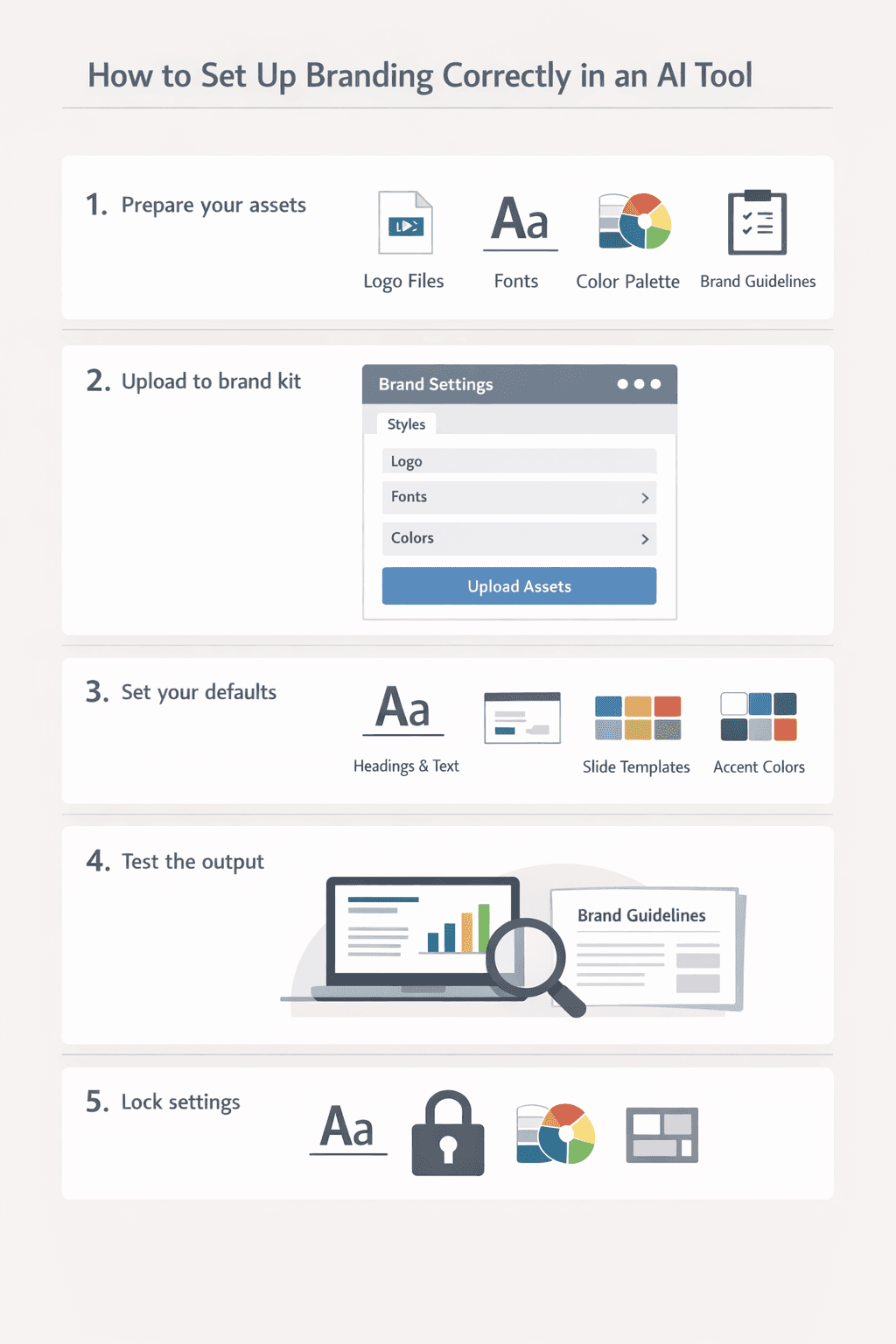
How to Set Up Branding Correctly in an AI Tool
You don’t need to be a designer or developer to set this up, but you do need to think like a brand guardian. Here’s a basic framework to follow:
🔧 Step-by-Step:
Prepare your assets: Collect logo files, brand fonts (with licenses), hex codes for your color palette, and any usage guidelines.
Upload to brand kit: Most tools have a section for this, often labeled “Brand Settings” or “Styles.”
Set your defaults: Define font hierarchy (titles vs body), approved slide layouts, and accent usage rules.
Test the output: Generate a sample deck and verify accuracy. Does it match your brand manual?
Lock settings (if possible): Prevent others from changing fonts, colors, or slide structure unless approved.
Can AI Actually Match Brand Tone?
Design is just one side of branding. The tone of voice is the other.
So, can AI match how your brand sounds across slides? Yes, but it requires the right tool and some upfront work.
How AI Adopts Brand Tone:
Prompt Training: Provide examples of how your brand talks (e.g., “We’re confident but not arrogant”).
Content Style Settings: Some platforms allow sliders or checkboxes for tone settings (friendly, assertive, technical, etc.).
Feedback Loop: Refine results by editing text and letting the AI learn over time.
💡 AI won’t invent your brand voice, but it can learn it with good examples and settings.
Whether you’re writing a pitch deck, internal update, or product explainer, the language can align with your brand, not just your look.
Will AI Keep Learning My Brand Over Time?
Yes, if the platform supports brand learning and refinement.
Some AI presentation tools include adaptive learning systems that evolve with your feedback. Every time you accept or reject a slide, edit a tone, or change a layout, the system gets smarter.
Signs of an Adaptive AI Tool:
Learns from user preferences and edits
Lets you rate or correct outputs to improve future slides
Updates brand kit recommendations based on usage
Offers version history tied to brand evolutions
Think of it as building a brand brain over time. Your AI becomes a reflection of your evolving style.
But beware:
Not all tools “remember.” Some generate from scratch every time.
Changing brand guidelines mid-stream can create inconsistencies.
AI still needs human direction to evolve with intention.
Risks and Limitations of AI Branding
As powerful as AI can be, it’s not perfect, and some risks come with handing over your brand to automation.
⚠️ Common Pitfalls:
Overfitting: The AI might over-rely on a certain color or phrasing if not corrected
Visual Monotony: If every deck looks the same, impact may decrease
Misuse by Teams: Without permission settings, anyone can generate “on-brand” slides that technically follow guidelines but miss the mark
What to Do:
Set brand rules and review mechanisms
Use version control to track changes
Regularly audit AI-generated decks to ensure quality
Conclusion: AI + Brand = Presentation Superpower
When implemented correctly, AI doesn’t just speed up slide creation. It becomes your brand’s most reliable design assistant.
It ensures:
Every deck matches your logo, colors, fonts, and tone
Teams stay aligned, even when working independently
Your brand is protected, scaled, and elevated through every slide
So yes, AI can absolutely generate presentations that reflect your brand. But only when you choose the right tool and give it the right rules.
Don’t settle for “good enough” decks. Train your AI to speak in your brand’s voice, visually and verbally.
AI Presentation Branding FAQs: Logos, Fonts, Layouts, and Tone
Can AI generate presentations using my exact logo, colors, and fonts?
Yes, modern AI presentation tools can generate slides using your exact logo, colors, and fonts if they support brand kit functionality. You’ll need to define your brand assets (logo files, color hex codes, brand fonts) in the tool’s brand settings. The AI then applies these consistently across all generated slides, ensuring brand accuracy every time.
What is AI presentation branding?
AI presentation branding is the use of artificial intelligence to automatically generate slide decks that follow your company’s visual identity and communication style. This includes consistent application of logos, color palettes, brand fonts, design layouts, and tone of voice across all slides. Advanced AI tools learn from your brand guidelines and reference materials to ensure every presentation matches your corporate identity without manual formatting.
Why does AI change my fonts and colors in presentations?
I tools change fonts and colors because they default to generic templates when no brand settings are configured. Without access to your specific brand guidelines, the AI fills gaps with standard design choices like Arial fonts or blue color schemes, resulting in presentations that don’t match your visual identity.
How do I keep AI presentations on brand?
Keep AI presentations on brand by using tools that support custom brand kits where you can define logos, colors, fonts, and reference slides. Look for platforms with automatic brand compliance checking that verifies each slide matches your guidelines. Provide tone-of-voice examples and reference materials so the AI learns both your visual style and communication approach.
Can AI follow my company’s tone in slides?
Yes, advanced AI presentation tools can match your company’s tone of voice when you provide sample content or clear tone guidelines. By analyzing examples of your brand’s communication style (formal, conversational, technical, etc.) and specific tone rules, the AI learns to write slide copy that sounds like your brand, not generic corporate speak.
What tools offer AI brand consistency for slides?
Several AI presentation platforms offer brand consistency features, including Decktopus, Beautiful.ai, Pitch, and enterprise solutions like Templafy. Look for tools that support brand kit uploads, automatic brand compliance checking, custom font definitions, and reference slide libraries. Decktopus stands out by offering automated brand verification that checks and corrects slides against your guidelines automatically.
How do agencies manage different brand kits in AI tools?
Agencies manage multiple brand kits by using AI presentation platforms with workspace or profile features that let them switch between client-specific branding setups. Each client gets their own brand kit containing logos, colors, fonts, and reference slides, ensuring the agency can quickly generate on-brand presentations for different clients without mixing assets.
Is AI reliable for client-facing presentations?
Yes, AI is reliable for client-facing presentations when you use tools with strong brand compliance features and establish review workflows. Modern AI presentation software with automatic brand checking ensures logos, colors, and fonts stay consistent. However, high-stakes presentations should still undergo final human review to verify messaging accuracy and strategic alignment before sharing with clients.
Do AI slide generators use templates or build from scratch?
Most AI slide generators use a hybrid approach, combining pre-designed templates with dynamic layouts based on your content and brand rules. The AI selects appropriate slide structures (title, content, comparison, etc.) then customizes them with your specific text, images, colors, and fonts to create unique presentations.
What if my brand uses unique fonts not found in Google Fonts?
If your brand uses custom or licensed fonts, choose AI presentation tools that support custom font definitions or brand typography mapping. Decktopus allows you to define your brand fonts in the Brand Kit, ensuring the AI applies your exact typography rather than substituting with generic alternatives like Arial or Roboto.
Can I lock branding rules in AI-generated slides?
Yes, some AI presentation tools offer admin controls that lock logo placement, colors, and fonts across all generated decks, preventing unauthorized changes. Decktopus takes this further with automatic brand verification - every slide is checked against your brand standards, and if fonts, colors, or logo placement don’t match, the system regenerates until they’re correct.
How do I train AI to write copy in my brand tone?
Train AI to match your brand tone by providing examples of your brand voice from existing presentations, marketing materials, or website copy. Use platforms that support tone learning through reference content or descriptive prompts. Describe your tone specifically (e.g., “confident but approachable” rather than just “professional”) and refine outputs through feedback to improve accuracy over time.
Don’t settle for generic AI presentations. Build your branded deck with Decktopus.
Related posts

8 AI Startups That Nailed Their Branding with a .AI Domain
Artificial intelligence continues to reshape the way we live and work. As an essential tool now powering a great number of industries, it’s no surprise that AI is driving a new era of search, too.
AI & Tools

5 Best AI Audio Enhancement Tools in 2026
AI Audio Enhancement Tools: Elevating Your Sound Experience
AI & Tools

AI Checker 2026: Unveiling the Latest in AI Detection Technology - ChatGPT, GPT-3, and Beyond
Explore the power of AI content checkers with our comprehensive guide. Discover how these intelligent tools enhance accuracy and efficiency in various applications. Stay ahead in 2026 with insights on the latest advancements and practical tips for leveraging AI checkers and chatgpt detectors effectively.
AI & Tools