Marketing
Why Does AI Change My Fonts and Colors in Presentations?
AI messed up your presentation fonts or colors? Learn why AI-generated slides go off-brand – and how to stop it using brand kits, rules, and smarter tools.

Decktopus Content Team
You asked the AI to build a deck. You got something kinda okay – but the fonts were off, the colors felt random, and it just… wasn’t your brand.
Sound familiar?
You’re not alone. One of the most common frustrations with AI presentation tools is that they produce slides that look generic – or worse, visually wrong. Despite your prompt, they use default styles, swap out your fonts, or completely ignore your brand palette.
If you are one step back and looking for a system to help you build on brand presentations see this article where we break it down how you can achieve that.
Let’s break down why this happens, and what you can do to fix it.
Why AI Slides Often Go Off-Brand
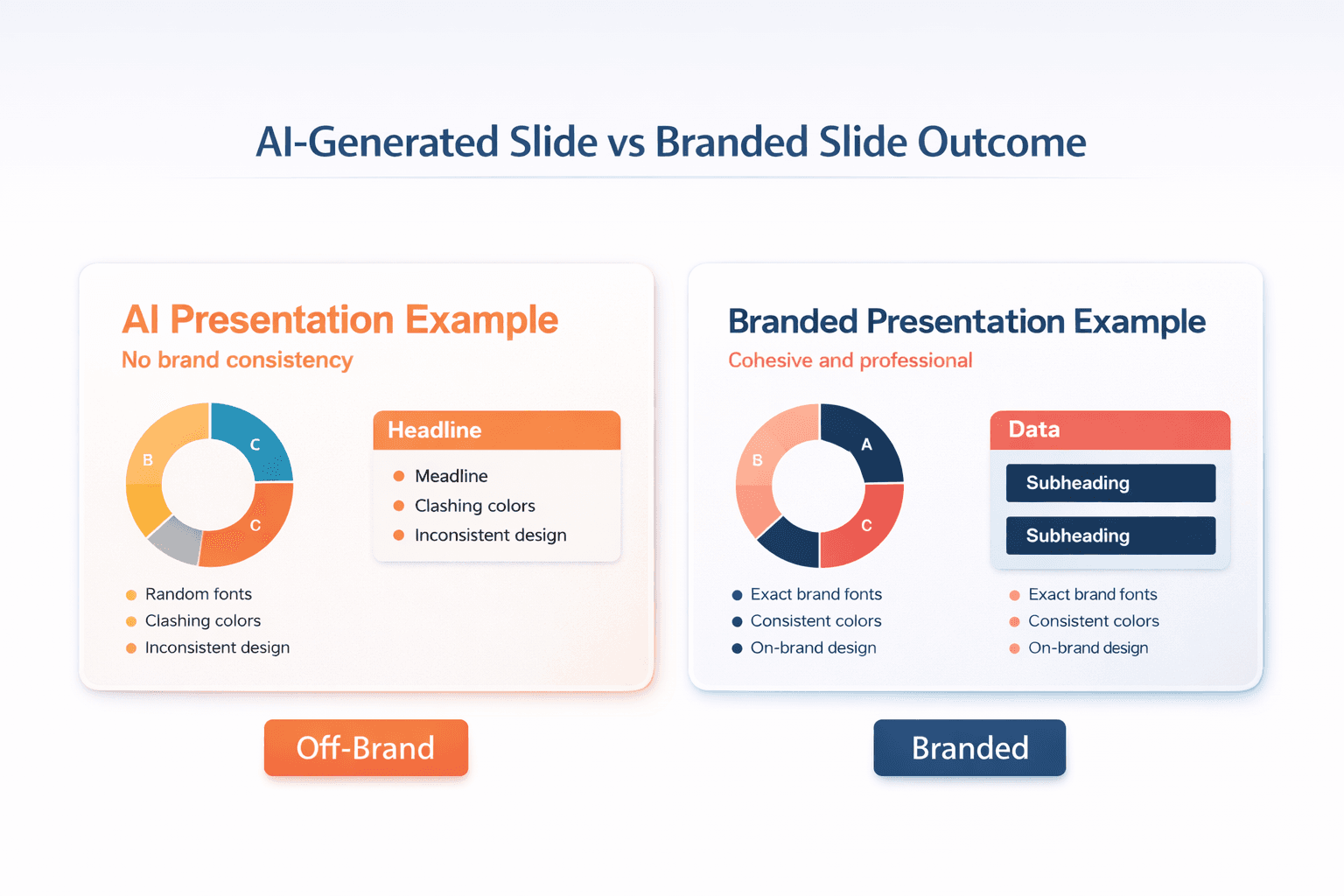
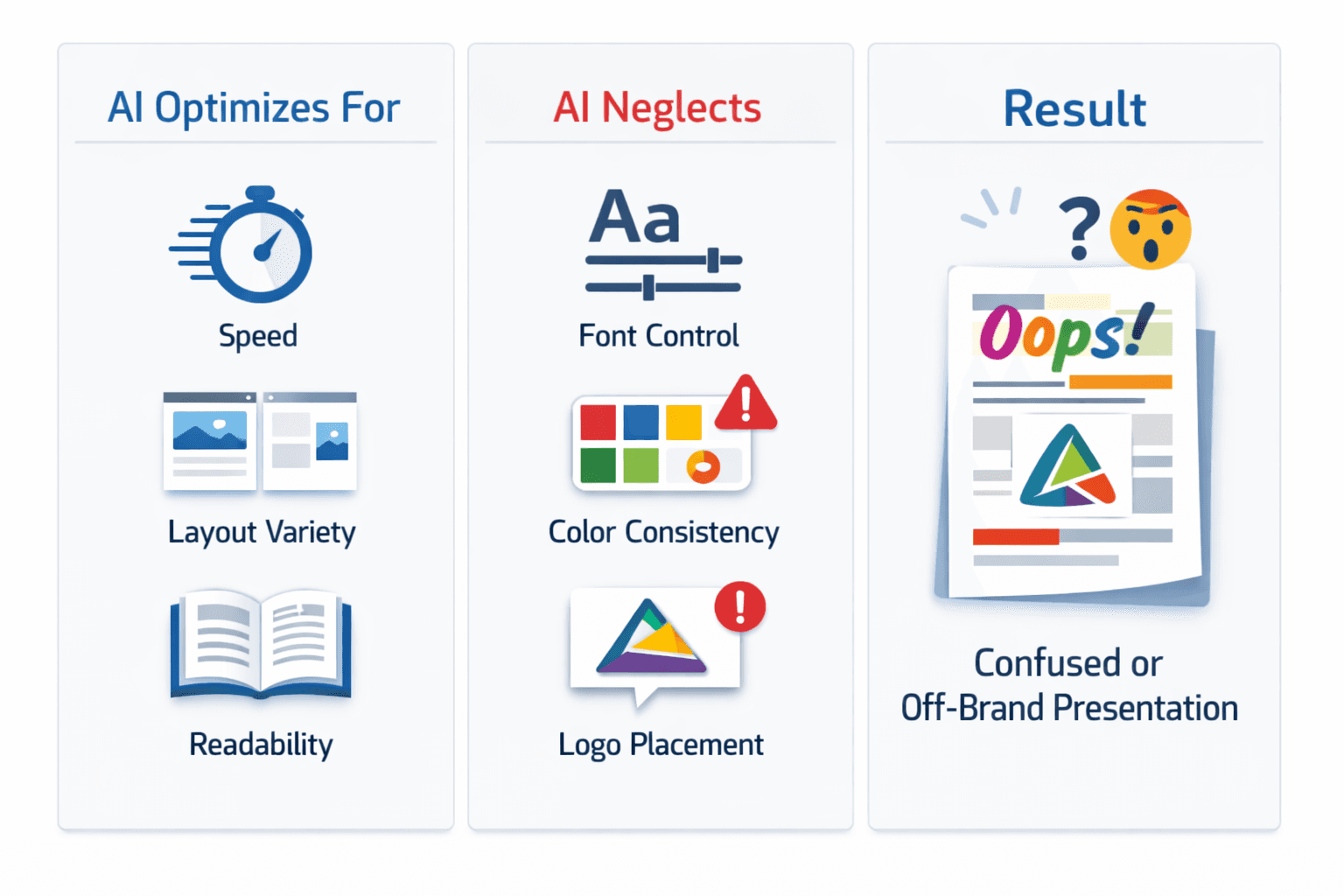
Most AI tools are built to generate content quickly – not necessarily with brand precision. They focus on:
Speed
Layout variety
Visual readability
What they often ignore:
Font fidelity
Accurate brand colors
Layout or spacing rules
If your brand system isn’t baked in, AI will fill the gaps with what it knows – which usually isn’t your style guide.
Fonts: What AI Tools Can and Can’t Access
1. Custom Fonts Need Manual Setup
If you use a licensed or custom font (like GT Walsheim or Avenir), AI won’t apply it unless you:
Upload the font file
Use a tool that supports embedding
Otherwise, the AI picks something like Arial – and your slides lose visual tone.
2. Hierarchy Often Breaks
AI might mix up font weights, sizing, or spacing. Even with the right font family, the result feels unpolished.
Colors: Defaults, Prompts, and Mistakes
Generic Palettes
Most AI tools fall back on “safe” defaults – blues, greys, greens – unless you give it clear direction.
No Brand Context
If your prompt doesn’t include your color palette or if the tool can’t lock it, expect inconsistency.
Inflexible Tools
Even with a brand kit uploaded, some tools allow overrides or random accent colors.
How Decktopus Makes It Better
Most presentation AIs generate fast. Decktopus generates smart, with your brand rules built in.
Here’s how it fixes the common issues:
Set and Lock Brand Fonts
Define your brand typography in the Brand Kit and enforce it across all slides. No more accidental Arial substitutions.
Set and Enforce Brand Colors
Add your color palette using hex codes. Decktopus applies them precisely, no surprise orange callouts or random gradients.
Brand Compliance Checks
Every generated slide goes through automated brand checks. If fonts, colors, or logo placement are off, the system auto-regenerates until it matches your standards. You can override it if you’re satisfied.
Reusable Brand Kits
Upload once, use forever. Your colors, fonts, logos, and reference slides stay saved and apply automatically to every new deck
🟦 Set Up Your Brand Kit in Decktopus →
Common Failures in AI Decks
Font Swap
Your modern sans-serif font gets replaced by a default system font.
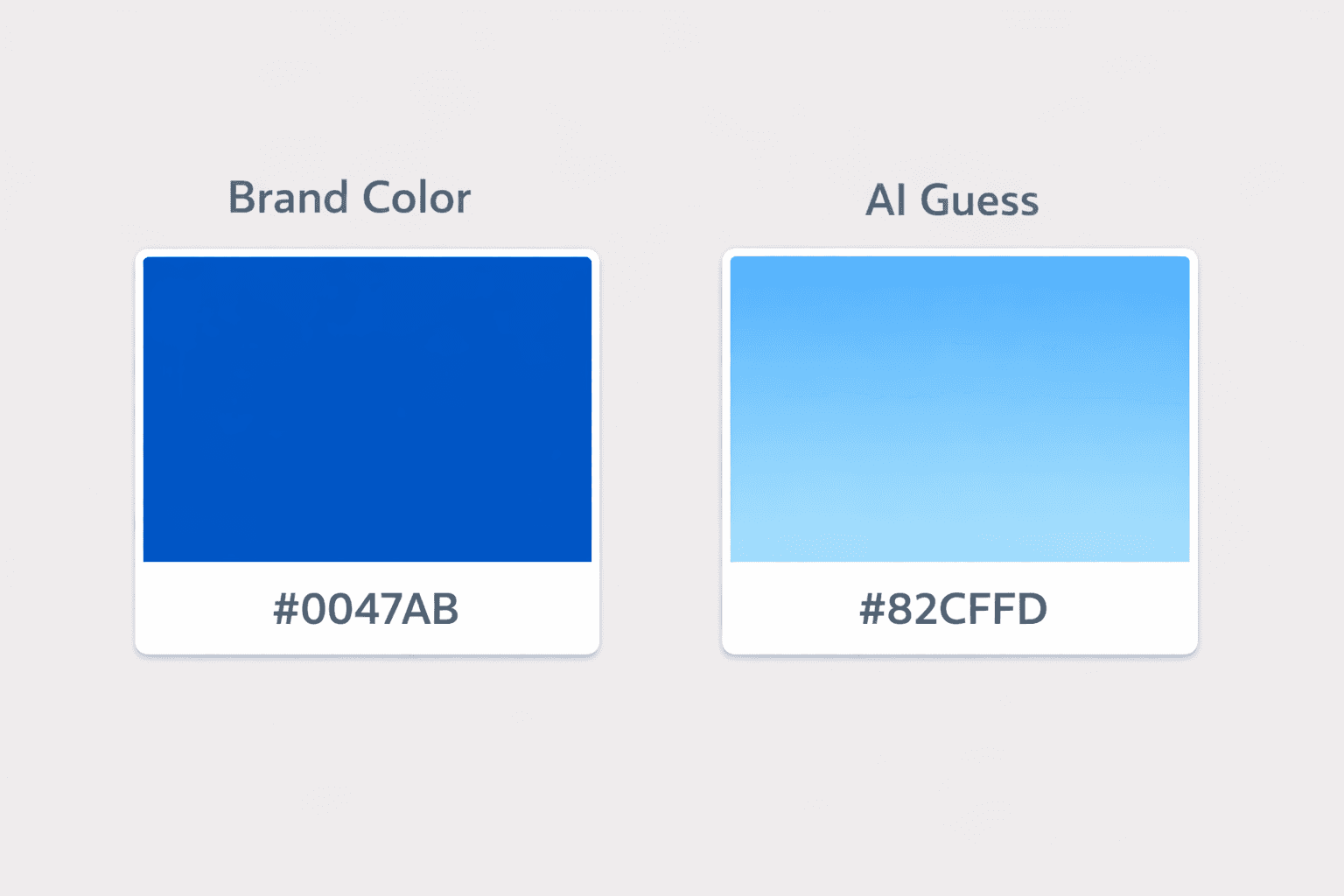
Color Drift
AI misinterprets your navy as teal or adds unapproved accent colors.
Visual Mismatch
Your tech-forward brand becomes soft and pastel – not your vibe.
These visual slips signal a lack of polish – and they erode brand trust.
How to Get AI to Stay On-Brand

1. Use Tools That Enforce Brand Rules
Decktopus checks every slide against your brand standards automatically. If something’s off, it regenerates until it’s right.
🛠️ Try Decktopus With Brand Controls →
2. Define Tone, Not Just Look
Set voice prompts alongside visual rules.
For example:
“Confident and clear, not robotic”
works better than
“Professional tone”
This helps AI match how your brand sounds, not just how it looks.
3. Reuse the Brand System
With Decktopus, your Brand Kit saves permanently. Every new presentation starts on-brand by default, no manual setup needed.
AI Isn’t Wrong – It’s Just Guessing
If your decks feel off-brand, the AI isn’t broken – it just doesn’t know your rules.
Show it. Set your system once. Let it follow.
With Decktopus, you get presentations that are fast, flexible – and always on-brand.
📌 FAQ
Why does AI change my fonts?
Because your font wasn’t uploaded, or the tool doesn’t support custom fonts. Decktopus does.
Why are the AI colors wrong?
The AI is guessing or defaulting. Decktopus lets you lock your brand palette.
Can I lock my brand style?
Yes – Decktopus was built for that. Fonts, colors, logos, layouts – all under your control.
Related posts

How AI Voice Agents Help Sales Teams Prepare and Deliver Better Presentations
Learn how AI voice agents help sales teams turn call insights into focused slides, stronger delivery, and more confident customer presentations at every stage.
Marketing

Instagram Carousel Size & Dimensions Guide (2026)
Instagram carousel size in 2026: exact dimensions for square, portrait, and landscape, plus file limits and safe zones, verified across sources.
Marketing

LinkedIn Carousel Size, Dimensions & Format Guide 2026
LinkedIn carousel size in 2026: exact dimensions, file limits, aspect ratios, and formatting rules so your slides never get cropped.
Marketing