Templates & How-to
Presentation Template Series 7: Strategic Partnership Plan
Learn how to structure and present a strategic partnership plan that opens conversations, closes deals, and moves your business forward.

Decktopus Content Team
A strategic partnership plan is a structured presentation document used to pitch a mutually beneficial partnership to another company, investor, or organization. It works by presenting the problem you solve, the services you offer, your traction and achievements, and a clear partnership proposal. The main benefit is opening real business conversations with credibility, giving decision-makers everything they need to say yes or point you to the right person internally.
The average partnership pitch deck takes 5 to 8 hours to build from scratch. Using a proven 10-section framework can cut that by 60%, and turning your framework into a polished, on-brand deck with AI takes about 15 minutes.
From small to large enterprises, almost every business plan needs a partnership to build and land a successful strategy. Small enterprises seek partnerships more often to achieve their goals and plans. Building a strategic partnership is harder than creating a partnership document. But the document is the first step to taking action.
This article guides you through the must-haves of your plan with a proven structure. It should be noted that between initiating and finishing a partnership there is a long timeline, and most deal closings won’t work out on the first pitch. Your deck is what earns the second meeting.
For more on framing pitches that convert, see our guides on how to sell an idea effectively and our sales pitch breakdown.
The 10-Slide Strategic Partnership Framework
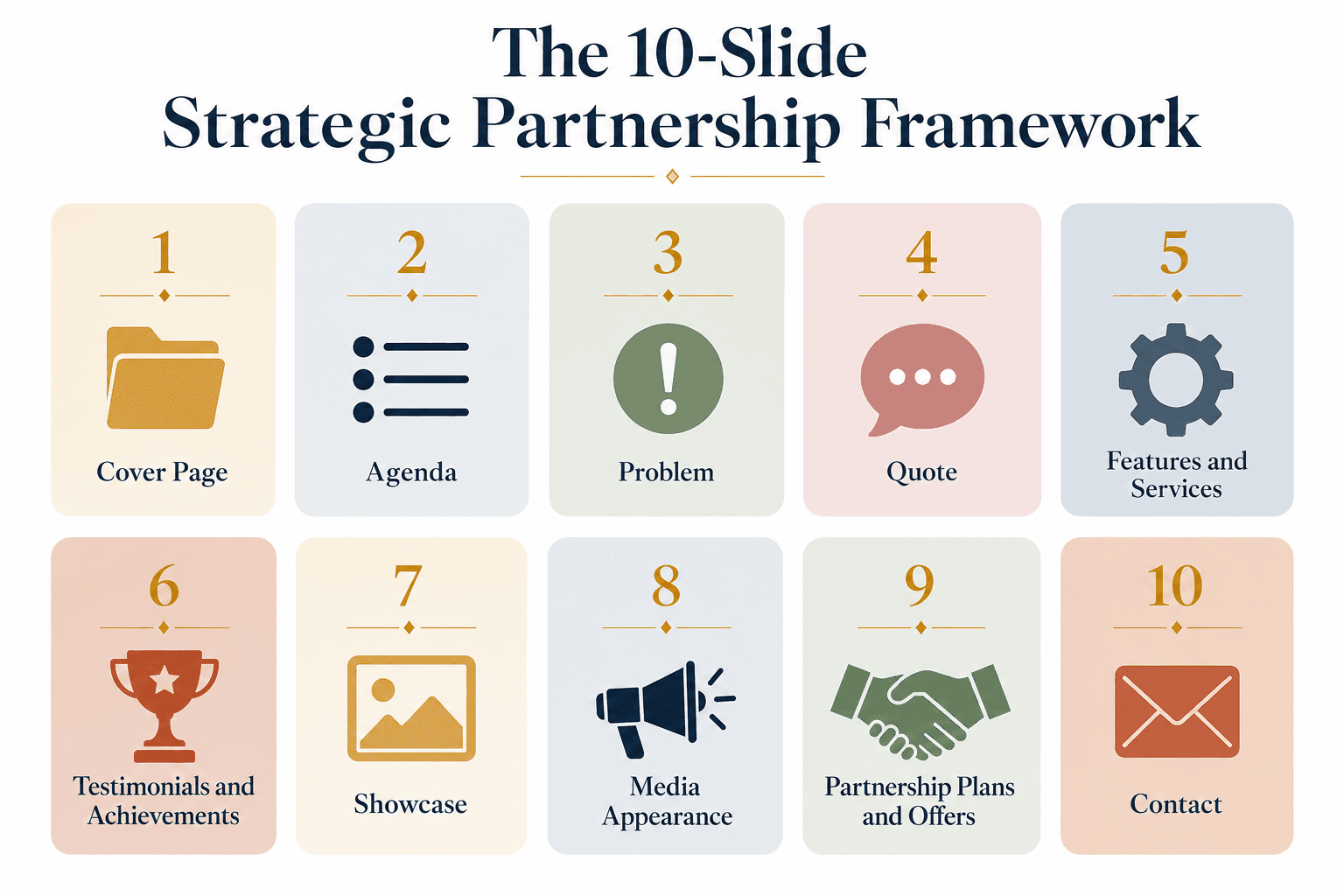
Infographic showing the 10-slide framework for a strategic partnership plan, from cover page to contact.
Every strong partnership pitch follows a proven 10-slide framework. Miss any of these sections and you leave gaps that decision-makers will notice.
Cover Page
Agenda
Problem
Quote
Features and Services
Testimonials and Achievements
Showcase (optional)
Media Appearance and Previous Partnerships
Partnership Plans and Offers
Contact
Below is how each section works and what to include.
Section 1: Cover Page
Like every other business document, a partnership plan should include a cover page with your company logo and other visual assets.
A few things to check:
Make sure your logo is in PNG or high-resolution format
Use a professional, uncluttered layout
Add your logo to the footer of every slide, not just the cover
Section 2: Agenda
Even in digital documents, an agenda should be included, functioning as a table of contents. This way your audience can navigate through the document and have a clear vision of the information they will get before they start reading.
The agenda is also your chance to signal that this is a structured pitch, not a rambling ask. Decision-makers respect structure.
Section 3: Problem
If you’re trying to build a strong partnership with a third party, the best way to communicate is to tell your story. Making sure the problem your company solves resonates helps you create a warm, empathetic introduction.
The problem section shows the partner why the market needs what you both do. If they see themselves in the problem you describe, they’re already halfway to saying yes.
Section 4: Quote
Use a quote. No matter what the focus is, this is one of the best ways to engage with your audience. It doesn’t have to be a quote from a famous author. It can be your CEO’s insight, an advisor’s endorsement, or a testimonial from a happy customer.
Quotes create emotional resonance in a document that’s otherwise heavy on logic and numbers.
Section 5: Features and Services
After describing the problems you solve, underline the exact services and methods you offer. This is the best way to promote yourself to any potential business partner.
Bonus: sometimes prospective partners realize they’re actually a fit as customers, not partners. Both outcomes are valuable.
Section 6: Testimonials and Achievements
Everybody has something to show off. List yours. Subscribers, community volume, total clicks, conversions, or anything that underlines your service’s success.
Be specific. “Trusted by many customers” is weaker than “12,000 active users across 40 countries.” Specificity builds trust. For more on framing accomplishments credibly, see our guide on how to write an executive summary.
Section 7: Showcase
This slide is optional. Here you can visualize the product. Screenshots, product photoshoots, team photos, behind-the-scenes shots.
This gives the audience an impression of the service and your scale. Even a simple screenshot of your product in action reduces the abstract-idea friction that kills partnerships in the pitch stage.
For inspiration on visual portfolio-style presentations, see our best portfolio examples.
Section 8: Media Appearance and Previous Partnerships
One of the things firms and individuals look for is not the brand but who is supporting the brand. This creates social proof by association. If you have some big-name partnerships to reference, this is where they earn you the deal.
Include:
Previous successful campaigns
Media mentions (press coverage, podcasts, features)
Notable partnership logos
Awards or industry recognition
Section 9: Partnership Plans and Offers
This is it. This is the slide where you offer and ask.
Make sure your offer is a win-win to reduce resistance. Present more than one option so you can secure at least a minimum-viable partnership if the maximum offer is turned down. Two or three tiers of partnership packages work well.
Cover:
What you’re offering
What you’re asking in return
Timeline and next steps
Investment required (time, budget, resources)
For more on structuring pitches that close, see our guide on how to sell an idea effectively and our business proposal guide.
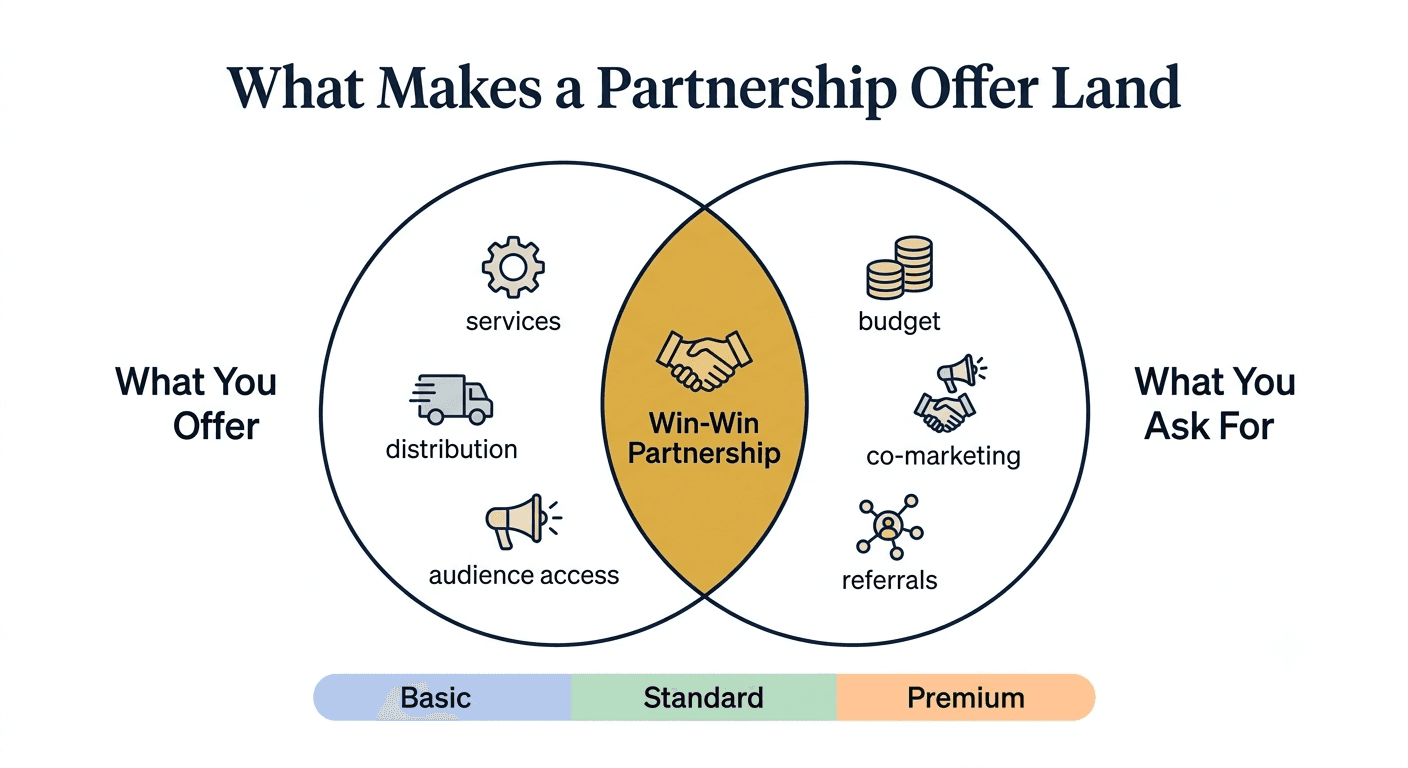
Diagram showing what makes a strong partnership offer, with overlapping value circles and three-tier partnership package options.
Section 10: Contact
Leave contact information. This contact should be directly linked to the responsible person, not a generic info@xxx.com address.
Include:
Direct name of the point of contact
Direct email address
Direct phone number (optional)
LinkedIn profile URL
Calendar link if you have one
Making it as easy as possible for the partner to reach you removes friction at the exact moment they’re ready to say yes.
How to Build Your Partnership Deck with Decktopus
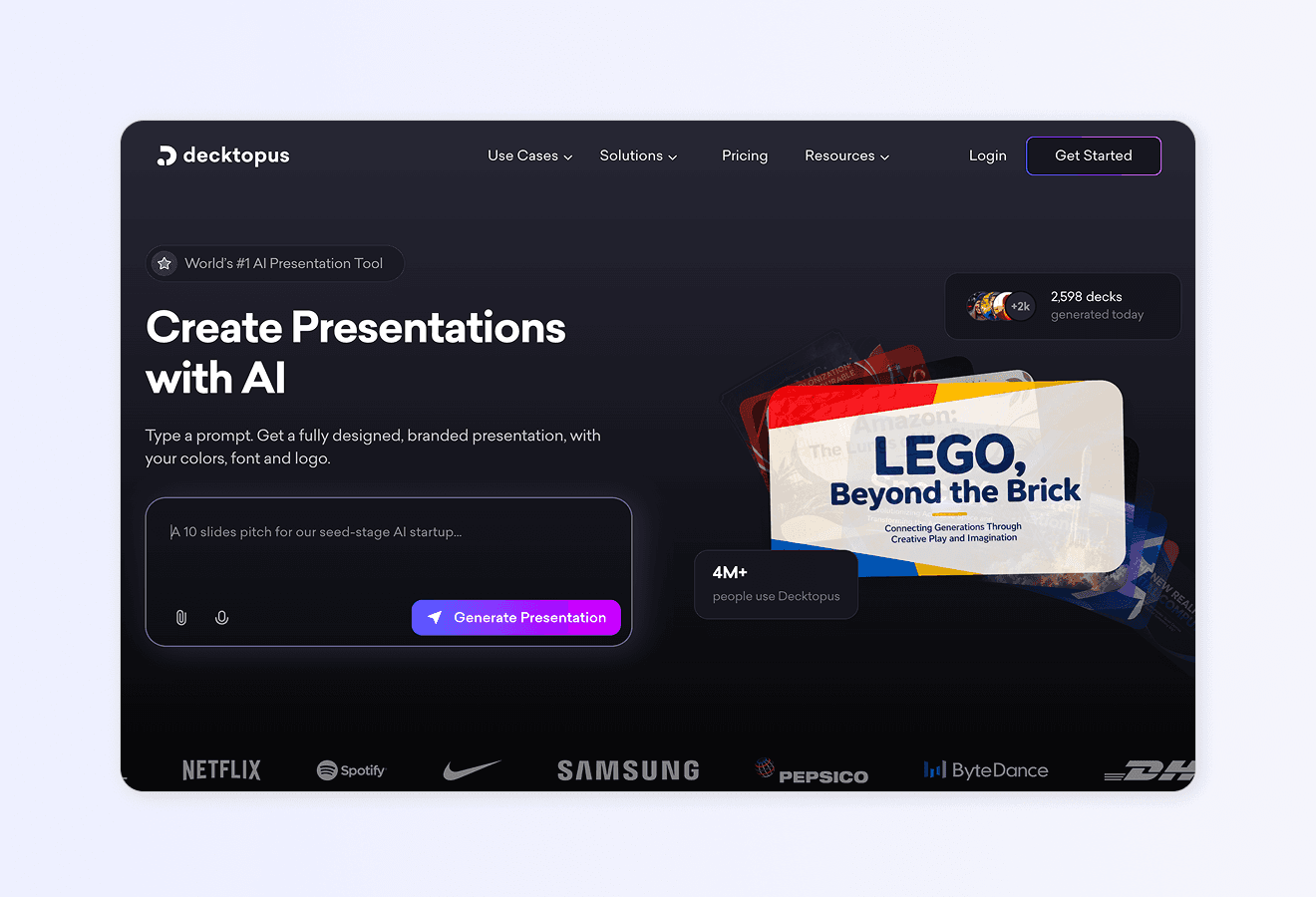
You have the 10-section framework. Now the deck itself needs to be built. Decktopus generates a strategic partnership presentation from a short description in minutes.
Here’s how the workflow looks:
1. Describe your topic. Type something like “Strategic partnership plan for a B2B SaaS company pitching a distribution partnership with a marketing agency.” Or upload your existing notes as a supporting file.
2. Choose your style. Pick a brand, reuse a saved look, or start fresh with AI. Decktopus will ask how you want your presentation to look. You can apply a saved brand, import your brand directly from your company website URL (which pulls in your logo, colors, and fonts), or let AI generate a style from scratch.
3. Review the outline. Decktopus generates a slide-by-slide structure covering all 10 sections above. Adjust the order or focus before the full deck is built.
4. Refine with Edit with AI. Click Edit with AI and type instructions like “make the achievements slide more visual,” “add a comparison chart for partnership tiers,” or “regenerate the cover with a bolder image.” All edits are tracked with unlimited version history.
5. Export or share. Download as PDF, PPT, or PNG. Share via live link (any edits you make afterward automatically appear at the same link, so the prospect always sees the latest version). Or present directly.
For more on turning polished presentations into partnership wins, see our guide on the best AI presentation tools and our breakdown of how to prepare a meeting presentation.
Ready to build your partnership deck? Get started with Decktopus.
Frequently Asked Questions
What is a strategic partnership plan?
A strategic partnership plan is a structured document that pitches a mutually beneficial partnership to another company or organization. It covers the problem you solve, your services, your traction, and a clear partnership offer with tiers and terms.
How long should a partnership pitch deck be?
Most strong partnership decks run 10 to 15 slides. The 10-section framework above is a solid baseline. Anything longer risks losing the reader before you make the ask.
What’s the most important slide in a partnership pitch?
The Partnership Plans and Offers slide (Section 9). This is where the deal happens or dies. Make it specific, visual, and easy to say yes to.
How do I make my partnership pitch stand out?
Specificity. Numbers over vague claims. Real customer testimonials over generic statements. Two to three clear partnership tiers over one take-it-or-leave-it offer. And a professional, on-brand deck that signals you take the opportunity seriously.
Should I include pricing in a partnership pitch?
Yes, for at least one tier. Vague pricing is a red flag. Even if the specific numbers are flexible, showing a starting point signals confidence. For more on framing offers, see our guide on sales pitch writing.
How do I follow up after sending a partnership pitch?
Follow up within 3 to 5 business days with a specific question or next-step suggestion. Vague “just checking in” messages get ignored. Specific ones (“Wanted to make sure the pricing model works for your quarterly budget cycle”) get responses.
What’s the difference between a partnership pitch and a sales pitch?
A sales pitch positions your company as the vendor. A partnership pitch positions your company as an equal, with mutual benefit as the goal. The language, structure, and asks are different. For related sales guidance, see our sales pitch breakdown and elevator pitch examples.
Can I use the same partnership deck for multiple prospects?
Reuse the framework, but customize the Problem, Testimonials, and Partnership Plans sections for each prospect. Generic decks perform 3 to 5x worse than tailored ones. Decktopus’s Slide-level editing with Edit with AI makes tailoring fast.
Related posts

How to Build Confidence When Speaking in Public (2026 Guide)
The science behind speaking confidence, the CONFIDENT framework, and the AI practice method that turns nervous presenters into calm, credible speakers.
Templates & How-to

How to Practice Public Speaking Alone (With and Without AI)
The 4 rehearsal methods that actually build public speaking skill, why mirror practice fails, and how AI simulates a real audience for structured feedback.
Templates & How-to

How to Give a TED Talk: Delivery Tips from the Best Speakers (2026)
A structured breakdown of what makes TED talks land, the delivery framework used by top speakers, and the AI practice method that closes the gap.
Templates & How-to