Templates & How-to
Presentation Template Series 5: Team Portfolio
Learn how to build a strong team portfolio presentation that introduces your team, highlights collective skills, and wins new projects.


Decktopus Content Team
A team portfolio presentation is a structured document that introduces your team, highlights what each member brings to the table, and showcases the projects, skills, and results that make your group worth working with. It works by combining team introductions, skills breakdowns, project case studies, and social proof into one cohesive deck. The main benefit is turning a group of individuals into a clear, credible, hire-worthy team that decision-makers can quickly understand and trust.
A polished team portfolio takes 4 to 6 hours to build from scratch in traditional tools. Using a proven 10-section framework and an AI presentation tool can cut that to about 20 minutes, without sacrificing brand or design quality.
Some people consider themselves lone wolves, prefer to work alone, and see teamwork as intimidating. But this doesn’t change the fact that teamwork is critical in the modern workplace.
Why Teamwork Matters in 2026
Here are a few reasons teamwork is now non-negotiable in professional environments:
86% of managers include “teamwork” as a necessary skill for promotion
99.1% of people want to work in a workplace where issues are identified and discussed truthfully and effectively
97% of employees and executives think lack of alignment in a team impacts task outcomes
About 75% of employers rate teamwork as extremely important
About 40% of employees think their co-workers don’t collaborate enough
When it comes to completing tasks, teamwork opens doors and extracts additional value. Through working in groups you can achieve unified perspectives, combine the strengths of individual members, and conduct collective brainstorming. Every single person has value to add to the group. Teamwork also strengthens employee relations and increases accountability across the company.
Here is a video on “Why Effective Teamwork is Important for all Organizations.”
For deeper context on how modern teams present themselves visually, see our breakdowns of best portfolio examples and best portfolio builders for designers.
What Is a Team Portfolio and What Is It Used For?
A team portfolio can be used to:
Introduce your team to prospective clients, employers, or partners
Highlight collective and individual strengths so decision-makers see the full picture
Showcase completed projects and results as proof of what you can deliver
Signal readiness for new work by presenting yourselves as an organized, aligned unit
Through a strong team portfolio, you can market your team to take on additional projects and better understand your assets. For inspiration on framing individual expertise within a team context, see our about me presentation guide.
The 10-Slide Team Portfolio Framework
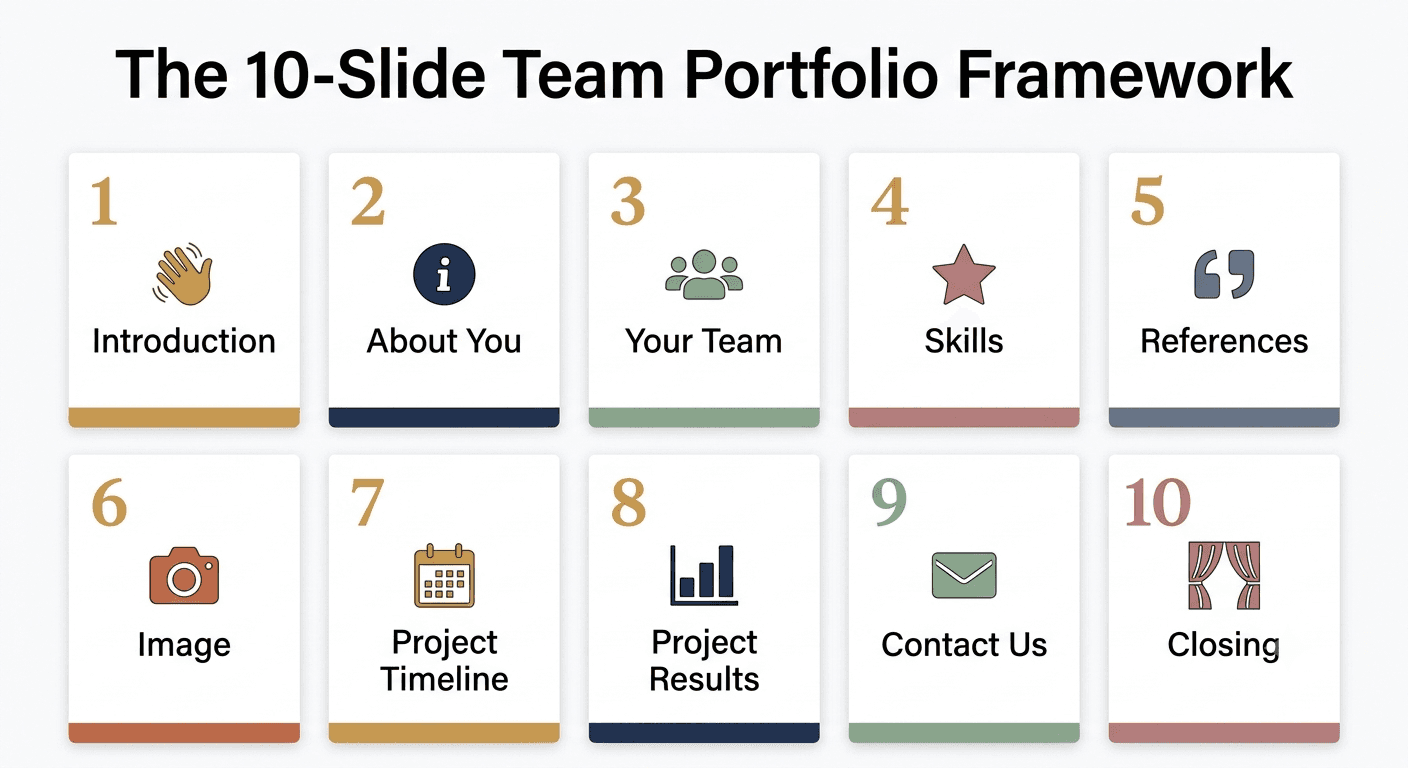
Here’s the framework Decktopus recommends for a strong team portfolio. Each section serves a distinct purpose. Miss any and you leave gaps decision-makers will fill with doubt.
Introduction
About You
Your Team
Skills
References
Image
Project Timeline
Project Results or Goals
Contact Us
Closing
Below is what to include in each section.
1. Introduction
Introduce your team name and use a representative photo for your group. Find a catchy, memorable name that will stick. If your team is called by an internal codename, use that. If not, come up with one.
2. About You
Who are you? What do you do? When did you get started? Where do you primarily work? If you had to list the three main things one should know about your group, what would they be? Boil down your identity into three sharp lines.
3. Your Team
Introduce the individual team members with photos, names, and titles. Optionally include one short line per person about their specialty or a personality note.
4. Skills
What do you accomplish? How do you help others? This can be SEO, digital marketing expertise, coding, creative work, strategic consulting, product design, or any combination.
Be specific. “Marketing” is vague. “Performance marketing for B2B SaaS with $50K+ monthly budgets” is memorable.
5. References
Who can attest to your skills? Do you have previous clients that can support you? Do you have quotes from satisfied clients? References transform your portfolio from claims to proof.
For more on how references and testimonials strengthen pitches, see our guide on how to sell an idea effectively.
6. Image
Get visual and creative here. Offer your audience a breather and show them your fun side. Use an infographic, a team retreat photo, or the office dog.
This slide reduces the transactional feel of a portfolio. People hire people, not resumes.
7. Project Timeline
This could be a case study of a previous project or an upcoming project your team is excited to undertake. Show phases, key decisions, and outcomes over time.
8. Project Results or Goals
For a completed project, showcase valuable statistics that prove your worth. For an upcoming project, set clear success criteria so decision-makers can visualize the impact.
Real numbers land harder than adjectives. “Increased conversions” is weak. “Increased conversions by 47% over three months” is memorable.
9. Contact Us
Include your email, phone numbers, social media handles, and headquarters address. Make it as easy as possible to reach the specific person on your team most relevant to the ask.
10. Closing
Open the floor to questions and finish off strong. The closing slide should stay on screen during Q&A, so make sure it’s not just a “Thank You” but rather a summary of the takeaway or a clear call to action.
For more on ending presentations with impact, see our guide on how to end a presentation with impact. For opening strong, see how to start a presentation with hooks that grab attention.
How to Build Your Team Portfolio with Decktopus
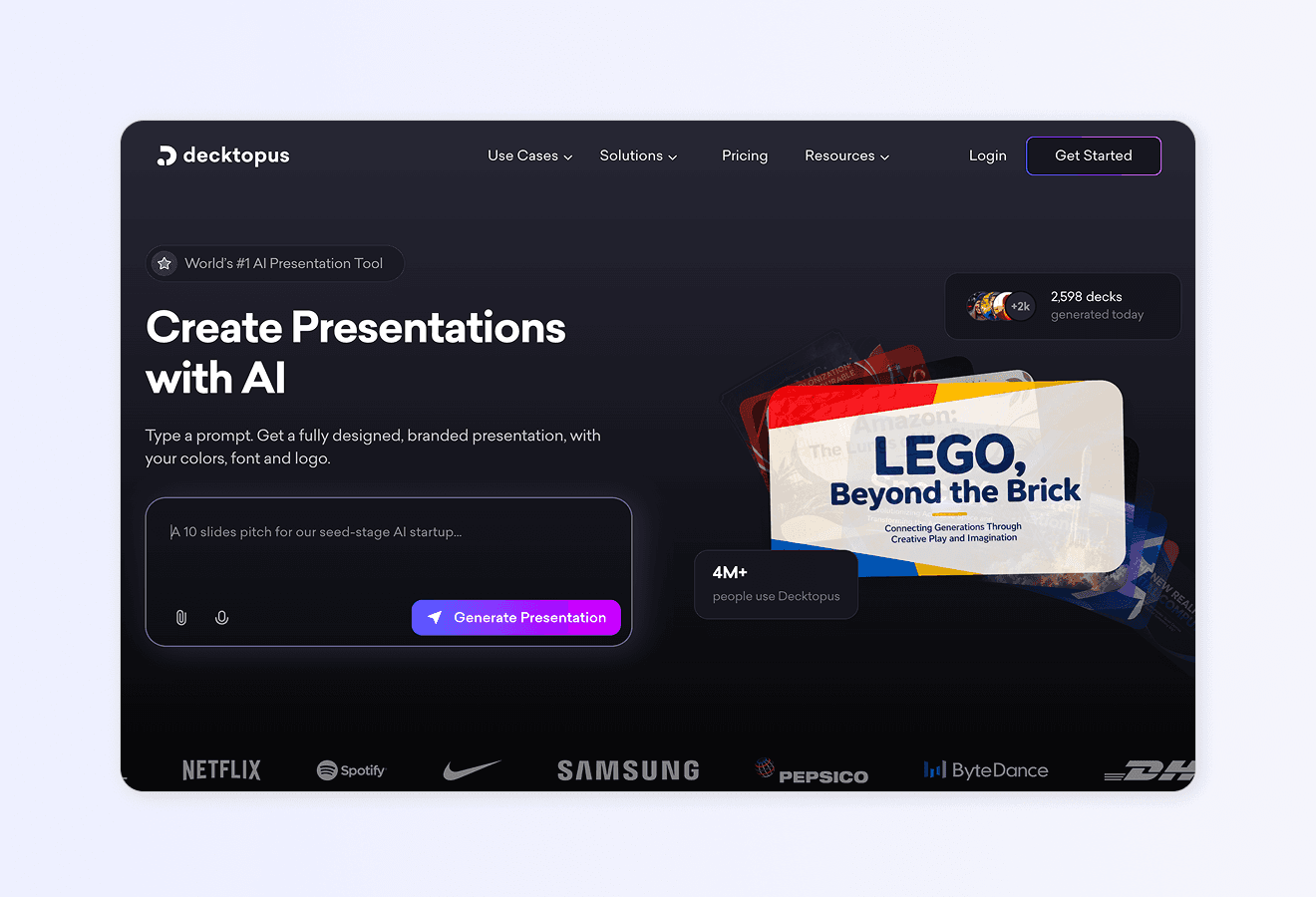
You have the 10-section framework. Now the deck itself needs to be built. Decktopus generates a team portfolio presentation from a short description in minutes.
Here’s how the workflow looks:
1. Describe your topic. Type something like “Team portfolio for a 5-person digital marketing agency, focused on SEO, paid ads, and content strategy.” Or upload your existing team materials (bios, project case studies, references) as supporting files.
2. Choose your style. Pick a brand, reuse a saved look, or start fresh with AI. Decktopus will ask how you want your presentation to look. You can apply a saved brand, import your brand directly from your company website URL (which pulls in your logo, colors, and fonts), or let AI generate a style from scratch.
3. Review the outline. Decktopus generates a slide-by-slide structure covering all 10 sections above. Adjust the order or focus before the full deck is built.
4. Refine with Edit with AI. Click Edit with AI and type instructions like “make the skills slide more visual,” “add a project results comparison chart,” or “regenerate the team intro with a more editorial photo layout.” All edits are tracked with unlimited version history.
5. Export or share. Download as PDF, PPT, or PNG. Share via live link (any edits you make afterward automatically appear at the same link, so recipients always see the latest version). Or present directly.
For more on running strong team-focused presentations, see our guide on how to build a team presentation system with AI. For broader AI presentation tools, see our roundup of the best AI presentation tools.
Ready to build your team portfolio? Get started with Decktopus.
Frequently Asked Questions
What is a team portfolio presentation?
A team portfolio presentation is a document that introduces your team, highlights individual and collective skills, showcases past projects, and provides social proof for prospective clients or employers. Its goal is to demonstrate your team’s value and win new opportunities.
How is a team portfolio different from an individual portfolio?
An individual portfolio focuses on one person’s skills, experience, and work samples. A team portfolio focuses on how a group of people work together, their combined capabilities, and shared project outcomes. Both formats can complement each other in professional contexts.
How long should a team portfolio presentation be?
Most team portfolios run 10 to 15 slides. The 10-section framework above is a solid baseline. Anything longer risks losing the audience before the key ask.
What should I include in a team portfolio for clients?
Include an introduction, team member bios, skills breakdown, case studies of past work, results and metrics, references or testimonials, and a clear contact section. Match the level of detail to your client’s questions.
How do I make my team portfolio stand out?
Specificity. Real project results over vague claims. Photos of the actual team over stock imagery. A memorable team name over “Marketing Team.” A specific niche focus over general capability lists.
Can I use a team portfolio for internal presentations?
Yes. Internal team portfolios are useful for onboarding new hires, presenting your team’s work at all-hands meetings, or pitching cross-functional collaborations. The audience changes, but the structure stays the same.
What’s the best format for sharing a team portfolio?
For live pitches, use a slide deck. For recruiter or client outreach, share a live link that stays current. For long-term reference, export as PDF. Decktopus supports all three (PDF, PPT, and shareable link).
How often should I update my team portfolio?
Every quarter at minimum. Major project completions, team member changes, and new client wins should trigger updates. A stale portfolio signals a stale team.
Related posts

How to Build Confidence When Speaking in Public (2026 Guide)
The science behind speaking confidence, the CONFIDENT framework, and the AI practice method that turns nervous presenters into calm, credible speakers.
Templates & How-to

How to Practice Public Speaking Alone (With and Without AI)
The 4 rehearsal methods that actually build public speaking skill, why mirror practice fails, and how AI simulates a real audience for structured feedback.
Templates & How-to

How to Give a TED Talk: Delivery Tips from the Best Speakers (2026)
A structured breakdown of what makes TED talks land, the delivery framework used by top speakers, and the AI practice method that closes the gap.
Templates & How-to