Presentations
How Modern Teams Create, Organize, and Share Presentations Faster Than Ever
Presentations are no longer created by an individual working alone in a slide deck for days. Today’s team moves faster, works across locations, and needs to share ideas clearly without slowing each other down.


Decktopus Content Team
Presentations are no longer created by an individual working alone in a slide deck for days. Today’s team moves faster, works across locations, and needs to share ideas clearly without slowing each other down. While presentations take too long to create or become hard to manage, they turn into a bottleneck instead of a communication tool.
Today’s teams use smarter tools and workflows to create, organize, and collaborate on presenting data much more efficiently.
In this article, we’ll dive deeper into learning more about how modern teams can create presentations faster than ever before, and deliver messages that are easy to understand.
Real-time collaboration
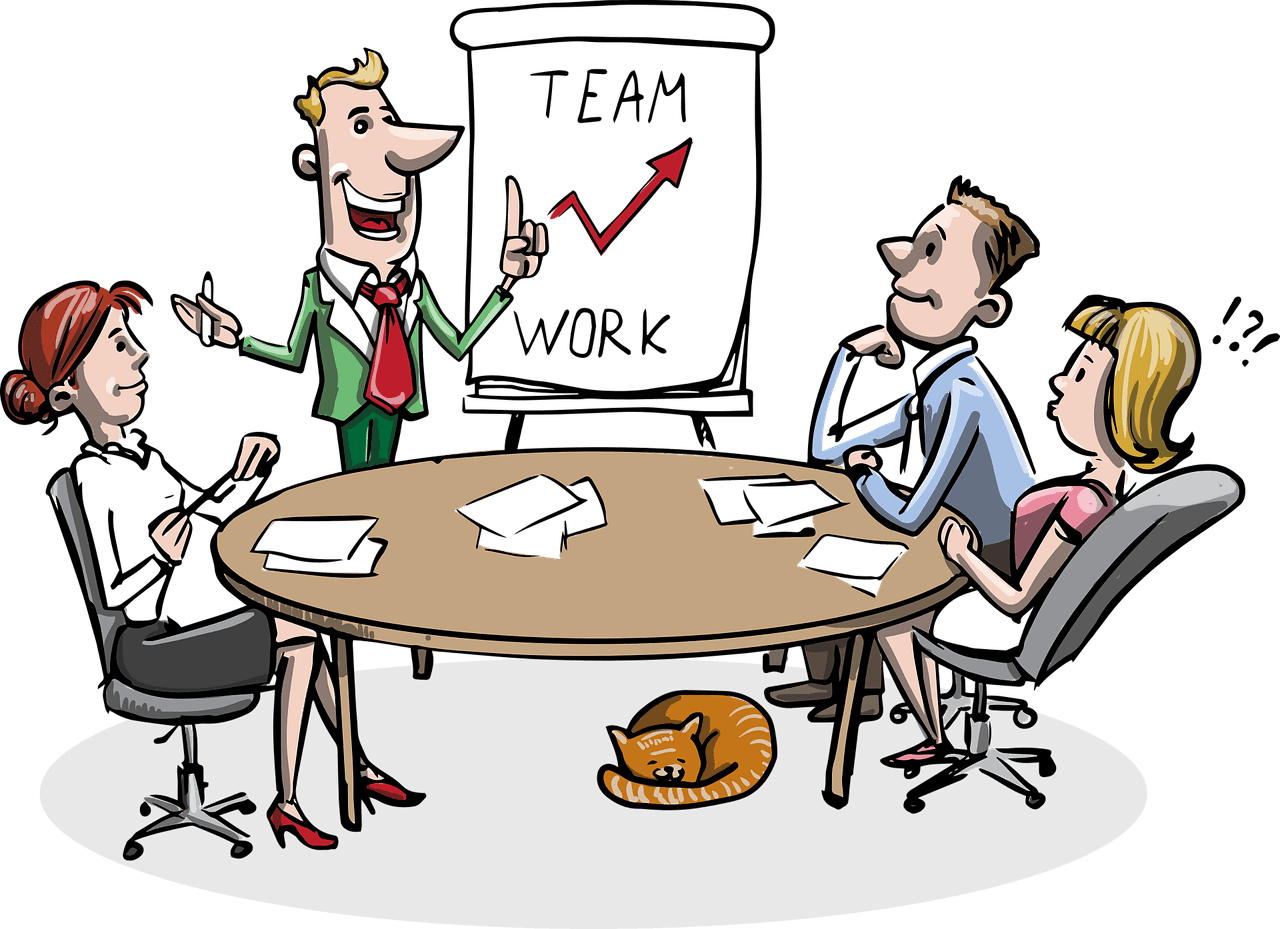
Collaborating in real time has changed how teams prepare presentations. This means that several people can work on a presentation simultaneously, and has eliminated the time wasted in sending a presentation back and forth.
This makes it easier for teams to agree, identify problems early, and make decisions as a team. Designers, and writers can contribute in one place without “stepping” on each other’s work.
As a result, presentations come together quicker and feel more consistent, even when teams are working remotely or across different time zones.
Merging presentation files into one shareable file
Modern presentations often include more than just slides. There are times when the team has to share reports, graphs, handouts, or even client-ready documents along with the deck. Organizing everything in different files is a hindrance to speed and can be confusing as well.
That’s why many teams choose to merge PDF files together into a single, organized document. This makes sharing easier, keeps information in one place, and makes sure nothing important is missed. It also provides a more professional experience for the customer, who only needs to open one file to see everything.
Converting presentations into engaging videos
Not every presentation has to be an in-person meeting. Modern teams are increasingly sharing ideas, especially if working across time zones or busy schedules. Video presentations allow individuals to pick up where others left off when it’s convenient for them.
Teams can use a free AI talking video generator to turn slides into short and clear video explanations without recording themselves. This approach saves time, adds a human touch, and helps presentations feel more engaging.
It’s especially useful for internal updates, onboarding, or explaining complex ideas without scheduling a new call.
Faster creation with AI assistance and templates
AI-powered tools and ready-made templates have made creating presentations faster than ever. Instead of starting from a blank side, teams can use smart suggestions, pre-designed layouts, and automated to speed up the process.
AI can help create text, suggest images, and even change the format so that slides are professional-looking and don’t have to be created manually. Templates help to have a uniform format and style to ensure that presentations are professional and branded.
These features together allow teams to concentrate on concepts and messaging instead of design and allow them to create high-quality presentations.
Organized and well-managed content
Modern teams no longer treat presentations as one-off files. Instead, they use tools that help organize slides, assets, and content in a clear and structured way. This makes it easier to find the right slide, and keep everything consistent across presentations.
With better content management, presentations are built from shared slide libraries and approved assets. Teams can store key slides, charts, and messaging in one place, making it simple to pull the right content into new decks. When something changes, such as a product update or new data, it can be updated once and reflected everywhere it’s used.
This approach also helps maintain consistency. Presentations look and sound aligned, even when multiple people are involved. For growing teams that create presentations often, smarter organizations turn slides into a reusable resource rather than a time-consuming task that starts from scratch every time.
Shared access across teams and devices
Modern teams work across different locations, roles, and devices, so presentation tools need to keep everyone connected. This allows all team members to access, edit, and share a document regardless of whether it’s on a computer, tablet, or mobile device. This removes delays that are caused by not having a document or using outdated documents.
With shared access, everyone works from the same source. Sales, marketing, and project teams can view the latest version of a presentation without asking for updates or searching through emails.
Permissions can be set so the right people can edit or review content while others can simply view it.
With shared access, all users work from the same source. The sales, marketing, and project teams can view the latest version of a presentation without having to request updates and dig through emails.
Better alignment through integrated workflows
Connecting presentation tools to the broader work processes in a team will make alignment easier. With an integrated approach to work processes, teams won’t be required to hop between different tools in order for their presentations to be seen.
The Integrated workflows make sure that everyone is always on the same page. The feedback flow is faster, changes are easier to track, and the chances of editing past content is eliminated. Tasks, comments, and approvals are all connected to the presentation itself, not the emails or chats which could easily get lost.
This degree of integration helps remove friction and keeps projects moving forward. Teams spend less time on project coordination and much more time on idea development and making consistent project presentations.
AI features reduce manual work
AI is removing much of the grunt work associated with making and dealing with presentations. Rather than spending time on issues of formatting, layout changes, and simple text writing, now there is AI assistance available for those tasks so that one can deal with what is being said, not how it’s being said.
AI can offer design templates, edit the content, and make design adjustments so that all elements will look clean and uniform. Additionally, it can aid in summarizing content, pointing out important points, and even noting inconsistencies.
As a result of easing the workload, AI enables teams to work faster, collaborate effectively, and create high-quality presentations.
Reusable slide libraries saves hours of work
Reusable slide libraries make sure that teams don’t have to work from scratch every time they create a presentation. Instead of rebuilding the same introductions, charts, or closing slides, teams can pull from a shared collection of approved content that’s ready to use.
This saves hours of repetitive work and keeps presentations consistent across teams. Brand resources and essential information remain synchronized because all parties reference the same source. If an update is required, the update can be done in one place to apply in all locations. For teams who frequently make presentations, slide libraries so that old presentations can be used for long-term gain.
Today, presentation tools have made it possible to have quicker and better feedback through commenting. There are no more confusions from emails with endless threads or notes that are not easily understandable.
Better feedback through comments and reactions
Modern presentation tools make feedback faster and more useful through built-in comments and reactions. Instead of long email threads or unclear notes, team members can leave clear feedback directly on specific slides or sections. This keeps context intact and reduces misunderstandings.
Comments allow reviewers to suggest changes or ask questions without interrupting the workflow. Reactions add a quick way to signal approval or flag concerns without slowing things down. Together, these features help teams respond faster, make better decisions, and improve presentations without unnecessary back-and-forth.
Presentations become living documents
Modern presentations are no longer static files that get created, shared once, and forgotten. They evolve over time as information changes, feedback is added, and new insights emerge. This turns presentations into living documents that stay relevant long after the first meeting.
With shared access and real-time updates, teams can refine slides as projects progress or goals shift. Data can be updated, and visuals can improve without rebuilding the entire deck.
This helps presentations stay accurate, useful, and aligned with current priorities, making them a reliable resource instead of a one-time deliverable.
Modern teams are creating and sharing presentations faster than ever
Modern teams move faster because presentation workflows are simpler and more connected. Real-time collaboration AI assistance, smarter content management and reusable slide libraries remove many of the delays that once slowed teams down.
Presentations are no longer static files created for a single moment. They continue to evolve as teams update ideas, share feedback and refine messages.
With unified access and clear workflows teams spend less time fixing layouts or chasing feedback. Instead they focus on clarity, alignment and impact. Presentations become living documents that support better communication, stronger decisions and faster execution across the entire organization.
Related posts

Webinar Follow-Up Emails: The Sequence That Runs After the Deck Ends
Learn how to build a webinar follow-up email sequence with behavioral segmentation, timely emails, better deliverability, and personalized outreach.
Presentations

Best TED Talks to Improve Your Presentation Skills
Watch ten of the best TED talks for presentation skills and use a practical exercise from each to improve structure, voice, visuals, and confidence.
Presentations

Decktopus AI Best Practices: The Complete Guide, Tips and Tricks (2026)
A complete guide to using Decktopus AI effectively, from writing better prompts and reviewing outlines to rehearsing with Loop and building carousels.
Presentations