Marketing
How Do Agencies Create Client Presentations With Different Brand Kits?
Managing presentations for multiple clients means keeping every brand separate and consistent. Here's how agencies handle multi-brand presentation workflows without mixing things up.


Decktopus Content Team
Running client presentations at an agency is a different problem than running them in-house. In-house, you have one brand to manage. At an agency, you might have ten active clients, each with their own fonts, colors, logos, and tone of voice, and each expecting their deck to look like their brand, not yours or anyone else’s.
The stakes are real. An off-brand slide in a client deliverable is embarrassing at best and a trust problem at worst. And the more clients you manage, the more chances there are for something to bleed across.
So how do agencies that get this right actually do it? It comes down to how they structure their agency presentation workflow and whether the tools they use are built for that kind of separation.
Want to see how Decktopus handles multi-brand presentation workflows? Try it here.
Why Multi-Brand Presentation Management Is a Different Problem
When a single company manages its own presentations, brand drift happens gradually. Someone uses the wrong font. A logo ends up in the wrong corner. The color is slightly off. These are usually caught in review before anything ships.
For agencies, the risk is different. It is not just drifting within one brand. It is contamination across brands. A client’s logo ends up in another client’s deck. The color palette from one project bleeds into the next because someone reused an old file as a starting point. A slide template built for Client A gets used for Client B because it was the most recent thing in the shared folder.
This happens constantly in agencies that manage presentations manually, and it is almost never intentional. It is a workflow problem, not an attention problem. People reuse what is available. They work fast. They grab the nearest file that looks about right. Without structural separation, brand mixing is just a matter of time.
The answer is not more careful people. It is a system where brand kits are structurally isolated from each other so mixing is impossible, not just unlikely.
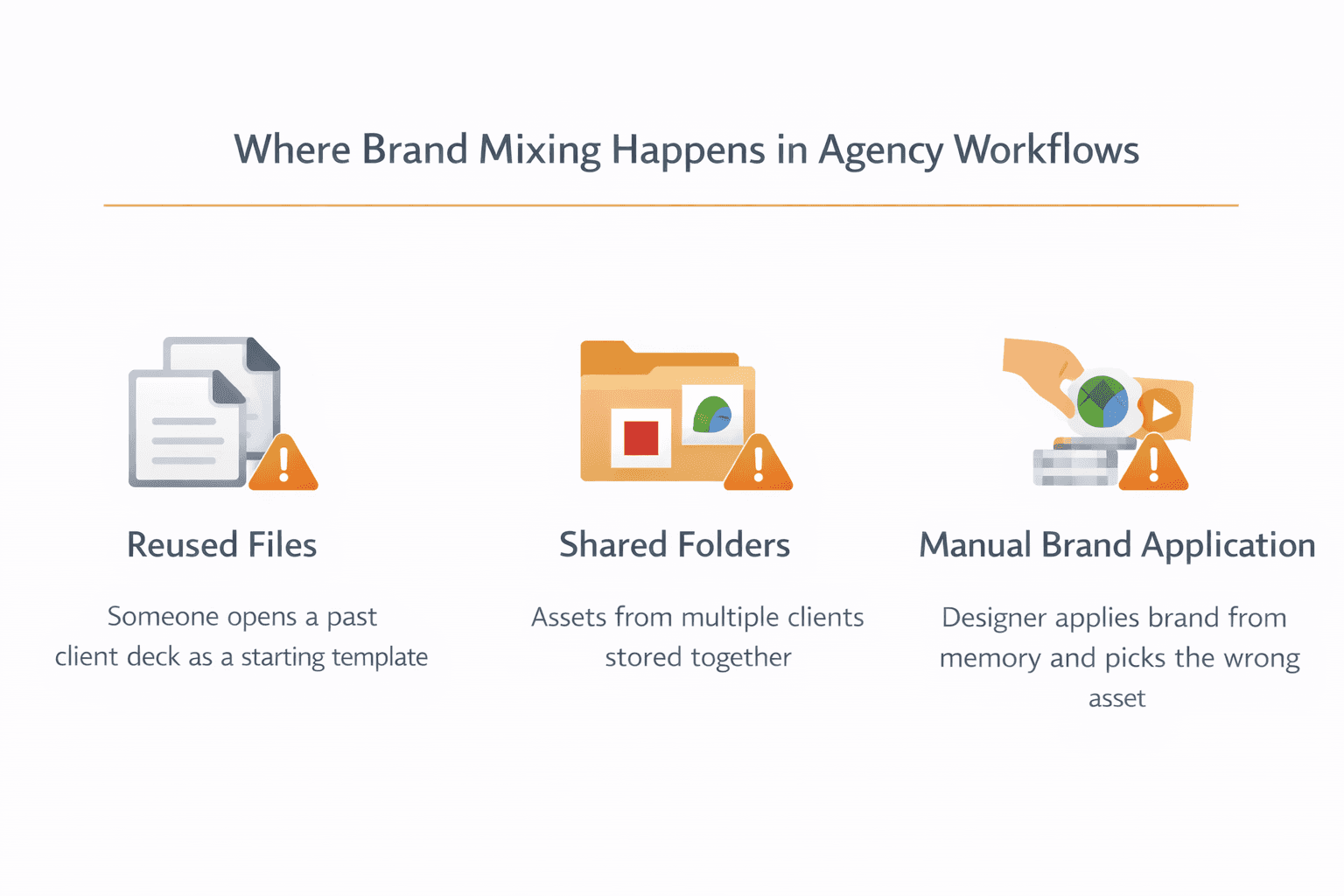
The Most Common Ways Agencies Get This Wrong
Shared template folders with no brand separation. The agency has one master folder of templates. Every client project starts from there. Whoever is building the deck applies the client brand on top manually. This creates two risks: the wrong brand gets applied, or parts of the previous brand get left in.
Using the last client’s deck as a starting point. It is faster to duplicate a recent deck and swap the content than to start from scratch. The problem is that each duplication carries forward whatever branding was in the previous version. If those elements are not all caught and corrected, they ship in the deliverable.
Storing client assets in one shared folder. Logos, fonts, and color references for every client live in a single folder organized by file name. Someone grabs the wrong logo. Someone references last month’s color file. The folder is a liability disguised as organization.
Relying on individual memory for brand rules. The account manager knows Client A uses Aktiv Grotesk and Client B uses Canela. The designer knows Client C’s primary color is a warm red, not a cool red. When that knowledge lives in people’s heads rather than the system, it walks out the door every time someone takes a day off or leaves the team.
What a Proper Multi-Brand Workflow Actually Looks Like
A clean multi-brand presentation workflow has the same basic shape regardless of how many clients you manage. Brand rules are captured once, stored at the system level, and applied automatically. Nobody is manually applying brand assets from memory during a deadline.
Here is what that looks like in practice.
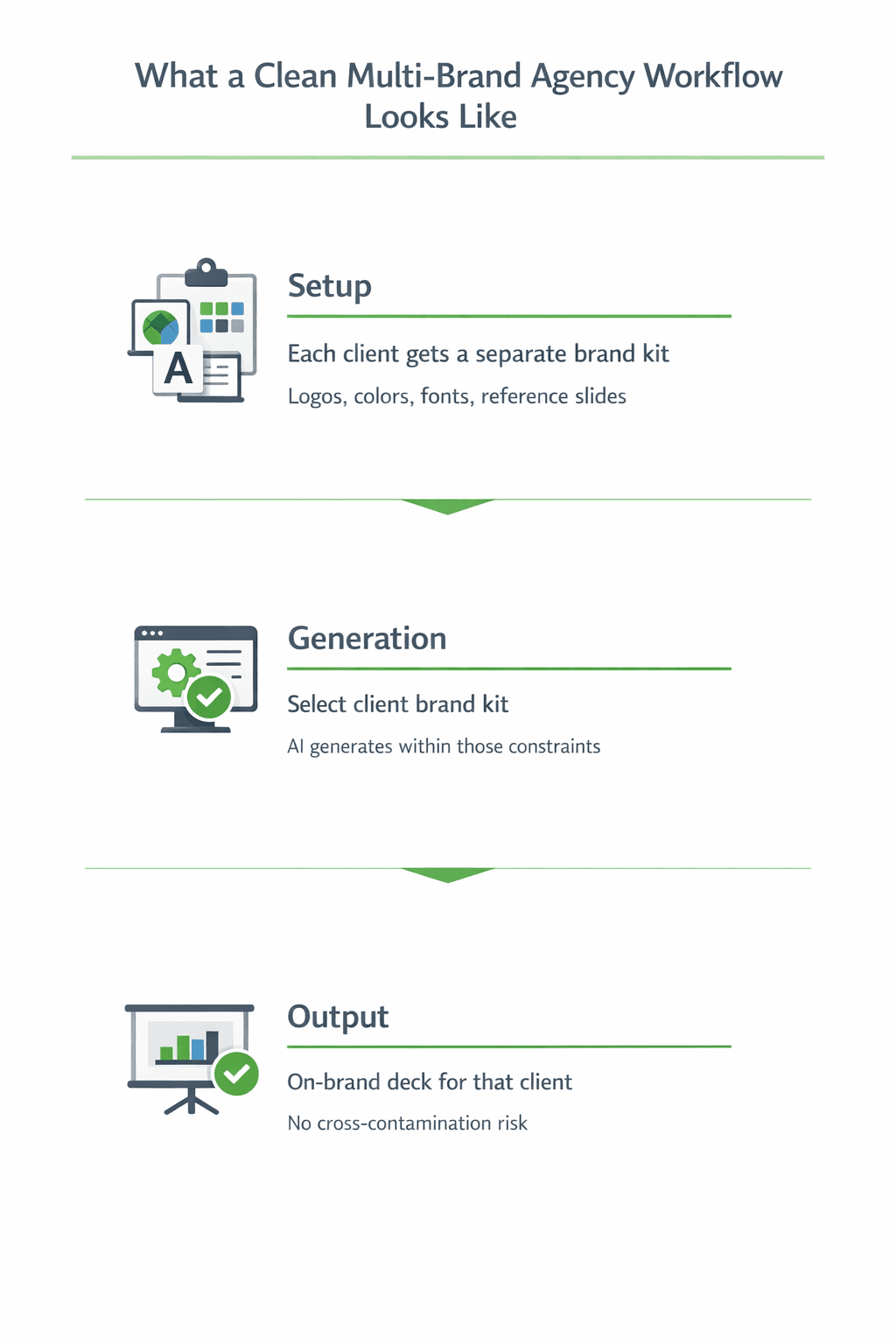
Every client gets a completely separate brand kit. Fonts, colors, logos, and reference slides are stored in isolation. There is no shared space where Client A’s navy blue and Client B’s navy blue could be confused for each other. The system enforces the separation structurally, not through folder naming conventions.
Reference slides are set up for each client by slide type. Title slides, content slides, chart slides, closing slides. When the AI generates a deck for that client, it uses those reference slides as the style guide. The output matches the client’s approved visual standard without the designer having to reconstruct it from scratch each time.
Generation is brand-scoped. When you start a new presentation for a client, you select that client’s brand kit. Everything the AI generates from that point is constrained to that kit. You cannot accidentally pull in a different client’s fonts or colors because the system only has access to the active kit during that session.
For a full picture of how this kind of brand control works at the generation level, can AI generate presentations using your company logo, colors, and tone covering the mechanics in detail.
How Separate Brand Kits Prevent Cross-Contamination
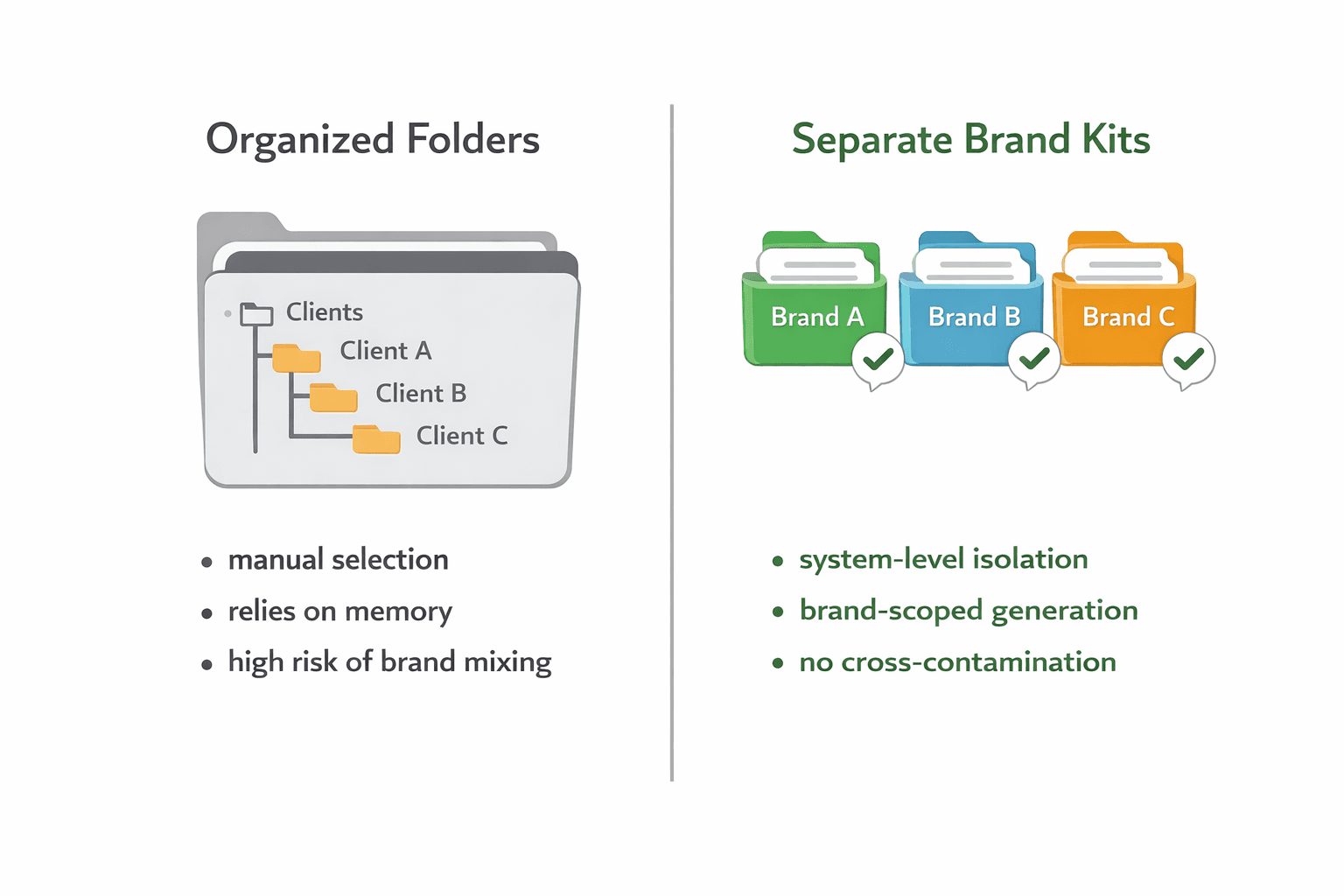
The key word is separate. Not organized. Not labeled. Separate.
Most agencies organize their client assets. They have folders, naming conventions, and shared drives. Organization is better than chaos, but it does not prevent mixing. A well-organized folder still requires a human to open the right one, select the right file, and apply it correctly every time. That chain has failure points.
Separate brand kits at the system level work differently. Each kit is its own closed environment. The logos in Client A’s kit are not visible when you are working in Client B’s kit. The color palette is scoped to that client. The reference slides are specific to that brand. Switching between clients means switching kits, not switching folders.
Decktopus handles this through its Brand Kit system. Each brand kit contains logos, colors, fonts, and reference slides stored at the brand level. Agencies can maintain completely separate kits for each client, and the system keeps them isolated. When a user selects a brand kit to generate a presentation, only that kit’s assets are available during that session.
This also matters for agencies managing sub-brands within a single client. A client with a main brand and a product line brand, or a regional variation, can have separate kits for each. The system treats them independently.
Team Structure: Who Manages What
Brand kit management works best when it follows a clear ownership model. Someone has to be responsible for setting up each client kit, keeping it current, and making sure reference slides reflect the client’s approved visual standard. Without ownership, kits get outdated and the quality of AI-generated outputs degrades over time.
A practical structure for most agencies looks like this.
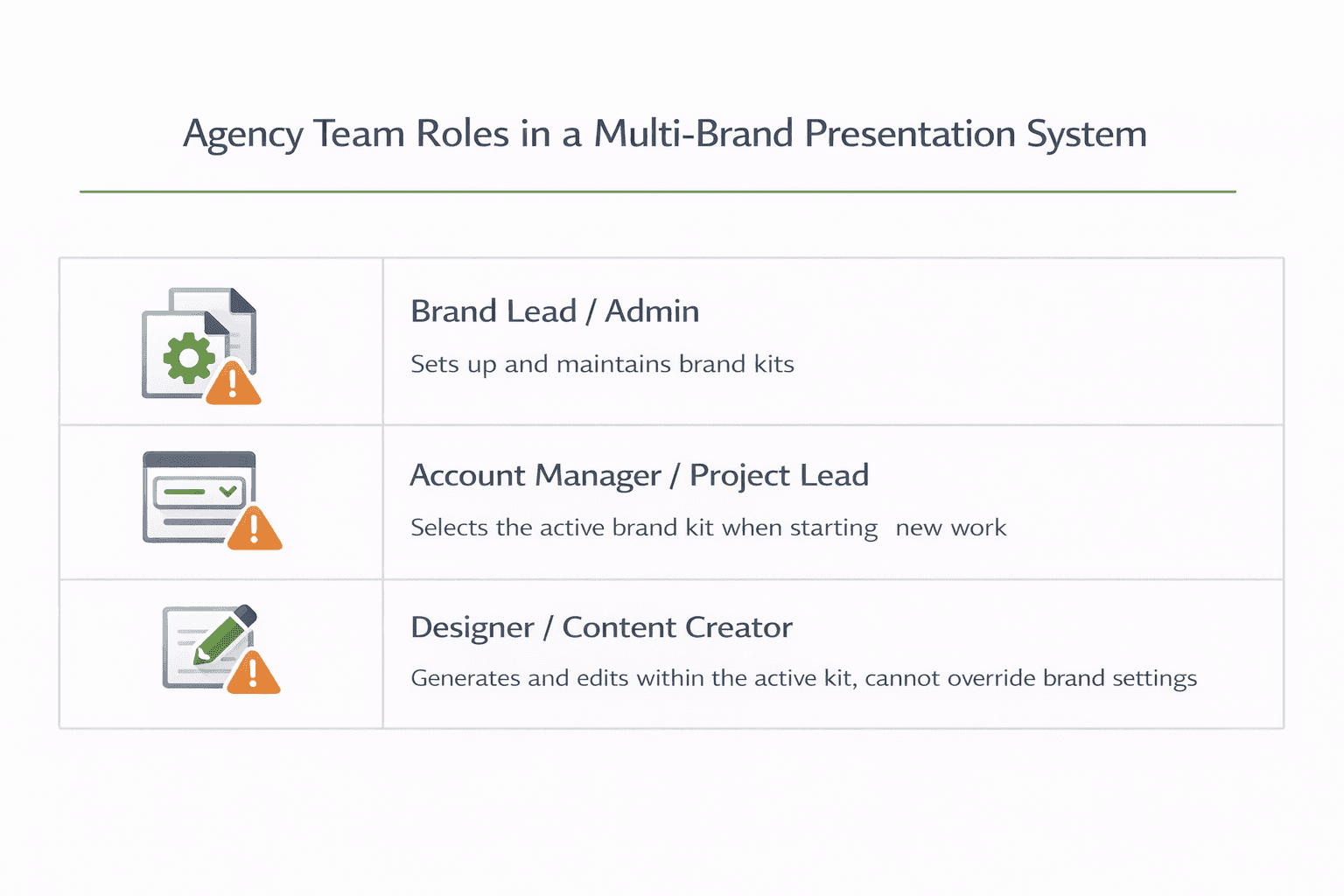
An admin or brand lead sets up and maintains each client’s brand kit. They upload the fonts, enter the hex values, upload logos with correct placement settings, and curate the reference slides. This is done once at onboarding and updated whenever the client updates their brand.
Account managers or project leads select the correct brand kit when starting new work. They do not touch the kit itself. They just confirm which client they are working on and the system handles the rest.
Designers and content creators generate and edit within the selected kit. They can prompt the AI, drag in brand assets from the kit, and edit copy. They cannot override brand settings or pull in assets from another client’s kit.
This separation of roles removes the biggest risk in multi-client workflows: a well-intentioned person making a brand decision they should not be making because the system left it open to them.
For a broader look at how to structure team roles and approvals around AI-generated presentations, how to make presentations follow brand guidelines automatically covers the full system setup.
Scaling the Workflow Without Losing Brand Control
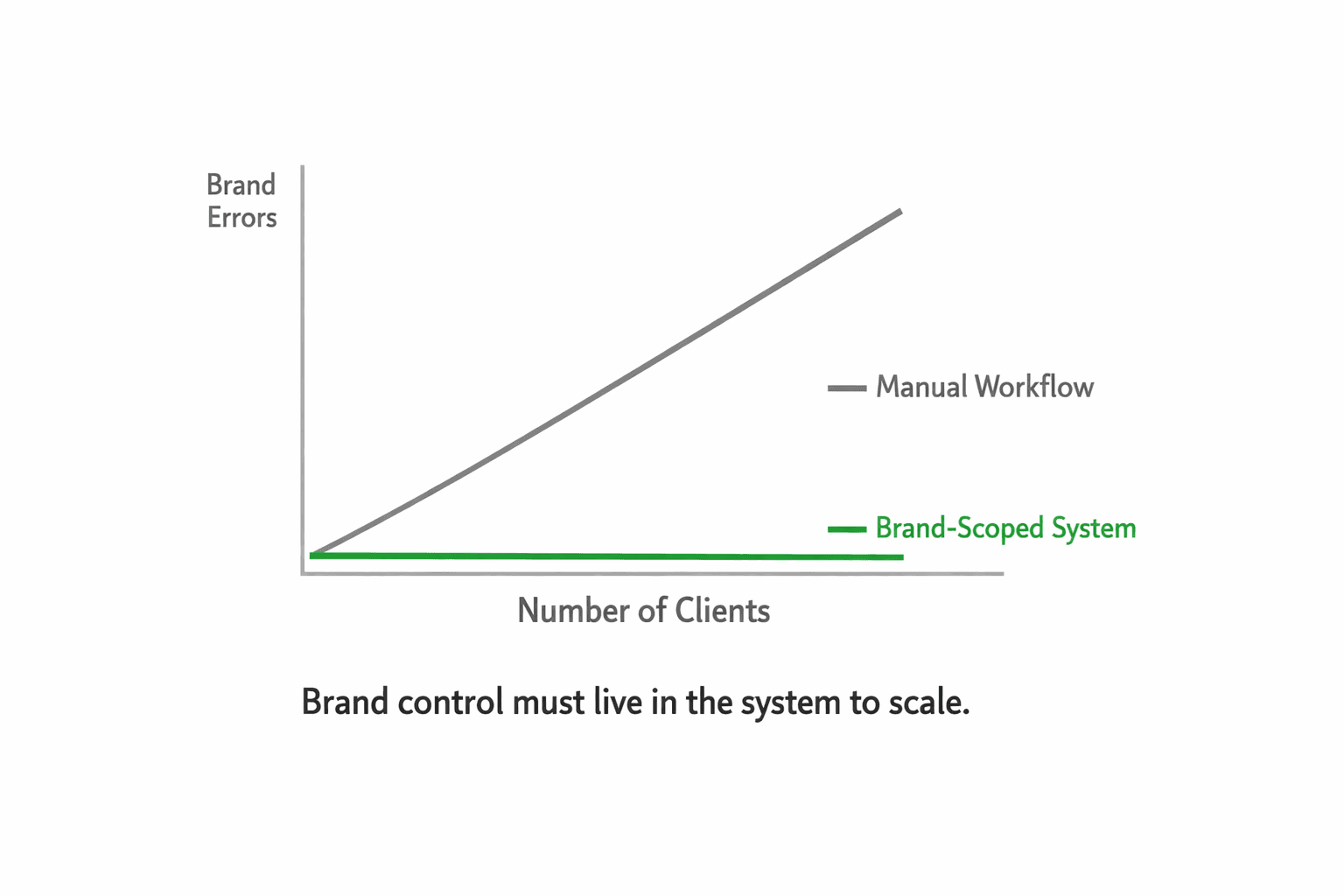
The reason multi-brand workflows break down at scale is not that agencies stop caring about brand quality. It is that manual processes do not scale. What works with five clients becomes unmanageable at fifteen. What one careful designer can hold together falls apart when six people are generating decks simultaneously.
The only way to scale brand control is to remove it from the list of things individuals have to remember and put it into the system.
A few things that make this work at volume.
Build reference slide libraries early for each client. When you onboard a new client, the first thing you do is create reference slides for each slide type that client commonly uses. This investment takes an hour or two upfront and pays back every time a deck is generated correctly without a manual review.
Use the slide library to save high-performing slides. When a particular slide for a client lands well, save it to that client’s library. Over time, each client builds up a library of proven slides that can be reused or used as generation references. The quality of AI-generated output improves as the reference library grows.
Treat kit updates as a process, not a one-time task. When a client refreshes their brand, the kit update should happen the same day, before anyone generates a new deck. Assign someone to own this. A brand kit that is six months out of date is almost as risky as no brand kit at all.
For agencies that handle large existing client slide libraries, Decktopus supports uploading presentations of 100 or more slides and using AI to auto-classify them by slide type. This makes it practical to set up a full reference library for a new client quickly, even if they come in with hundreds of existing slides.
Best Practices for Managing Multiple Client Brand Kits
Having the right tool structure is the foundation. These practices on top of it are what separate agencies that stay brand-safe at scale from those that eventually slip.
Use a consistent naming convention for every brand kit. Something like ClientName_BrandKit_2024 works well. Including the date means anyone on the team can immediately tell whether they are working from the latest version or an outdated one. This sounds minor until you have fifteen active clients and someone generates a deck using a kit that reflects a brand identity the client retired six months ago.
Create a brand snapshot guide for each client. A short one-pager covering logo usage rules, font pairings, exact color codes, and tone of voice notes. This is not just a reference document. It is what account managers and content creators use when writing AI prompts for that client. The more specific the prompt, the closer the AI output lands to the brand. A snapshot guide makes that specificity consistent across whoever is doing the work.
Test every brand kit before rolling it out to the team. When a new client is onboarded or an existing kit is updated, generate a five-slide test deck covering the slide types that client uses most. Check logo placement, font accuracy, color values, and slide spacing. Fix any issues at the kit level before anyone starts generating real deliverables. Catching a misplaced logo in a test deck costs nothing. Catching it in a client deliverable costs trust.
Ready to set up separate brand kits for each of your clients? Start with Decktopus and build your first client brand kit today.
Agencies that manage multi-brand presentations well are not doing it through more careful file management or more attentive designers. They have built a system where brand separation is structural, not procedural. Each client kit lives in its own isolated environment. Generation is scoped to the active kit. No individual has to hold the whole brand rulebook in their head.
The result is faster delivery, fewer brand errors, and a much lower risk of something from one client’s brand showing up in another’s deliverable.
Quick checklist for agencies building this system:
Separate brand kit per client, including fonts, exact hex colors, logos, and reference slides
Reference slides set up by slide type at client onboarding
Clear role ownership: who sets up kits, who selects them, who generates within them
Kit update process tied to client brand refresh events
Slide library built over time with high-performing client slides saved for reuse
FAQ
How do agencies keep different client brands from mixing in presentations?
The most reliable approach is using a tool that supports completely separate brand kits per client at the system level. When each client’s fonts, colors, logos, and reference slides are stored in isolation and the AI generates only within the active kit, there is no structural path for one client’s assets to appear in another client’s deck.
Can AI generate on-brand presentations for multiple different clients?
Yes, if each client has a properly configured brand kit set up in the tool. The AI generates within the constraints of the selected kit. Switching between clients means switching kits, and the outputs reflect the active brand automatically.
What should a client brand kit include?
At minimum: exact hex color values, uploaded brand fonts (not selected from a preset menu), logos with placement and sizing rules, and reference slides by type covering the slide formats that client commonly uses. The reference slides are the most important piece because they show the AI how the assets should look together, not just what the assets are.
How many brand kits can an agency manage in one platform?
This depends on the tool. Decktopus’ Brand Kit system supports multiple separate brand kits with full isolation between them, making it practical to manage a large client roster without risk of cross-contamination.
What happens when a client updates their brand?
The brand kit needs to be updated before anyone generates a new deck for that client. This means uploading the new fonts, entering the new hex values, replacing logos, and updating or replacing reference slides. Assign someone to own this as part of the client relationship so it happens immediately rather than being caught after an off-brand deck ship.
Related posts

How AI Voice Agents Help Sales Teams Prepare and Deliver Better Presentations
Learn how AI voice agents help sales teams turn call insights into focused slides, stronger delivery, and more confident customer presentations at every stage.
Marketing

Instagram Carousel Size & Dimensions Guide (2026)
Instagram carousel size in 2026: exact dimensions for square, portrait, and landscape, plus file limits and safe zones, verified across sources.
Marketing

LinkedIn Carousel Size, Dimensions & Format Guide 2026
LinkedIn carousel size in 2026: exact dimensions, file limits, aspect ratios, and formatting rules so your slides never get cropped.
Marketing