Presentations
How to Create a Sales Sheet That Actually Converts
Learn how to create a sales sheet with a proven 4-part formula, 15 expert tips, and a step-by-step process that turns prospects into buyers.

Decktopus Content Team
A sales sheet is a single-page document that lays out what your product does, who it is for, and why someone should buy it. Its main benefit is speed: a good one lets a prospect understand your offer in under a minute.
Sales collateral like sales sheets can shorten B2B sales cycles by up to 24%, according to research cited by the Content Marketing Institute. That single page can do more work than a long pitch deck if it is built the right way.
Table of Contents
What Is a Sales Sheet?
Sales Sheet vs. Brochure vs. Product Catalog
Why Your Company Needs a Sales Sheet
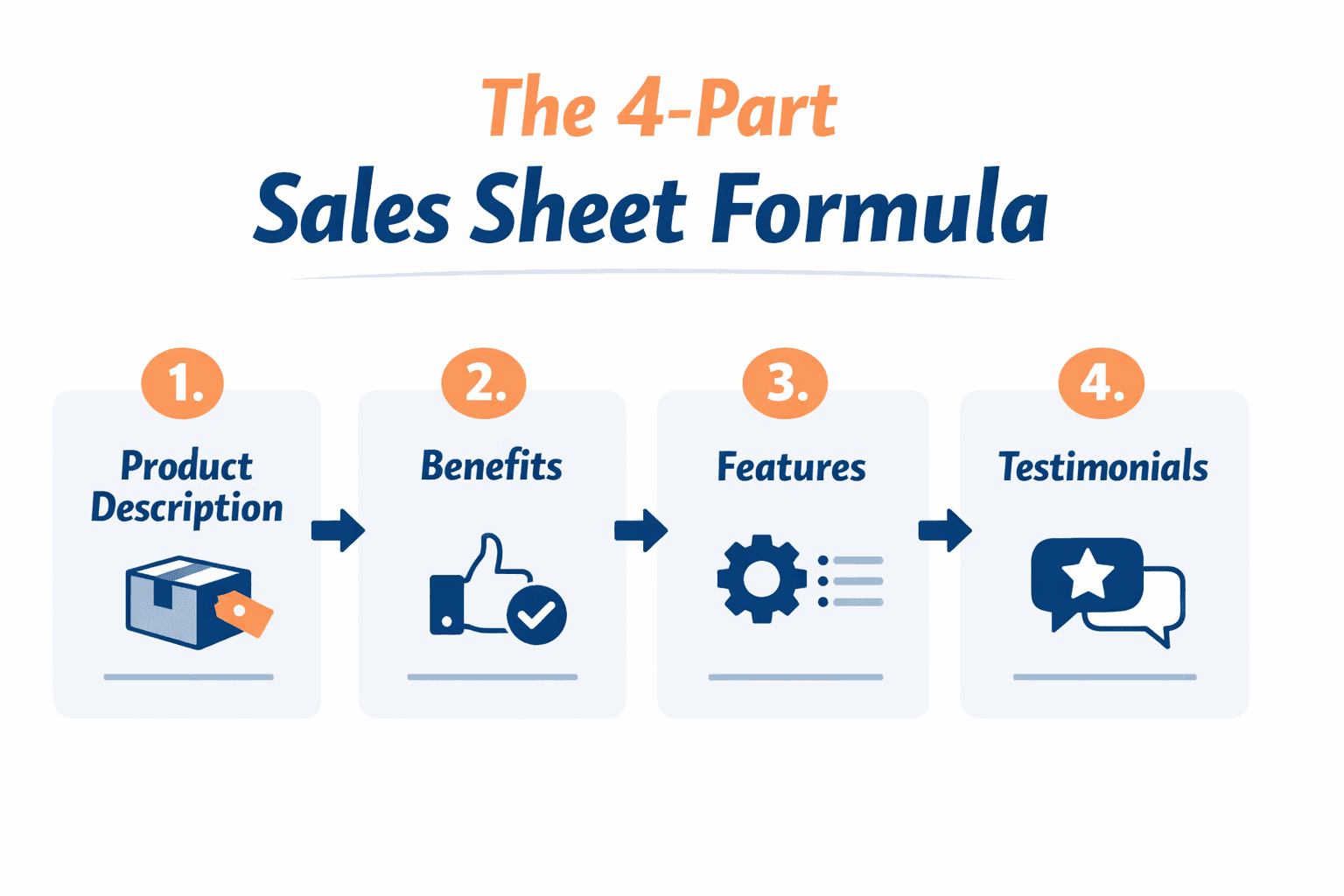
The 4-Part Sales Sheet Formula
15 Expert Tips for a Sales Sheet That Sells
The 5-Step Sales Sheet Creation Process
Sales Sheet Design Checklist
Common Mistakes to Avoid
How to Build Your Sales Sheet with Decktopus AI
Frequently Asked Questions
Conclusion
Stay Connected
What Is a Sales Sheet?
A sales sheet is a document that lays out the benefits of a product, how it works, and how it can be used. It is the resource a potential customer reads to decide whether to buy.
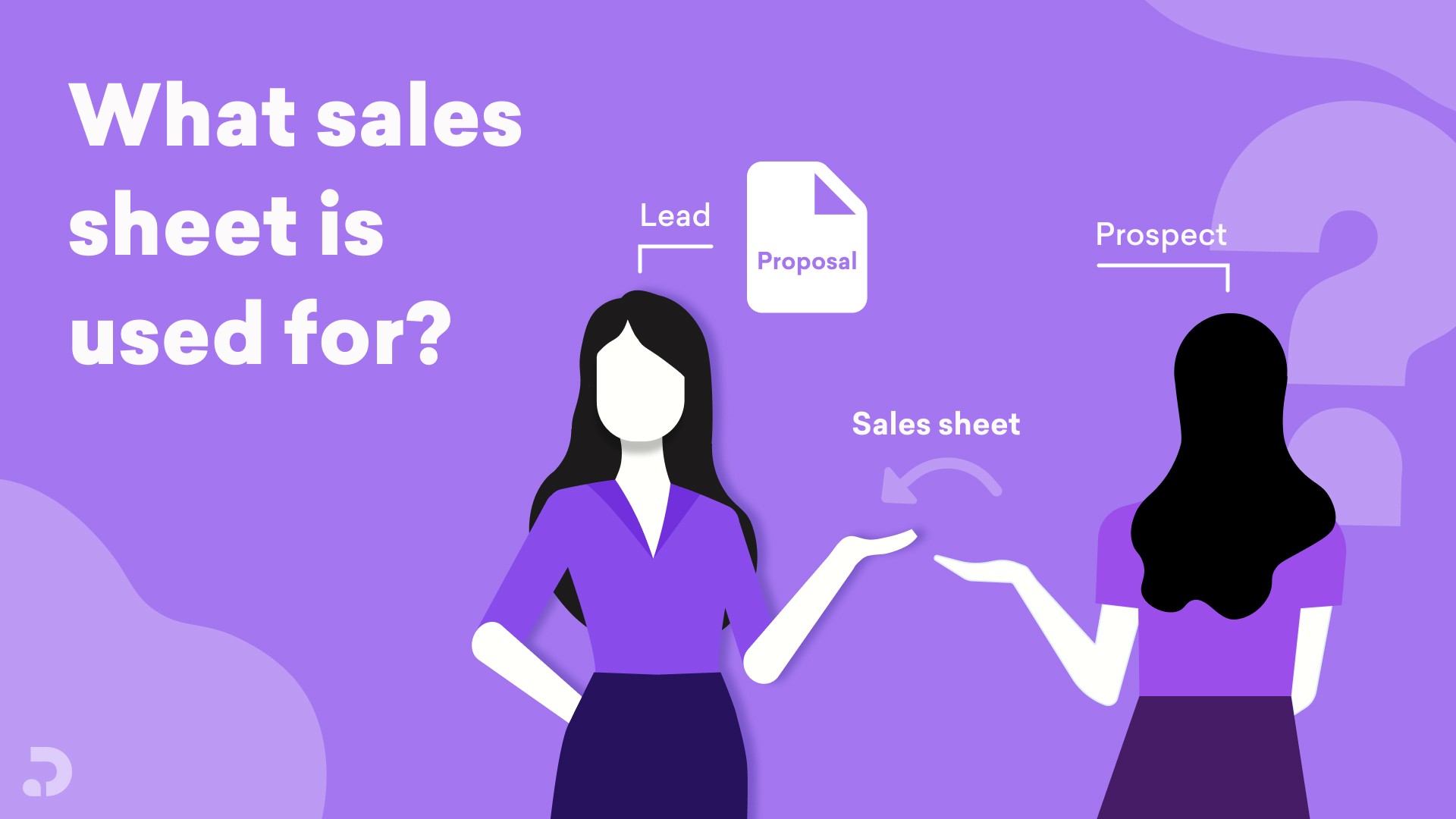
It is your best friend during cold outreach. If you want to turn a prospect into a lead and eventually send a proposal, you need one.
A strong sales sheet answers four questions clearly. What do you offer, how does it help me, what does it cost, and how do I contact you.

Sales Sheet vs. Brochure vs. Product Catalog
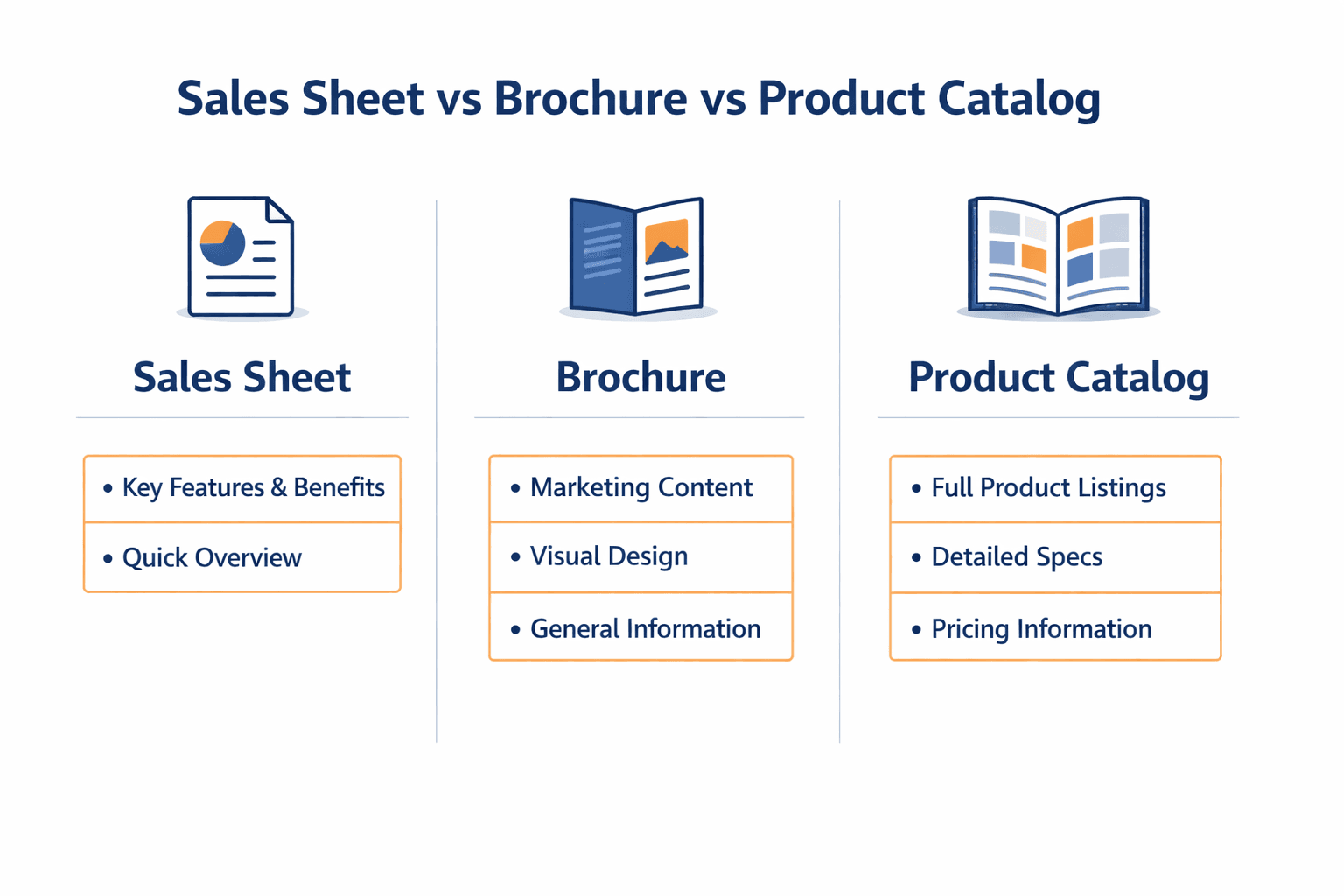
These three documents get confused often, but they serve different purposes.
Document | Focus | Best Used For |
|---|---|---|
Brochure | General overview, less detail | First impressions and brand awareness |
Sales Sheet | Technical, in-depth, pricing included | Cold outreach and closing conversations |
Product Catalog | Lifestyle-focused across many items | Browsing a full product line |
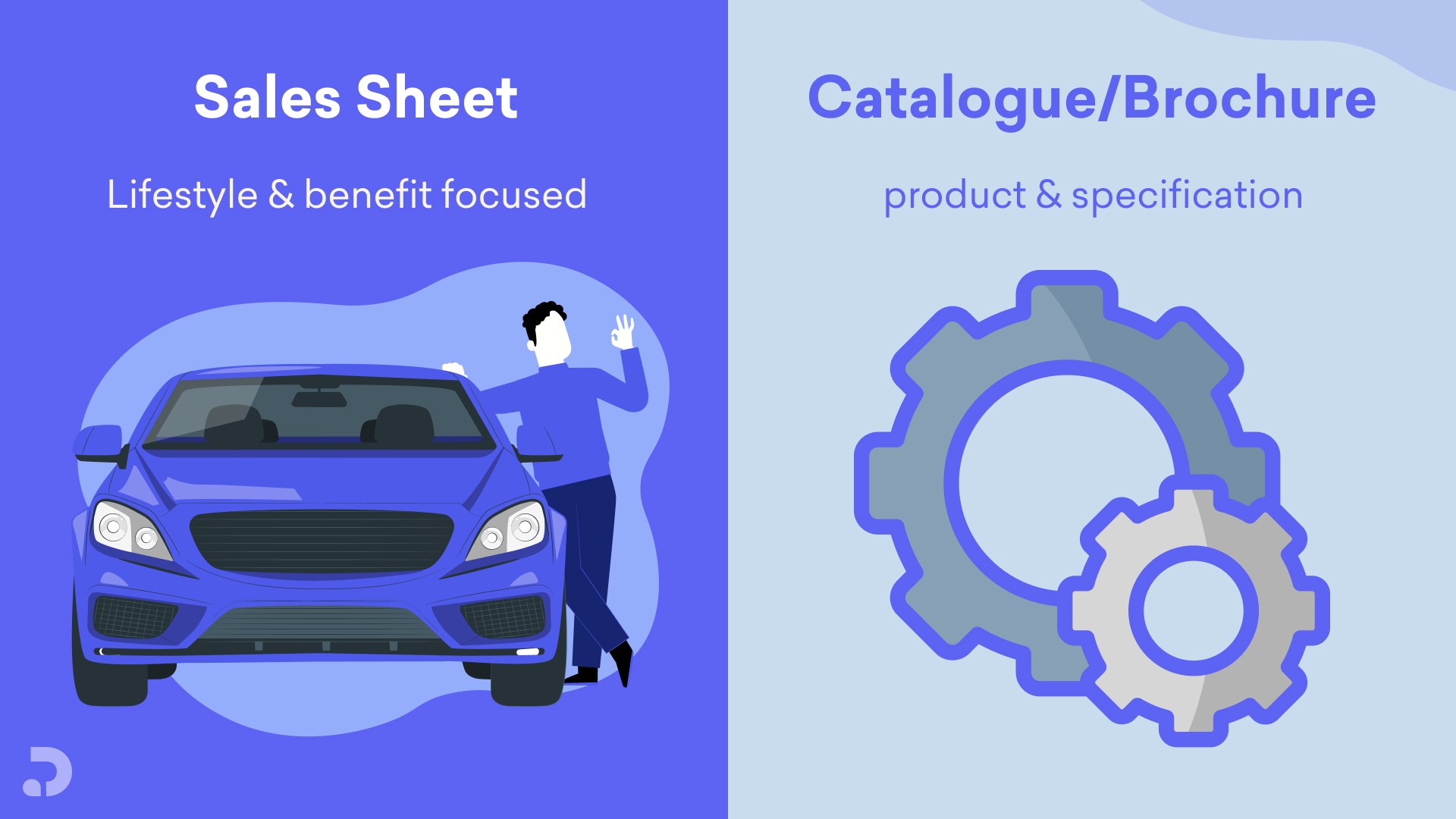
A sales sheet is more detailed than a brochure because it includes pricing, delivery timelines, and payment terms. A digital version can be shared as a PDF or a live link.
Why Your Company Needs a Sales Sheet
A sales sheet supports more than just sales. It helps research and development understand which features resonate, and it gives customer service a consistent reference document.
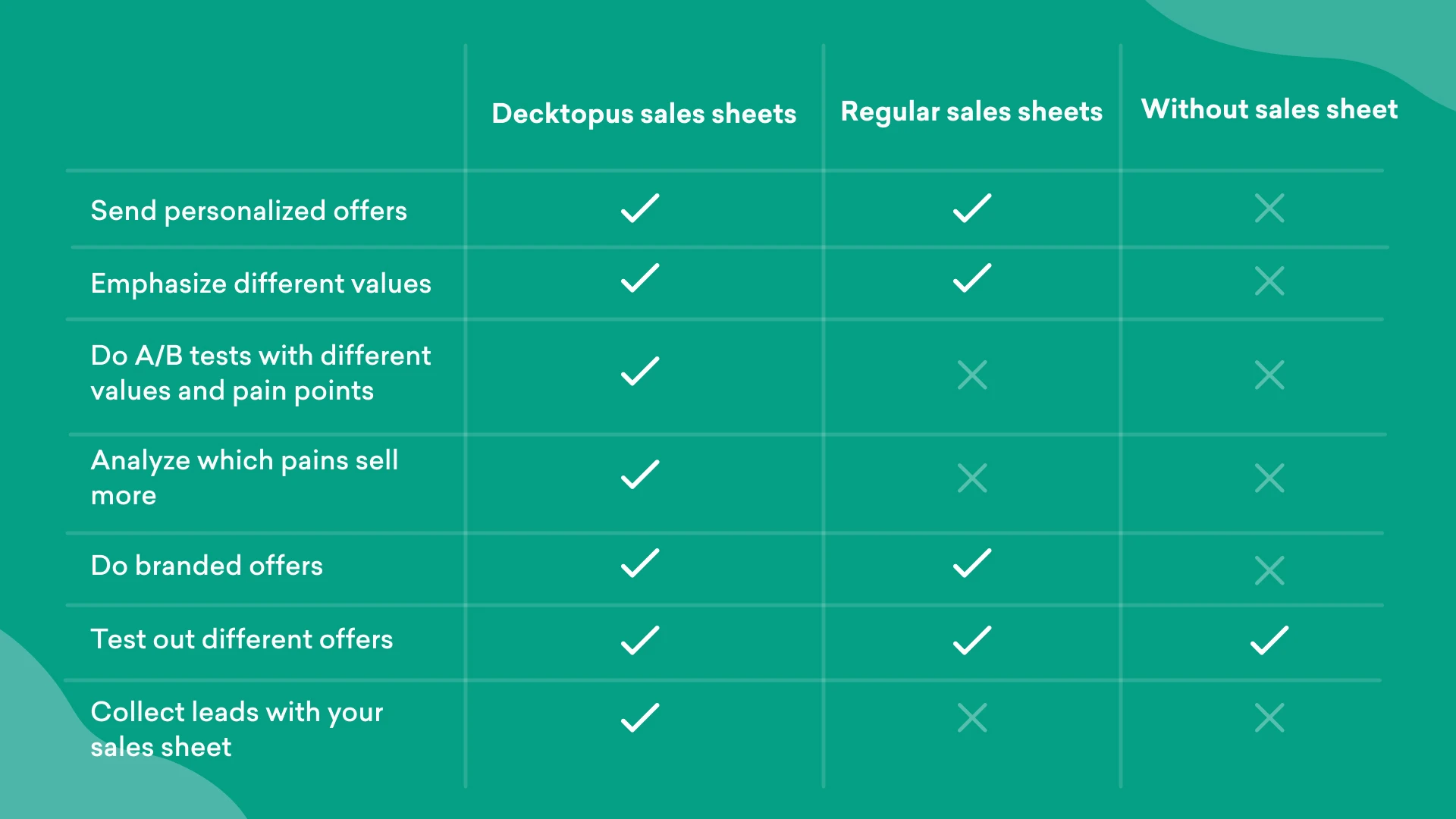
Teams can create multiple versions with different value propositions, almost like an A/B test, and see which one converts best with a given prospect list.
The 4-Part Sales Sheet Formula
Every effective sales sheet includes these four elements, no matter the industry.
Product description. Accurate, specific, and focused on how the reader benefits.
Benefits. Tied directly to the reader's life or work, not generic claims.
Features. What makes your product different from similar options on the market.
Testimonials. Real quotes from satisfied customers, ideally from recognizable names in the field.

15 Expert Tips for a Sales Sheet That Sells
We gathered advice from founders, sales leaders, and design experts on what actually makes a sales sheet convert.
1. Simplify the Page
Focus each sheet on one product or a small subset of items. Trying to answer every question on a single page dilutes the message.
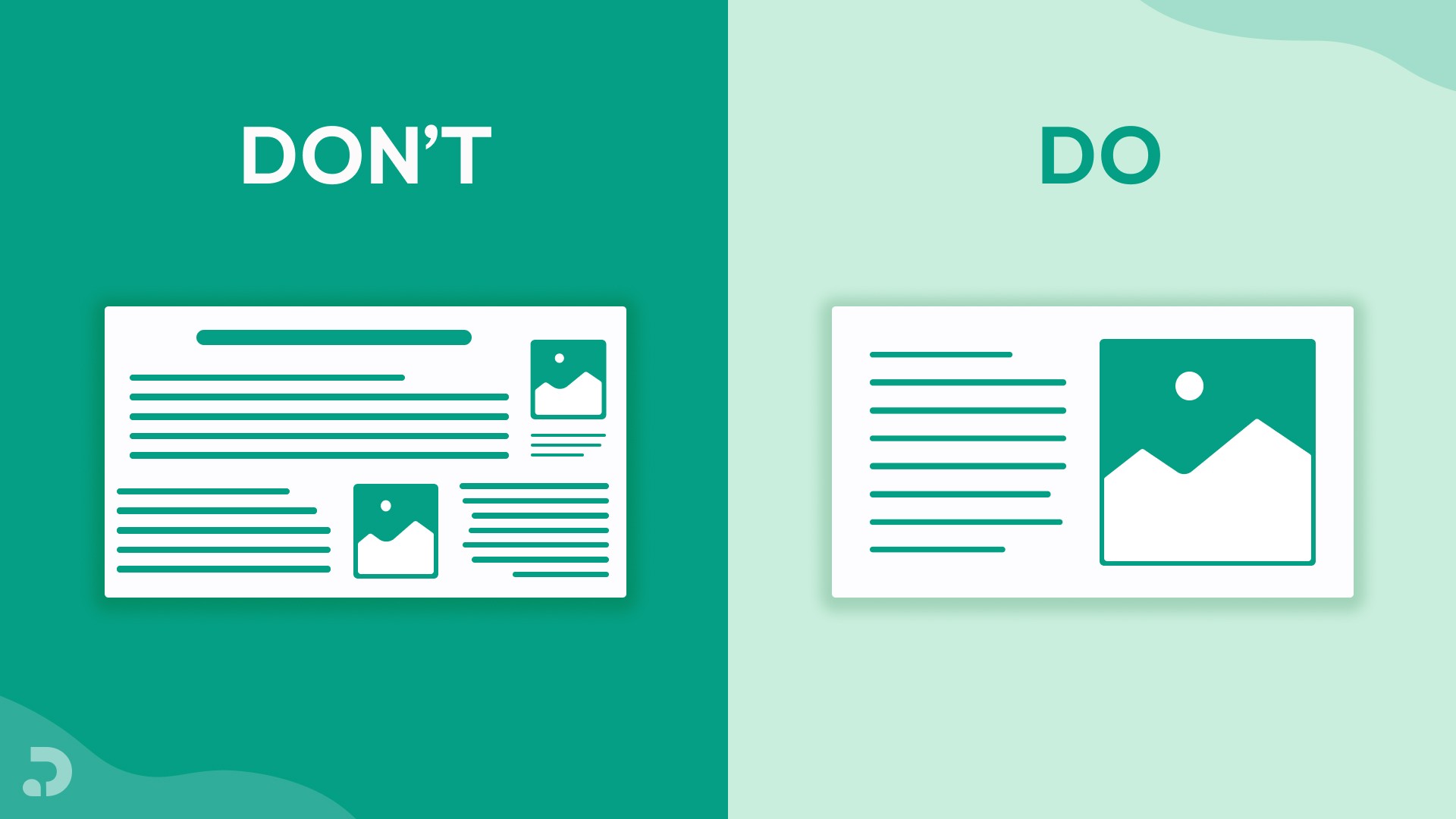
Make sure everything on the page has a clear value proposition and a story that connects it all.
Shad Elia, Founder and CEO of New England Home Buyers
2. Differentiate to Make a Point
Set yourself apart from competitors with a value proposition that addresses a specific problem, or a data point that supports your argument.

Sara Johansson, Customer Success Manager
3. Support Your Claim
Include social proof on the bottom half of the sheet, whether that is a certification, a data point, or a client testimonial.
David Wurst, Owner and CEO of Webcitz
4. Check the Must-Have Sales Quartet
Before finishing your sheet, confirm it has product description, benefits, features, and testimonials. Missing any one of these weakens the whole document.
Khamis Maiouf, CEO of Book of Barbering
5. Put Yourself in Your Customer's Shoes
Find out what format your buyer actually wants. A one-page fact sheet works for some audiences, while others expect a longer document. A/B testing on similar prospect lists is the fastest way to find out.
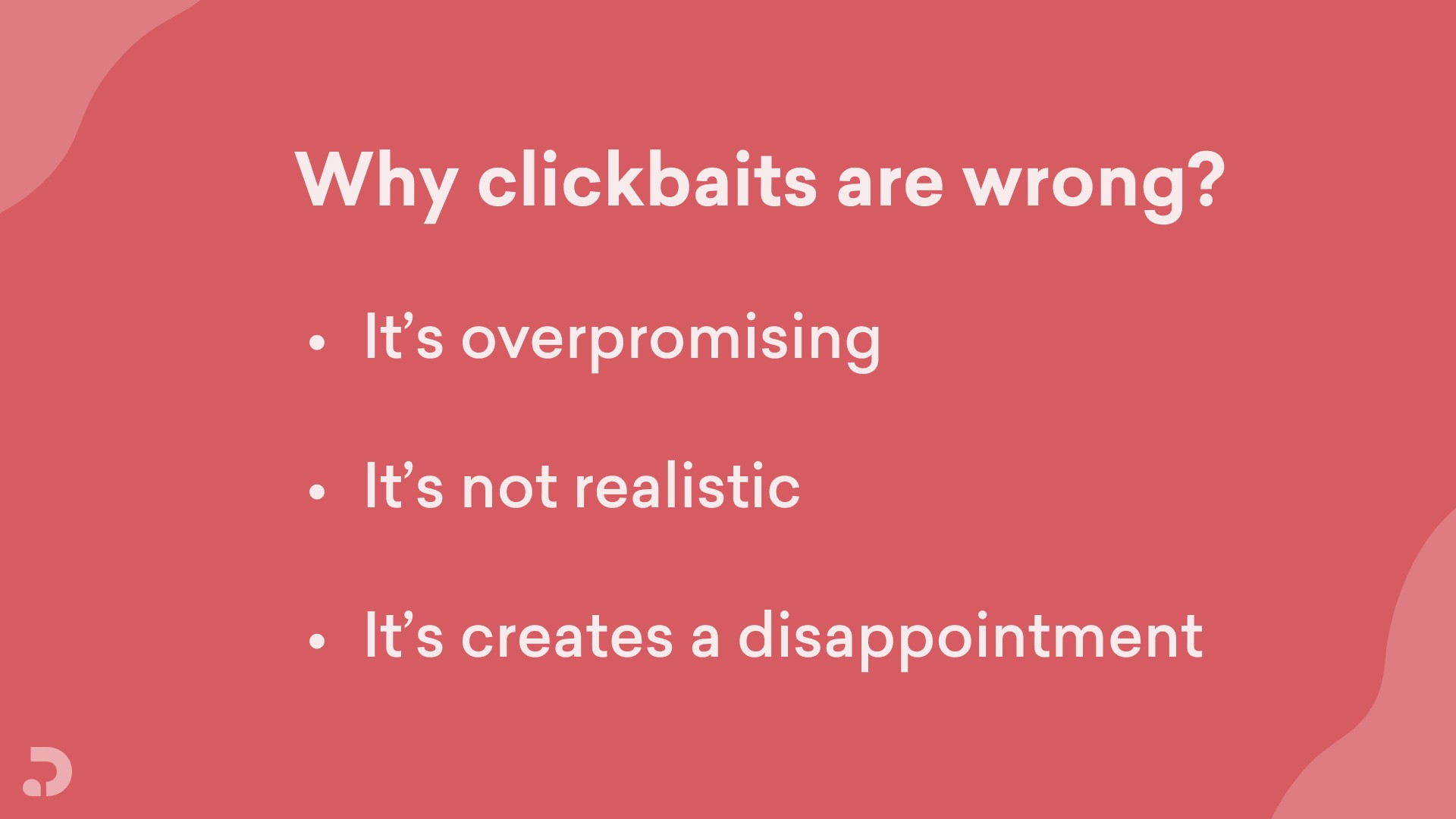
6. Don't Be Clickbait
We have covered why clickbait fails as content, and it applies here too. If you are trying to close a sale rather than chase clicks, give the most credible information you can.
Disorganized or overly complicated text turns off customers who might otherwise have converted.
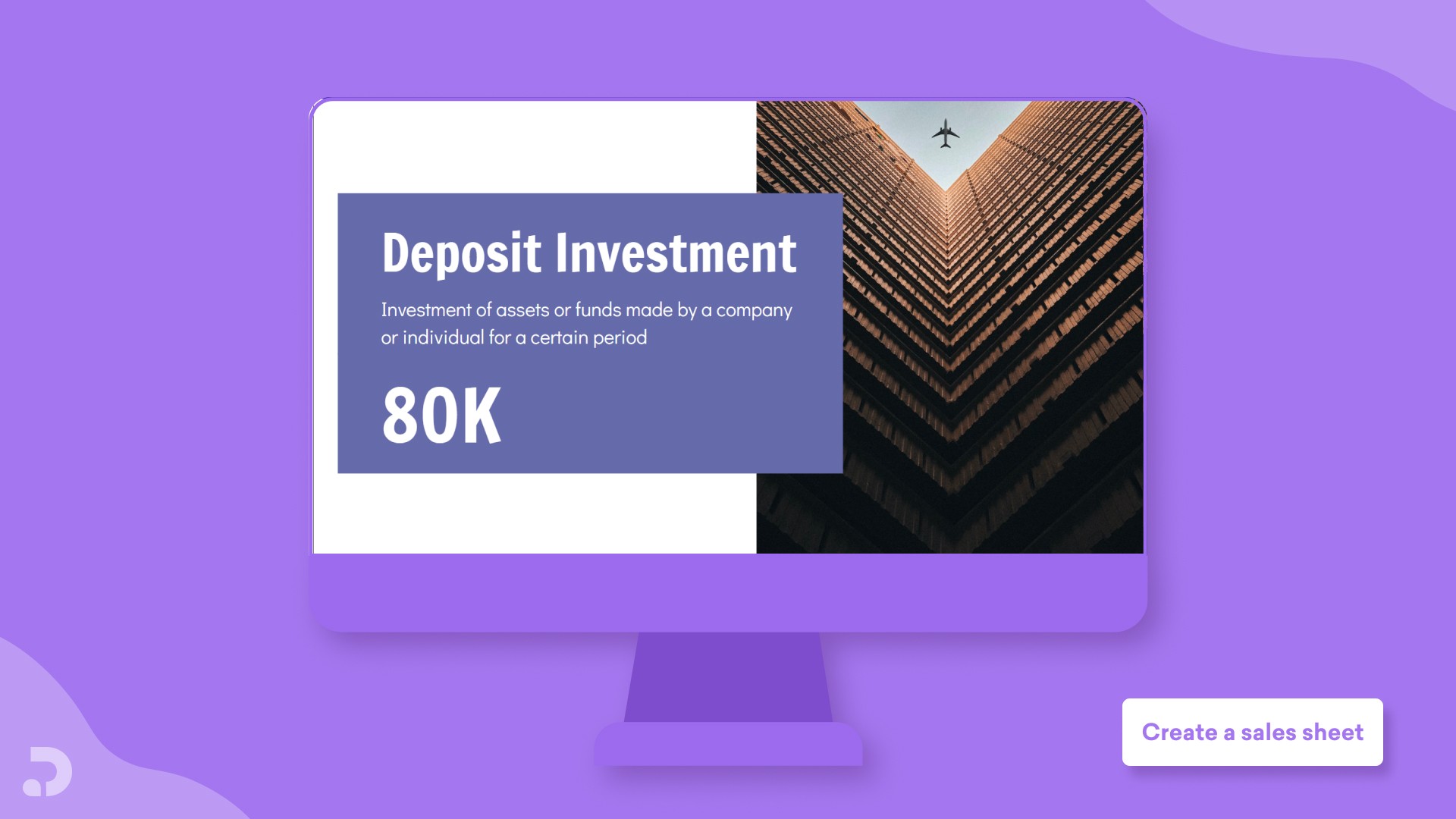
7. Use Statistics Strategically
Industry statistics build credibility fast. If your product reduces a cost by a specific percentage, put that number on the page.
8. Use Clear Headings
Appropriate titles make your sheet easy to scan. Avoid mixing too many fonts, since that creates visual noise instead of clarity.
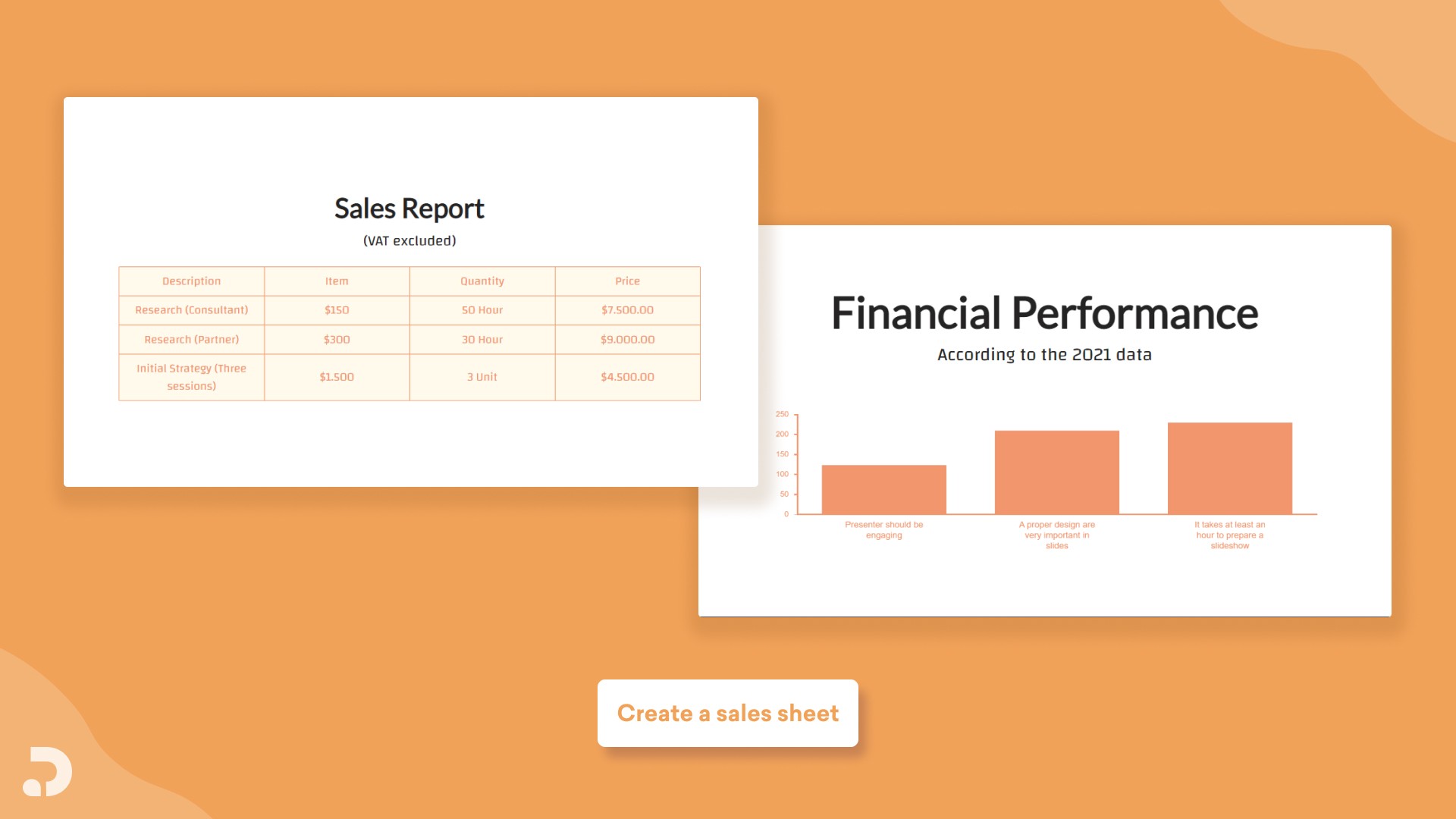
9. Add Infographics
Graphs, charts, and tables give readers more visual appeal, especially when key numbers are bolded or highlighted.
Ann Young, CEO of Fix The Photo
10. Offer a Take-Away
Include something the reader can act on immediately, like a coupon, a special offer, or a clear next step. It doubles as a built-in call to action.

Eden Cheng, Co-Founder of PeopleFinderFree
11. Keep Design Consistent
Your sales sheet should match your brand's logo, colors, and fonts. If you are just starting out, avoid clip art and stick to simple, readable typefaces.
12. Watch Your Tone
Keep the tone friendly and informative rather than pushy. Say a feature is "included" instead of "free," and always close with a clear call to action.
Anders Rydholm, Founder and CEO of PrimetimePokemon.com
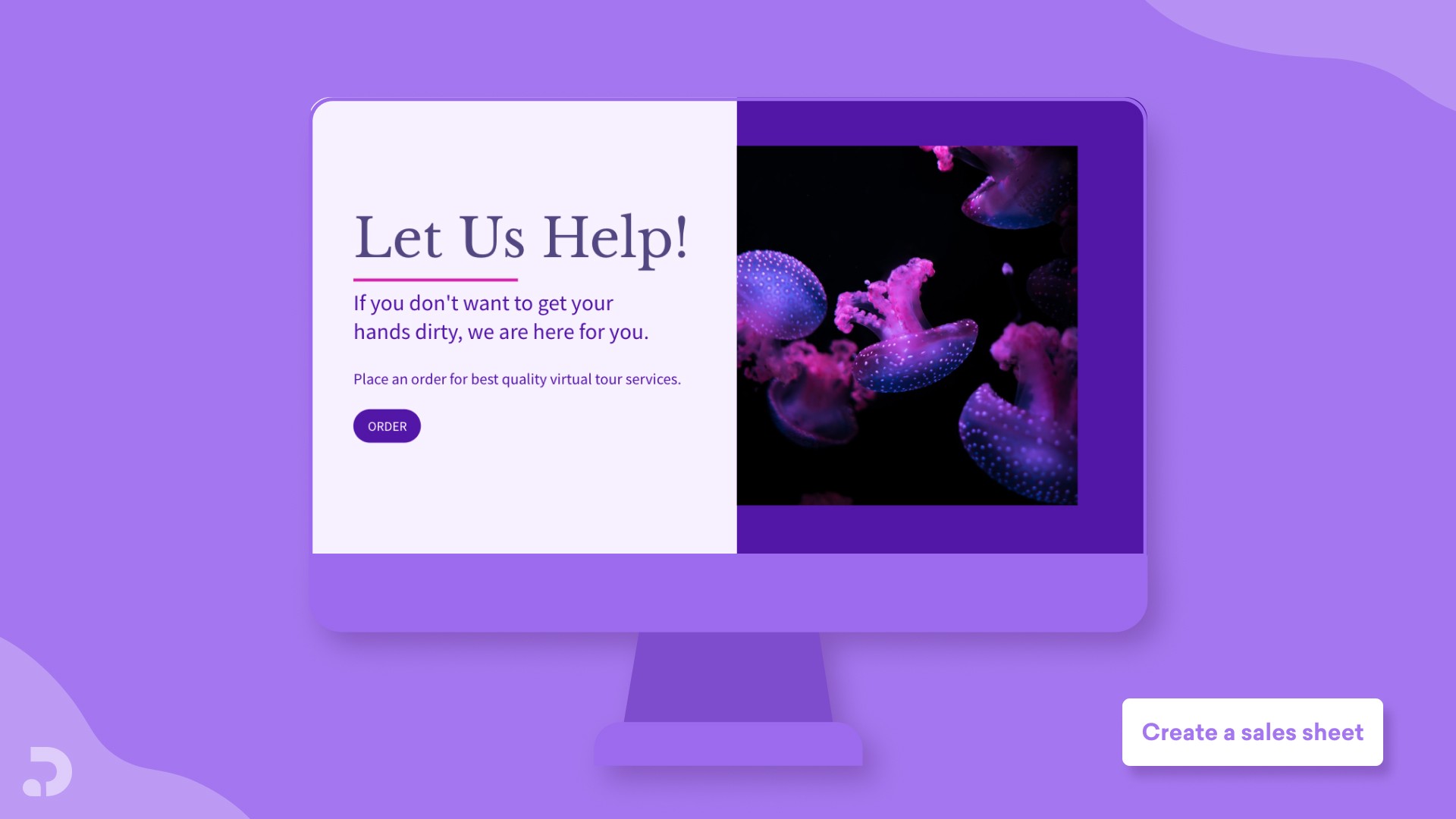
13. Make Your CTA Count
A strong call to action is the difference between a sheet that converts and one that gets filed away. Explain exactly how to get the product, not just why they should want it.
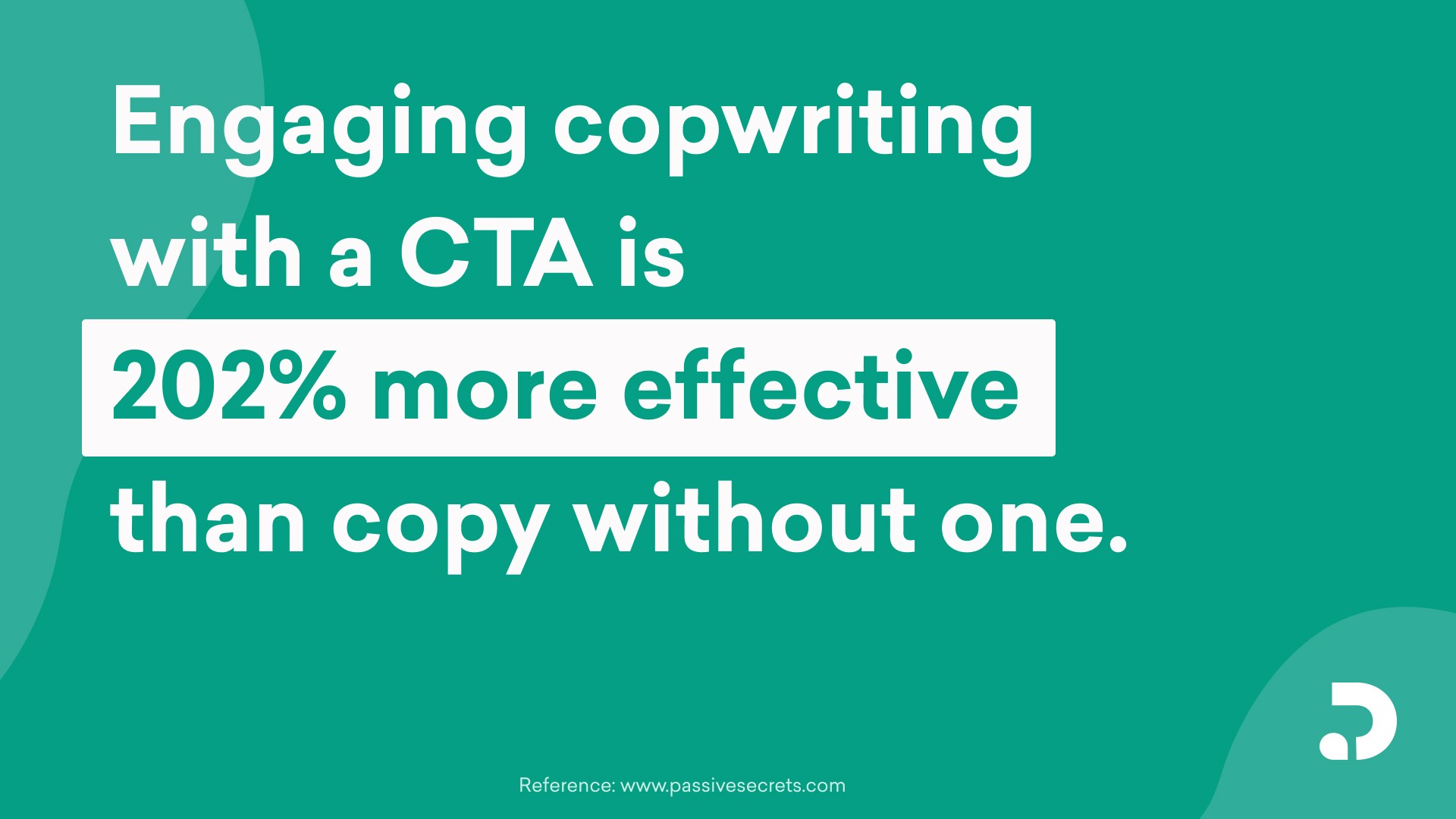
14. Write Engaging Copy
Use short words and bullet points to make the material easy to scan. Emphasize the product characteristics your target audience actually cares about.
Corey Tyner, Founder and President of Buy Yo Dirt
15. Use a Top-Notch Photo
Place a strong product photo near your benefit statement. If you have a prototype, a 3D rendering can help the product feel real before it exists.

Adam Ng, CEO and Founder of Trusted
The 5-Step Sales Sheet Creation Process
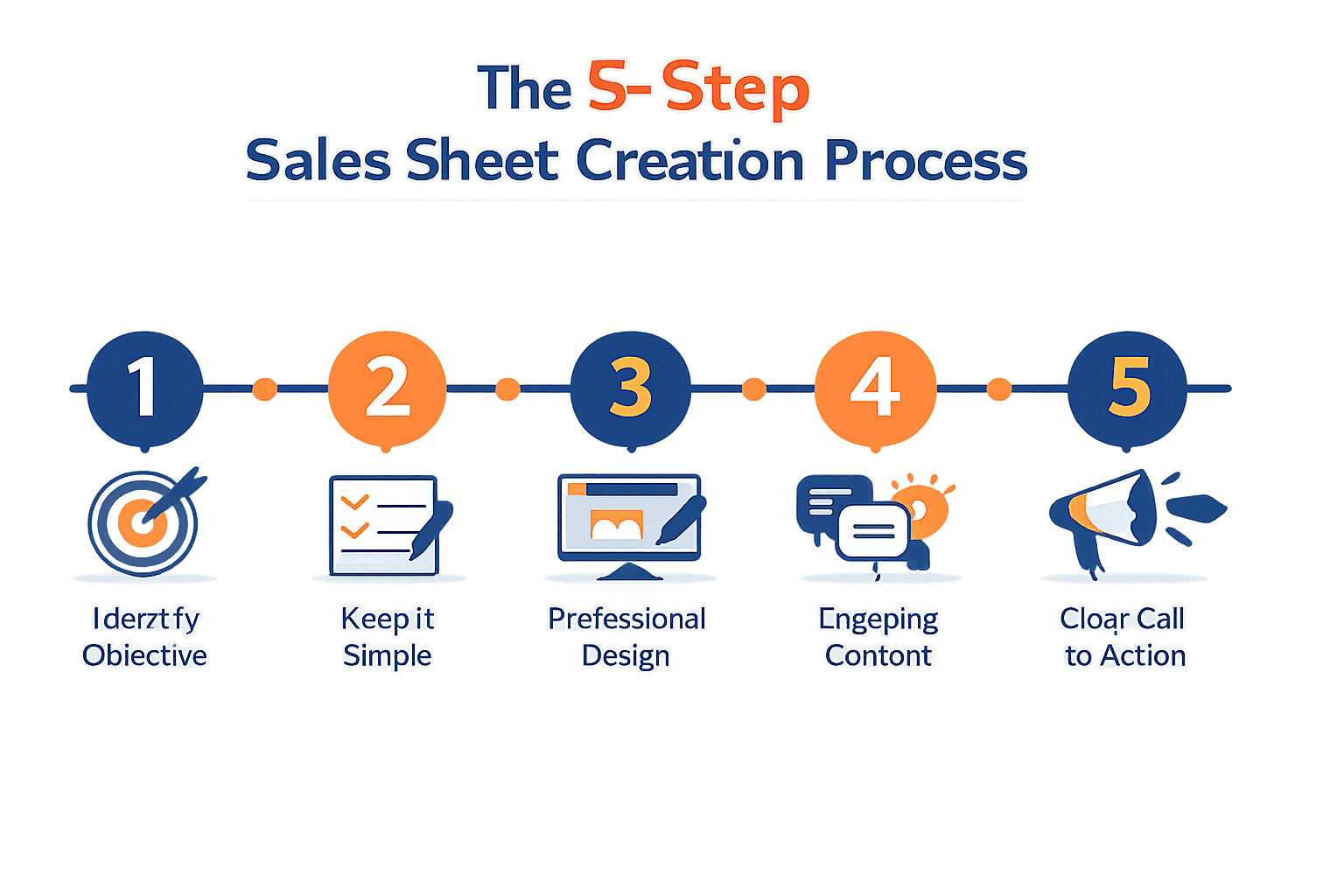
Step 1: Identify Your Objective
Decide what the sheet needs to accomplish. Is it promotional material for existing clients, a media kit to impress partners, or a pitch to convince a retailer to stock your product.
Step 2: Keep It Simple
Focus on benefits over technical specs. Make sure every section has a clear value proposition and a narrative that ties it together.
Step 3: Apply Professional Design
Sharp design earns attention. Resist the urge to cram information onto one page. Use contrasting colors and clear white space to guide the eye.
Step 4: Write Engaging Content
Lead with the information your prospect actually needs to make a decision, then showcase the best aspects of your product.
Step 5: Give a Clear Call to Action
Keep the barrier to entry low. Match your CTA button or link to your brand's style guide so it feels like a natural next step.

Sales Sheet Design Checklist
Element | What to Check |
|---|---|
Logo and Product Name | Prominently placed, easy to remember, translates well to print or screen |
Full-Color Visuals | Product images that help buyers picture themselves using it |
Headline | Direct, attention-grabbing, and to the point |
Specifications | Organized layout with strong text-image balance |
Data Visualization | Charts or graphs instead of dry numbers |
Call to Action | Clear, low-friction, and linked where possible |

Common Mistakes to Avoid
Including too little information leaves prospects without what they need to decide. Including too much overwhelms them instead.
Skipping a consistent format makes your sheet harder to scan. Stick to a clear, repeatable layout.
Leaving out graphics or images wastes an opportunity. Visuals help your point land faster than text alone.
Underpricing without a plan to raise prices later can undercut your margins. Price fairly from the start and adjust as you grow.
How to Build Your Sales Sheet with Decktopus AI
Once you know what belongs on a great sales sheet, the fastest way to build one is with Decktopus AI instead of a blank document.
Why Decktopus AI Is Built for Sales Sheets
Type your product description and Decktopus AI generates a reviewable outline first, then a complete, designed sales sheet once you approve it.
Brand Import pulls your logo, colors, and typography directly from your website, so your sheet matches the rest of your marketing automatically.
The built-in Unsplash and Freepik stock image library, plus AI Image Generation, means you are not stuck searching for product visuals elsewhere.
Decktopus AI vs. Traditional Tools
Task | Traditional Design Tools | Decktopus AI |
|---|---|---|
Building the layout | Manual design from scratch | Generated automatically from your content |
Matching your brand | Manual formatting | One-click Brand Import from your website |
Finding images | Searching stock sites separately | Built-in Unsplash, Freepik, and AI image generation |
Sharing with prospects | Export and email a static file | Live link that updates automatically after edits |
Who This Is For
This workflow fits sales teams, account executives, and agencies that need polished sales collateral fast.
Step-by-Step Workflow
Describe your product, like "a one-page sales sheet for a project management SaaS targeting mid-market teams," or upload existing product notes.
Choose your style: import your brand from your company URL, apply a saved style, or let AI generate one from scratch.
Review the AI-generated outline and adjust section order before generating the full document.
Generate the complete sales sheet with layout, content, and design finished.
Refine with Edit with AI or Edit Text, with every change saved in unlimited version history.
Add product photos from your device, generate custom AI images, or pull from Unsplash and Freepik.
Export to PDF, PPT, or PNG, or share a live link that updates automatically whenever you make changes.
Get started with Decktopus AI and turn your product details into a sales sheet that actually gets read.
Frequently Asked Questions
What should a sales sheet include at minimum?
A product description, clear benefits, key features, and at least one testimonial or proof point.
How is a sales sheet different from a brochure?
A brochure is a broader overview, while a sales sheet is more technical and includes details like pricing and delivery terms.
How long should a sales sheet be?
Most effective sales sheets fit on a single page, though complex B2B products sometimes need two.
What is the biggest mistake people make with sales sheets?
Trying to cram too much information onto one page instead of focusing on a single, clear value proposition.
Should I include pricing on a sales sheet?
Yes, in most B2B contexts. Pricing transparency builds trust and speeds up the decision process.
How do I make my sales sheet stand out?
Lead with a strong headline, use a clean layout, and back up your claims with a real statistic or testimonial.
Can a sales sheet be digital only?
Yes, a digital sales sheet shared as a PDF or live link often performs better than print because it is easier to update and track.
What tone should a sales sheet use?
Friendly and informative works best. Avoid language that feels pressuring, like overusing the word "discount."
How often should I update my sales sheet?
Review it whenever your pricing, features, or testimonials change, and audit it at least once a quarter.
Do sales sheets work for service businesses, not just products?
Yes, the same four-part formula (description, benefits, features, testimonials) applies to services as well as physical products.
What is the difference between a sales sheet and a sell sheet?
They are the same thing. "Sell sheet" and "sales sheet" are used interchangeably across industries.
Should a sales sheet have a call to action?
Always. Without a clear next step, even a well-designed sales sheet will not convert.
How many product photos should I use?
One strong, high-quality photo usually outperforms several mediocre ones. Prioritize quality over quantity.
Conclusion
A great sales sheet does not need to be complicated. It needs a clear product description, real benefits, specific features, and proof that it works.
Follow the four-part formula, apply the design checklist, and give your reader an obvious next step.
Once you know what belongs on the page, building it becomes the easy part, especially with a tool like Decktopus AI designed to turn your content into a polished sheet in minutes.
Stay Connected
Follow Decktopus AI for more guides on sales, marketing, and presentation strategy:
Related posts

Webinar Follow-Up Emails: The Sequence That Runs After the Deck Ends
Learn how to build a webinar follow-up email sequence with behavioral segmentation, timely emails, better deliverability, and personalized outreach.
Presentations

Best TED Talks to Improve Your Presentation Skills
Watch ten of the best TED talks for presentation skills and use a practical exercise from each to improve structure, voice, visuals, and confidence.
Presentations

Decktopus AI Best Practices: The Complete Guide, Tips and Tricks (2026)
A complete guide to using Decktopus AI effectively, from writing better prompts and reviewing outlines to rehearsing with Loop and building carousels.
Presentations