Templates & How-to
Effortless Resume Maker: Create a Pro Resume Online in Minutes [Free & Paid]
Compare the 9 best resume builders in 2026 and learn how to turn your finished resume into a presentable deck with Decktopus AI.


Decktopus Content Team
Table of Contents
What Is a Resume Maker?
Why Your Resume Format Matters More Than Ever
Types of Online Resumes
Top 9 Resume Builders Compared
Resume Builder Comparison Table
The 5-Step Framework for Choosing a Resume Builder
Common Mistakes to Avoid When Building a Resume
Turn Your Resume Into a Presentation with Decktopus AI
Frequently Asked Questions
Conclusion
Stay Connected
What Is a Resume Maker?
A resume maker is a tool that helps you structure, design, and write your resume without starting from a blank page. Its main benefit is speed and consistency: it applies proven formatting and layout conventions so your resume reads cleanly to both a human recruiter and an applicant tracking system.
According to research widely cited by career platforms including TheLadders eye-tracking study, recruiters spend an average of just 7.4 seconds on an initial resume scan, which means format, hierarchy, and scannability matter almost as much as the content itself. A resume maker's real job is making sure your strongest points survive that first glance.
This guide covers the different types of online resumes, compares the most popular resume builders on the market, and shows how to turn an existing resume into a polished, presentable format using Decktopus AI.
Why Your Resume Format Matters More Than Ever
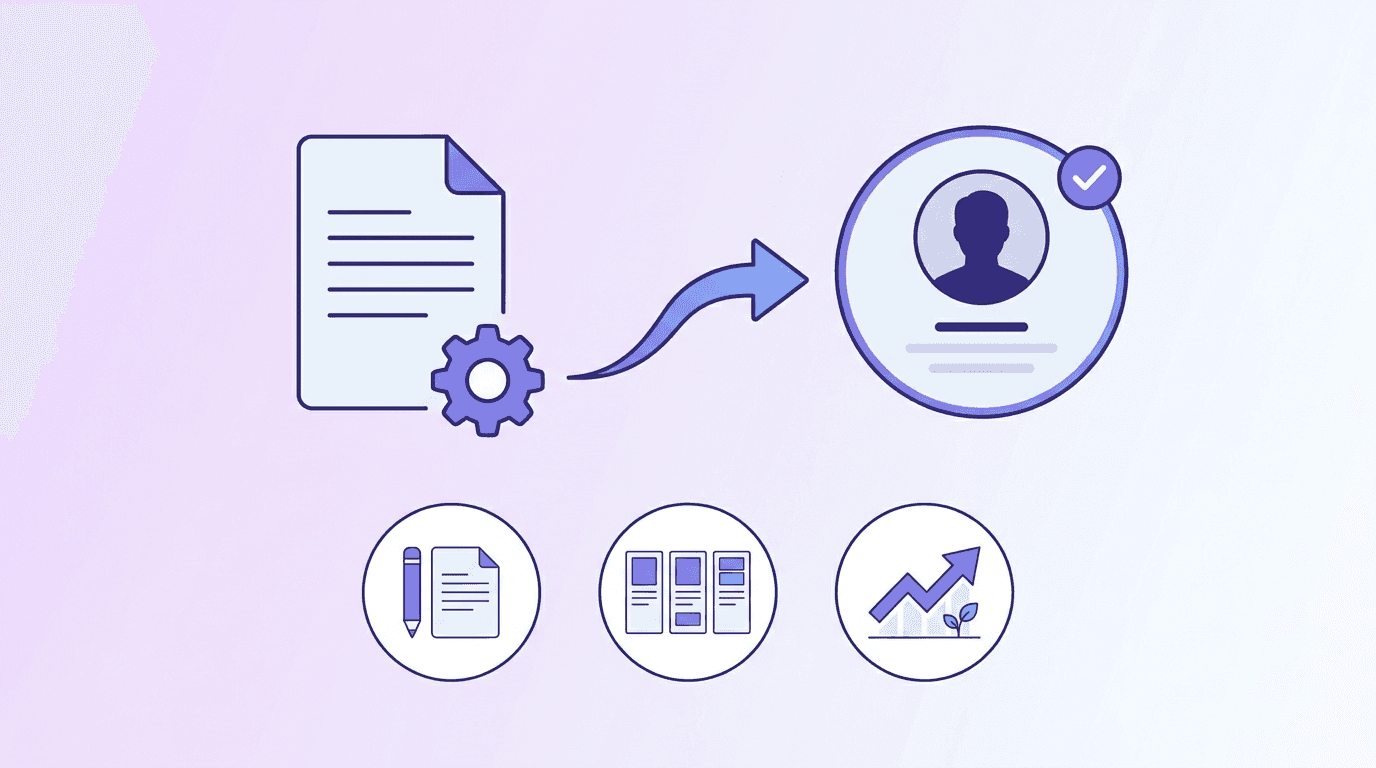
Beyond first impressions, most mid-size and large companies now run resumes through an Applicant Tracking System before a human ever sees them. A resume with inconsistent formatting, missing keywords, or an unusual layout can get filtered out automatically, regardless of the candidate's actual qualifications.
This is why format-aware resume builders matter: they are built around the same conventions ATS software expects, while still giving you room to stand out visually where it counts, on a printed copy, a shared PDF, or a portfolio site.
Types of Online Resumes
Online resumes, sometimes called e-resumes, generally take one of three forms, and the right one depends on your industry and career stage.
1. Personal Website or Portfolio
A personal website builds an online presence around your work, not just your job history. This format is especially popular among designers and other creative professionals who want to show finished work alongside their experience, but it is increasingly used across other fields too.
2. PDF or Word Document
The most common resume format by far. It can be emailed directly, uploaded to job boards, or attached to an application, and it renders consistently across devices, which is why most ATS platforms are built to parse this format specifically.
3. Social Media or Professional Profiles
Platforms like LinkedIn function as a complementary resume rather than a replacement for one. Including a link to a well-maintained professional profile in your contact section gives recruiters a second, more detailed look at your background.
Top 9 Resume Builders Compared
1. VisualCV
VisualCV is an online CV and resume builder built around multimedia-rich, shareable profiles rather than static documents. It has a drag-and-drop editor, ATS-optimized templates, shareable links, and basic tracking on how your shared CV is viewed. The free plan includes one finished resume; the Pro plan runs $24 per month billed monthly or $15 per month billed quarterly.
2. Zety
Zety is an online resume builder and cover letter writer with modern templates and pre-written, profession-specific bullet points you can edit. It offers a 14-day full access trial for $2.70, with monthly access at $5.95 after the trial period.
3. Canva
Canva is a general-purpose design tool with a large library of resume templates alongside its broader design features. It has a genuinely free plan, wide customization options, and team collaboration built in. Canva Pro runs $14.99 monthly or $119.99 yearly, and Canva for Teams runs $29.99 monthly or $300 yearly. Canva also offers a free education plan for teachers.
4. EnhanCV
EnhanCV focuses on resume writing support, with over 20 resume sections, a built-in resume checker that scores readability and ATS compatibility, and collaboration features for getting feedback. It offers a 7-day free trial including 2 resumes, with paid plans starting at $24.99 monthly, $49.97 quarterly, or $79.94 semi-annually.
5. Resume Genius
Resume Genius is built for speed, with an easy interface, ATS-friendly templates, a cover letter tool, and AI-assisted content generation from real job ads. A 14-day full access period costs $2.95, with monthly access at $7.95 afterward.
6. My Perfect Resume
A guided resume builder that walks you through template selection, skill suggestions, and personal summary options, and can import an existing PDF resume into a new template automatically. A 14-day trial with unlimited edits and downloads costs $2.95, with monthly access at $5.95 or $71.40 billed yearly.
7. FlowCV
FlowCV bundles a resume builder, cover letter tool, job tracker, personal website builder, and email signature generator into one AI-integrated platform. The free plan includes one resume, one cover letter, and one website. The Basic plan is $4 monthly or $48 yearly, and the Pro+ plan with full AI features is $8 monthly or $96 yearly.
8. Kickresume
Kickresume offers 35+ resume and cover letter templates alongside an AI writer and AI resume checker. The free plan includes 4 templates. Paid plans run $10 monthly, $21 quarterly, or $48 yearly for full premium access.
9. Sarkari Result Resume Maker
A simple, entirely free online tool for manually building a resume from six predesigned templates, with sample text available for career objectives. No account or payment is required.
Resume Builder Comparison Table
Tool | Best For | Free Plan | Starting Paid Price |
|---|---|---|---|
VisualCV | Shareable, trackable CV links | 1 resume | $15/mo (quarterly) |
Zety | Pre-written, profession-specific bullets | Trial only | $2.70 (14-day trial) |
Canva | Design flexibility beyond resumes | Yes, limited | $14.99/mo |
EnhanCV | Resume scoring and feedback | 7-day trial | $24.99/mo |
Resume Genius | Speed and simplicity | Trial only | $2.95 (14-day trial) |
My Perfect Resume | Guided, step-by-step building | Trial only | $2.95 (14-day trial) |
FlowCV | All-in-one job search toolkit | Yes, 1 resume | $4/mo |
Kickresume | AI writing assistance | Yes, 4 templates | $10/mo |
Sarkari Result | Completely free, no-frills building | Fully free | N/A |
The 5-Step Framework for Choosing a Resume Builder
Match the tool to your career stage. Guided builders like My Perfect Resume suit first-time resume writers, while feedback-driven tools like EnhanCV suit professionals refining an existing resume.
Check ATS compatibility first. A beautiful resume that an ATS cannot parse never reaches a human. Confirm the builder explicitly optimizes for this.
Decide if you need more than a resume. Tools like FlowCV bundle cover letters and job tracking, which can save you from juggling multiple subscriptions.
Test the free tier before paying. Nearly every tool above offers either a genuinely free plan or a low-cost trial. Use it to check the actual editing experience before committing.
Plan for the format you'll actually send. If you need a polished, presentable version of your resume for an in-person interview or portfolio review, a document-format resume builder is not the only option worth considering.
Common Mistakes to Avoid When Building a Resume
Choosing style over ATS compatibility. Heavily designed templates with columns, graphics, or unusual fonts can break ATS parsing. Confirm compatibility before finalizing your design.
Writing one resume for every application. Most competitive roles reward resumes tailored with role-specific keywords and reordered priorities.
Overloading the document with every job you've ever had. Recruiters spend seconds, not minutes, on a first pass. Prioritize relevance over completeness.
Forgetting a second, presentable version. A document-format resume works for applications, but interviews and portfolio reviews often benefit from a more visual walkthrough of your background.
Turn Your Resume Into a Presentation with Decktopus AI
Once your resume document is finished, there are moments where a document alone is not the best format, walking a hiring panel through your background, presenting a portfolio review, or building a personal pitch deck for a career change. Decktopus AI is built to turn that same content into a polished, presentable deck.
Why Decktopus AI Is Built for This
Beautify (Use as a Resource) lets you upload your finished PDF resume and extracts the key points to build a brand-new presentation around it, so you are not starting from scratch a second time.
AI Presentation Generation can also build a "career overview" deck from a short description of your background, with an outline you review before the full deck is generated.
Brand Import via URL or a saved personal style keeps the deck's design consistent if you are building a personal portfolio site alongside it.
Edit with AI lets you refine specific slides with natural language prompts, with a preview before anything is applied and undo always available.
Loop AI Delivery Coach includes rehearsal Q&A prep: it generates likely interview questions based on your deck's content and gives you real-time feedback as you practice your answers.
Export to PDF, PPT, or PNG in Standard or Compressed quality, so you can share the finished deck as easily as a resume document.
Who This Section Is For
This is useful for job seekers preparing a portfolio walkthrough, career changers building a personal pitch, students preparing for interview panels, and anyone who wants a more visual companion to their written resume.
Step-by-Step: Build a Presentation From Your Resume
Upload your resume. Use Decktopus AI's Beautify feature and choose "Use as a Resource" to extract the key points from your existing PDF resume, with a short prompt describing what you want the deck to emphasize.
Choose your style. Apply a saved style, import branding from a personal website if you have one, or let AI generate a clean style from scratch.
Review the outline. Decktopus AI generates a section-by-section outline first. Adjust the order so your strongest experience leads.
Generate the full deck. Once approved, Decktopus AI produces the complete presentation with content, layout, and design applied.
Refine with Edit with AI. Ask for changes like "make this experience section more concise" with a preview before applying, and unlimited version history to fall back on.
Rehearse with Loop AI Delivery Coach. Practice explaining your background out loud and get feedback on likely interview questions before the real conversation.
Export or present. Export to PDF or PPT to share, or present directly from Decktopus AI's full-screen Presentation Mode during an interview or portfolio review.
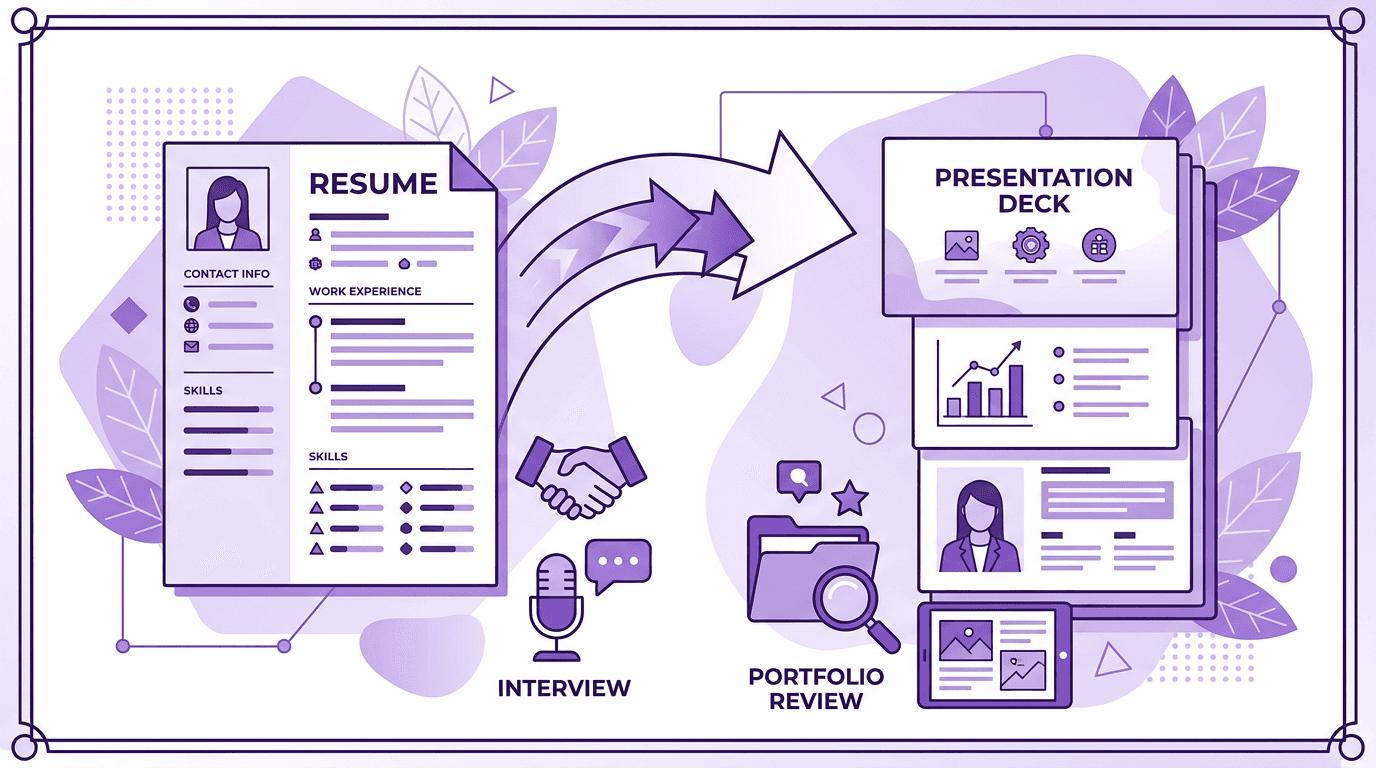
Get started with Decktopus AI and turn your finished resume into a presentation you can walk someone through, not just hand them.
Frequently Asked Questions
What is the best free resume maker?
Sarkari Result Resume Maker is fully free with no trial limitations, while FlowCV and Canva offer genuinely usable free tiers with some feature limits.
What is the best resume maker for first-time job seekers?
Guided, step-by-step tools like My Perfect Resume tend to work best for people writing their first resume, since they suggest content rather than requiring you to start from a blank template.
Do resume builders help with ATS compatibility?
Most of the tools compared here, including VisualCV, Zety, and Resume Genius, specifically design templates to parse correctly in common ATS software.
Can I turn my resume into a presentation?
Yes. Tools like Decktopus AI can import a finished PDF resume and use it as the basis for a new, presentable deck through the Beautify feature.
How much do resume builders typically cost?
Prices in this guide range from fully free to around $25 per month, with most offering an initial low-cost trial period before ongoing monthly billing.
Should I use the same resume for every job application?
No. Tailoring keywords and priorities to each specific role significantly improves how your resume performs against both ATS filters and human reviewers.
What file format should I use for my final resume?
PDF is the most broadly compatible format for both email applications and most ATS platforms, unless a specific employer requests otherwise.
Is Canva good for resumes?
Canva works well if you want more general design flexibility, since it is a broader design tool with resume templates rather than a resume-specific builder.
What is the difference between a resume and a presentation deck version of it?
A resume is a document optimized for quick scanning and ATS parsing. A presentation deck is built for walking someone through your background live, such as in an interview or portfolio review.
Can AI write my resume content for me?
Several tools, including Resume Genius and Kickresume, offer AI-assisted content suggestions, though you should always review and personalize AI-generated text before submitting it.
Conclusion
The right resume builder depends less on which tool has the most features and more on what stage of your job search you are in. A guided builder gets a first resume finished quickly, a feedback-driven tool sharpens an existing one, and a bundled toolkit like FlowCV saves you from managing multiple subscriptions. Whichever you choose, prioritize ATS compatibility and tailoring over visual flourishes.
Once your resume document is finished, consider building a companion presentation for the moments a document alone will not do, an interview walkthrough, a portfolio review, or a personal pitch for a career change.
Stay Connected
Follow Decktopus for more presentation tips and product updates:
Related posts

How to Build Confidence When Speaking in Public (2026 Guide)
The science behind speaking confidence, the CONFIDENT framework, and the AI practice method that turns nervous presenters into calm, credible speakers.
Templates & How-to

How to Practice Public Speaking Alone (With and Without AI)
The 4 rehearsal methods that actually build public speaking skill, why mirror practice fails, and how AI simulates a real audience for structured feedback.
Templates & How-to

How to Give a TED Talk: Delivery Tips from the Best Speakers (2026)
A structured breakdown of what makes TED talks land, the delivery framework used by top speakers, and the AI practice method that closes the gap.
Templates & How-to