Marketing
Best LinkedIn Carousel Generators 2026 (Free & Paid)
The best LinkedIn carousel generator for 2026, split by free and paid tools, so you can pick based on budget and workflow.


İlayda Tunaboylu
The best LinkedIn carousel generator for you depends less on which tool has the most features and more on how often you’re posting and what you’re willing to trade for a free tier. Free LinkedIn carousel generators get you started fast but usually come with a watermark, a slide limit, or missing scheduling. Paid tools remove those caps and add brand kits, scheduling, or analytics, at a monthly cost.
The number of tools claiming to solve this problem has grown fast, and a lot of them look identical from the landing page: AI-powered, LinkedIn-optimized, free to start. The differences show up once you actually generate a carousel and hit the free tier’s limits, whatever those turn out to be.
This guide splits the field into free and paid LinkedIn carousel generators, evaluated on the same criteria, so you can see exactly what you’re giving up (or paying for) at each tier. It includes Decktopus AI alongside the others, covered with the same honesty about what it does and doesn’t do.
If you’d rather see the actual build process before picking a tool, how to make a LinkedIn carousel walks through planning, designing, and publishing one step by step. For a closer look at the two tools people compare most often here, see Decktopus vs Canva for Carousels, or check the exact LinkedIn Carousel Size, Dimensions & Format Guide 2026 to confirm any tool’s export matches what LinkedIn actually needs. If Canva’s template library specifically isn’t a fit, Canva alternatives covers the broader field beyond just carousels.
What Is a LinkedIn Carousel Generator?
A LinkedIn carousel generator is a tool built specifically to produce the multi-page PDF document that LinkedIn renders as a swipeable carousel, as opposed to a general design tool you happen to be using for the job. Purpose-built generators handle the LinkedIn-specific parts automatically: exporting at the right pixel dimensions, keeping every page at the same aspect ratio, and producing a PDF rather than a set of separate images. Some also write the slide copy from a prompt or URL; others focus purely on layout and leave the writing to you. Either way, the output should be a ready-to-upload PDF, not a design that still needs converting or resizing before it works on LinkedIn.
Quick Answer
The best LinkedIn carousel generators in 2026 split into free options (Decktopus AI, aiCarousels, Taplio, Canva, Superlinkify, slydfy) and paid ones (Postiv.ai, PostNitro, Contentdrips, Piktochart, ContentIn, Supergrow), depending on whether you need AI generation from scratch, a template library, or built-in scheduling.
What to Look For in a LinkedIn Carousel Generator
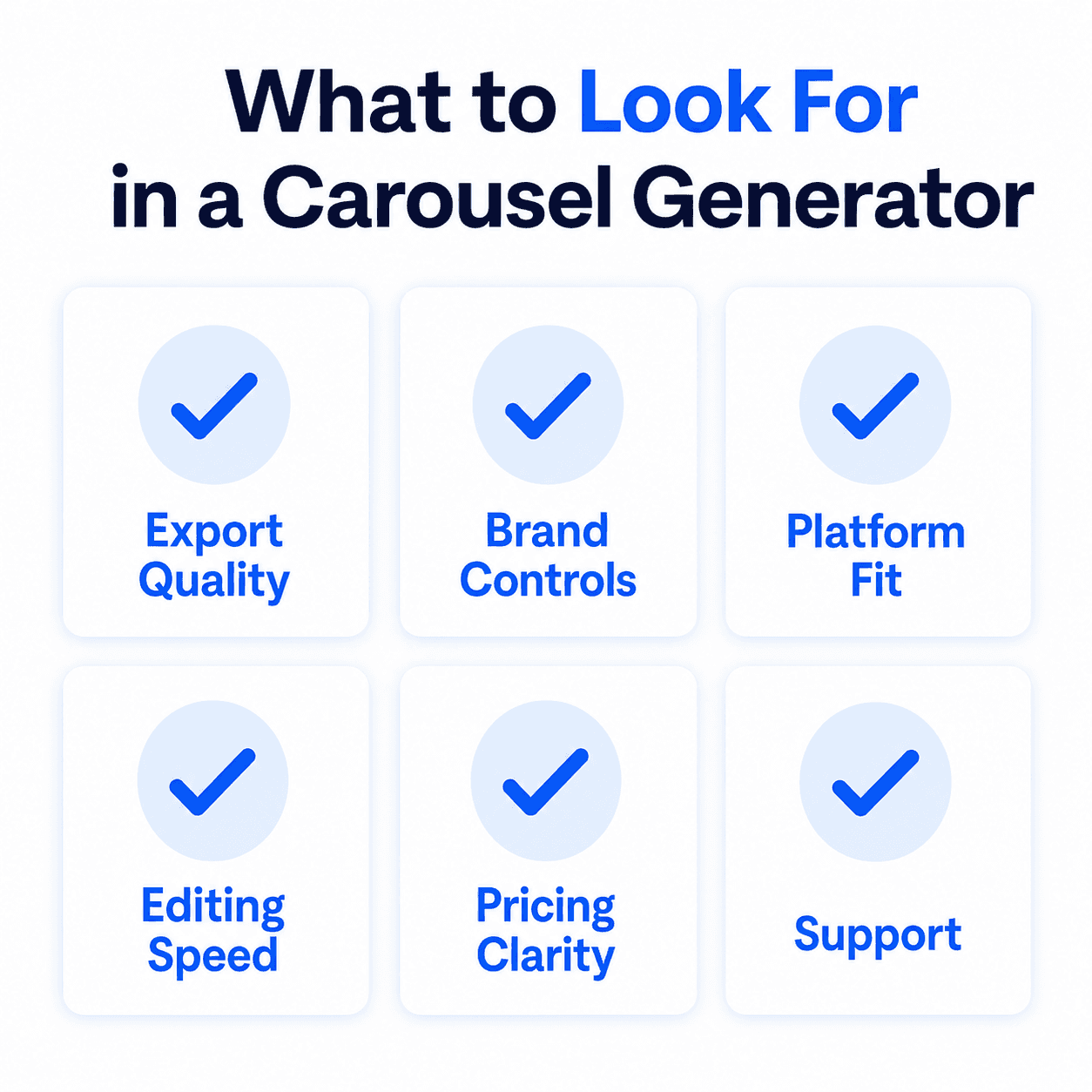
Before comparing specific tools, it helps to know which features actually separate a useful generator from one you’ll abandon after a week:
AI content generation. Can the tool write hooks, slide copy, and a closing CTA from a prompt or URL, or does it only handle the visual layout while you write everything yourself?
Design automation. Does it apply brand colors, fonts, and layout automatically, or do you still assemble each slide by hand?
LinkedIn-specific export. Does it output a PDF at the correct format for LinkedIn’s document post system, or do you need to convert the output yourself?
Scheduling and publishing. Can you post directly to LinkedIn from the tool, or is downloading and manually uploading the PDF part of your workflow every time?
Analytics. Does it track impressions, saves, or swipe-through rate, or do you rely on LinkedIn’s own post analytics separately?
Team and brand governance. Are brand kits, shared workspaces, and approval steps available if more than one person is producing carousels?
No tool in this guide checks every box. The right one is whichever set of gaps doesn’t matter for how you actually work.
How We Grouped These Tools
Every tool below was evaluated on:
What the free tier actually includes, watermark or no watermark, slide caps, feature restrictions
AI approach, generated from scratch, template-filled, or text-to-slide
LinkedIn-specific export, does it produce a PDF ready for LinkedIn’s document post format
Scheduling and publishing, native to LinkedIn or a manual download-and-upload step
Paid tier pricing and what it unlocks
Free LinkedIn Carousel Generators
Decktopus AI (Free plan)
What it is: Decktopus AI runs on a credit system across Free, Pro, and Business plans rather than a strict feature-gated free tier. The Free plan gives you access to the same from-scratch generation, Brand Import, and Edit with AI / Edit Text tools as the paid plans; credits determine how much you can produce (one carousel card costs 5 credits, an Edit Text change costs 5 credits).
Best for: Testing full AI-generated design (not a template) before committing to a paid plan.
Pricing: Free, Pro, and Business plans, all on the same credit system. The Free plan just runs on a lower credit ceiling; Pro and Business raise that ceiling without unlocking different features, so if you outgrow the Free plan's credits, that's the upgrade path rather than switching tools. See the Paid LinkedIn Carousel Generators section below for how that stacks up against the other paid options here.
Pros:
Same generation engine on Free as on paid plans, no feature downgrade, just a credit limit
No template library to search through, since every design is generated from scratch
Brand Import and mobile access included on the Free plan
Cons:
No native scheduling or publishing on any plan, free or paid
Credit costs can add up faster than a flat "free carousels per month" model if you're prototyping heavily
aiCarousels
What it is: A no-signup-required AI generator that accepts topics, text, URLs, PDFs, or YouTube videos and produces a carousel for LinkedIn, Instagram, or TikTok.
Best for: Testing the format with zero setup before choosing a tool to commit to.
Pricing: Free tier with watermark. Paid plan around $10-15/month.
Pros:
No account required to try it
Accepts the widest range of input formats among free tools
Multi-platform export beyond just LinkedIn
Cons:
No scheduling or publishing
Free tier carries a watermark
Design customization is limited
Taplio (free carousel generator)
What it is: Taplio’s carousel generator is free to use without an account, separate from its paid LinkedIn growth suite. It converts a prompt, tweet, Reddit post, or article into carousel slides.
Best for: Quickly repurposing existing social content into a LinkedIn carousel.
Pricing: The generator itself is free. Full platform access (scheduling, analytics) starts around $39-65/month.
Pros:
Free to use without signing up
Strong content-import features (tweets, Reddit, articles)
Clean, simple interface
Cons:
Design customization is more basic than dedicated design tools
Scheduling and analytics require the paid subscription
Not a from-scratch design; still template-based
Canva (free tier)
What it is: Canva’s free plan includes a large library of LinkedIn carousel templates and a manual drag-and-drop editor.
Best for: Full manual design control at no cost.
Pricing: Free plan available. Pro runs roughly $12-13/month.
Pros:
Massive free template library
No watermark on free exports
Full design control if you want to build by hand
Cons:
No AI-generated carousel from a prompt on the free tier
No scheduling or publishing built in
Manual design takes 30-60 minutes per carousel
Superlinkify
What it is: A no-friction, no-signup-required carousel builder focused on speed over customization. You start designing immediately without creating an account.
Best for: Quick proof-of-concept carousels or A/B testing different hooks before investing in a fuller tool.
Pricing: Free with a slide limit. A Pro plan unlocks unlimited slides and additional themes.
Pros:
No signup barrier at all
Automatically adds a profile overlay (name and handle)
Fast enough for testing an idea same-day
Cons:
Basic themes and minimal styling options on the free tier
Slide limit on the free version
Not built for teams or brand governance
slydfy
What it is: A minimalist, text-first carousel generator. You type or paste plain text or Markdown, and it automatically formats the content into a clean, professional PDF.
Best for: Writers and thought leaders who want to share frameworks or numbered lists without touching a design tool at all.
Pros:
Near-zero learning curve; if you can write text, you can produce a carousel
Strips away design decisions entirely, useful when substance matters more than visuals
Fast for text-heavy, B2B-style content
Cons:
No templates or granular visual controls by design
Not suited to image-driven or heavily branded content
Pricing isn’t listed publicly, which makes it harder to evaluate against paid alternatives upfront
Paid LinkedIn Carousel Generators
Decktopus AI's Pro and Business plans belong in this conversation too, they just raise the credit ceiling on the same from-scratch generation covered above rather than being a separate product, so we haven't repeated a full entry here. The six tools below are the ones built specifically around a paid tier from the start, usually adding scheduling, analytics, or brand governance that Decktopus AI doesn't offer at any plan.
Postiv.ai
What it is: A LinkedIn-first platform combining AI carousel writing and design with native scheduling and swipe-through analytics.
Best for: Teams and creators publishing LinkedIn carousels weekly or more who want scheduling and analytics bundled in.
Pricing: Starts around $29/month, with a free trial (not a persistent free tier).
Pros:
AI copy, design, scheduling, and analytics in one place
Tracks swipe-through rate and dwell time per slide
Brand-kit enforcement across carousels
Cons:
No lasting free tier, only a trial
LinkedIn-first; other platforms are secondary
Higher starting price than free-tier tools
PostNitro
What it is: An AI-powered carousel generator with a 100+ template library, brand kits, and Zapier/API access for teams.
Best for: Teams that want AI generation plus brand consistency across multiple carousels.
Pricing: Freemium, with paid Creator and Team plans unlocking unlimited carousels and brand kits.
Pros:
AI generates both copy and design from a prompt, URL, or text
Brand Kit and team workspace features
Zapier integration and API for automation
Cons:
Free tier is limited; most useful features sit behind the paywall
Template-based rather than generated from scratch
AI content still needs a review pass for nuanced topics
Contentdrips
What it is: A template-driven carousel generator built around brand profiles, with bulk CSV-to-carousel generation for agencies.
Best for: Agencies producing many similar carousels at volume.
Pricing: Free plan with watermark and download limits. Paid plans start around $15-19/month.
Pros:
Bulk CSV production for generating many carousels at once
REST API and Zapier support
Purpose-built for LinkedIn’s document post format
Cons:
Free tier has a watermark and limited downloads
AI writing credits and brand assets are paywalled
Design options are more limited than a full design suite
Piktochart
What it is: A design-first platform with an AI-assisted LinkedIn carousel generator, strongest for data-heavy content like charts and infographics.
Best for: Brands whose carousels lean on data visualization.
Pricing: Free plan with monthly AI credits. Paid tiers start around $14/month.
Pros:
Strong infographic and chart-building tools
Mature editor with a large asset library
Clean, professional output
Cons:
AI usage is credit-limited even on paid tiers
No native scheduling
Steeper learning curve than single-purpose carousel tools
ContentIn
What it is: A LinkedIn content platform bundling carousel creation with an AI ghostwriter, scheduling, and analytics into one workflow rather than a standalone carousel tool.
Best for: Creators who want carousel creation plus AI writing and scheduling without stitching together multiple subscriptions.
Pricing: Starts around $29/month.
Pros:
AI ghostwriter learns your writing voice from past posts, so carousel copy sounds less generic
Integrated content calendar and scheduling
Analytics alongside creation, not a separate tool
Cons:
LinkedIn-only
Voice-matching AI needs a backlog of your own posts to be useful, so it’s weaker for new accounts
Template-driven design, not generated from scratch
Supergrow
What it is: A LinkedIn-first content platform combining carousel creation, repurposing, scheduling, and engagement tools into one workspace.
Best for: Consultants and B2B teams treating LinkedIn as a primary growth channel who want idea-to-published-post in one tool.
Pricing: Starts around $19/month, with a 7-day free trial.
Pros:
Converts blogs, PDFs, or raw ideas into carousels in the same workflow as text posts
Native scheduling and publishing as LinkedIn document posts
Content calendar and Kanban-style planning board
Cons:
Desktop-focused; no mobile editing yet
LinkedIn-only
Design is template-driven rather than generated from scratch
Comparison Table
Tool | Free tier | AI approach | Scheduling | Starting paid price |
|---|---|---|---|---|
Decktopus AI | Yes (credit-based) | Generated from scratch | No | Free / Pro / Business |
aiCarousels | Yes (watermarked) | Content-repurposing | No | ~$10-15/mo |
Taplio (generator) | Yes, generator only | Content-repurposing | Yes (full platform only) | ~$39-65/mo |
Canva | Yes, no watermark | Template-based | No | ~$12-13/mo |
Superlinkify | Yes (slide limit) | Text-first, template-based | No | Pricing not public |
slydfy | Yes | Text-first, no design controls | No | Pricing not public |
Postiv.ai | Trial only | Content-repurposing | Yes | ~$29/mo |
PostNitro | Yes (limited) | Content-repurposing, templates | No (free) | Varies by plan |
Contentdrips | Yes (watermarked) | Template-driven, bulk CSV | Yes (paid) | ~$15-19/mo |
Piktochart | Yes (credit-limited) | Template-based, data-focused | No | ~$14/mo |
ContentIn | No | Content-repurposing | Yes | ~$29/mo |
Supergrow | Trial only | Content-repurposing | Yes | ~$19/mo |
Building a LinkedIn Carousel in Decktopus AI
Here’s the actual workflow for generating a LinkedIn carousel in Decktopus AI, from a blank prompt to an export-ready PDF.
1. Start with a prompt or a document. Type a topic directly, or upload a full source document (a blog post, a set of notes, a transcript) if you’re repurposing existing content. Decktopus accepts both.
2. Pick your visual direction. Choose a previously used style, a Brand Import (Decktopus pulls colors, typography, and your logo from a website URL), or a fully AI-generated look built from scratch, not a template.
3. Review the card-by-card outline. Before the final design is built, you get a reviewable, editable outline of every slide. This is where you’d catch a slide trying to do too much before it’s a finished design.
4. Generate the full carousel. Decktopus builds the complete visual design (layout, color, typography) from scratch based on the outline you approved.
5. Refine with Edit with AI or Edit Text. Describe a change in plain language and preview it before applying (undo is available), or make direct manual edits to the copy with Edit Text.
6. Export as PDF. Standard or compressed quality. From here, upload the PDF to LinkedIn through “Add a document” in the post composer, since that’s the only way to publish a swipeable carousel on LinkedIn in 2026.
Start generating your LinkedIn carousel on Decktopus AI and see this workflow in action with your own topic.
Free vs. Paid: How to Decide
Pick a free tool when you’re posting occasionally (once a month or less), still validating whether carousels work for your audience, or don’t mind a watermark on early carousels. aiCarousels, Taplio’s generator, Canva’s free tier, Superlinkify, slydfy, and Decktopus AI’s Free plan all cover this case without asking for a card upfront.
Pick a paid tool when you’re posting weekly or more, need scheduling and analytics so you’re not manually uploading every carousel, or manage a brand kit across a team. Postiv.ai, Contentdrips, ContentIn, and Supergrow all cover that need directly. If your priority is a fully from-scratch AI design rather than a template, Decktopus AI’s Pro or Business plans raise your credit ceiling without changing which features you have access to, since the Free plan already includes the same generation engine.
There’s a middle case worth naming too: teams that post consistently but don’t want to pay for scheduling and analytics they’ll manage through a separate social media tool anyway. In that case, a free-tier design tool paired with whatever scheduler you already use for other platforms can be cheaper than an all-in-one LinkedIn suite, at the cost of one more manual upload step per carousel.
Common Mistakes When Picking a Tool
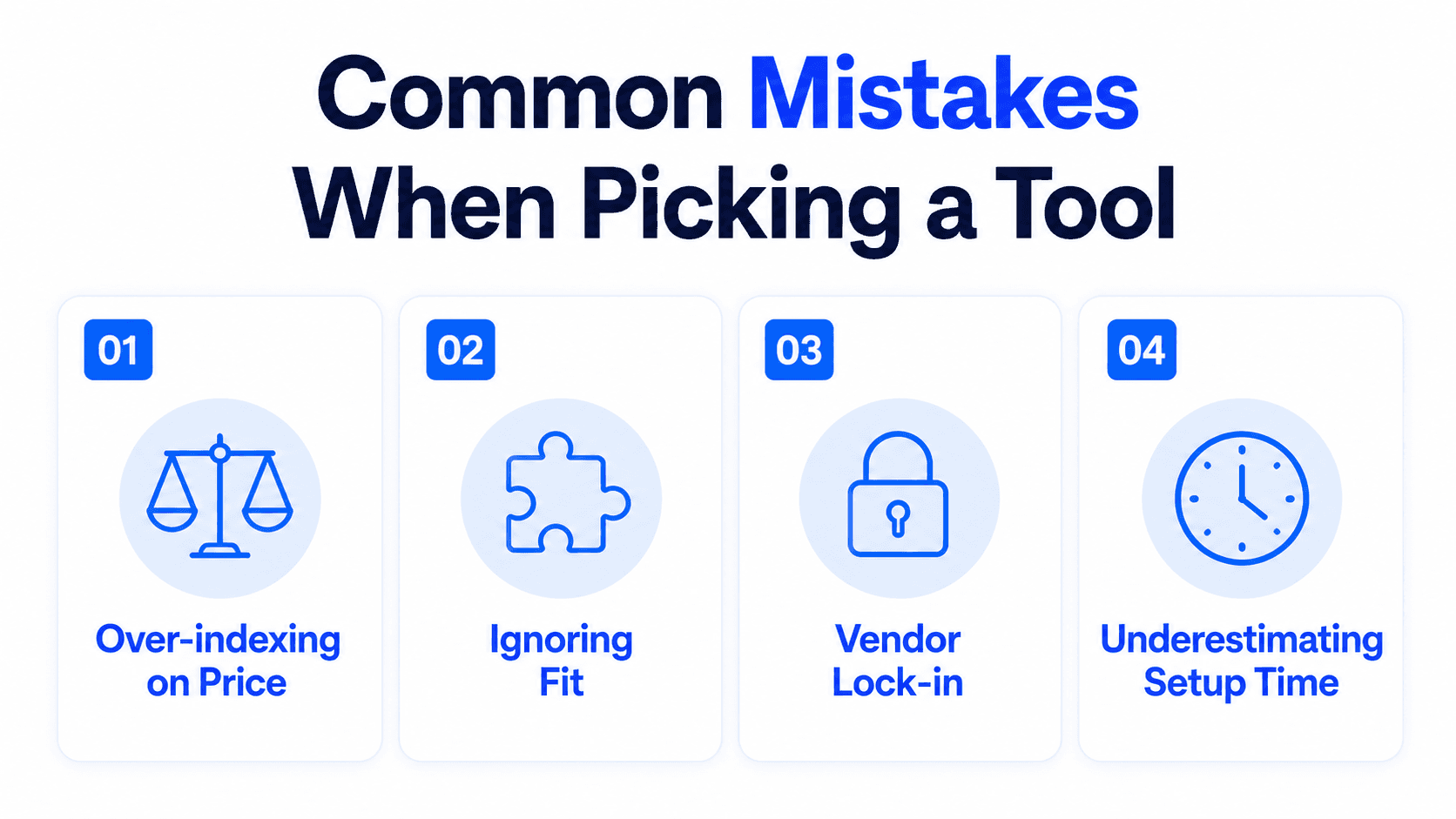
Choosing based on the free tier alone. A generous free tier is great until you outgrow it. Check what the paid plan actually costs and unlocks before you build a workflow around a tool’s free version.
Assuming “free” means “unlimited.” Every free tier in this guide has a catch: a watermark, a credit cap, a slide limit, or a time-boxed trial. Know which constraint applies before you’re mid-campaign and hit it.
Picking a LinkedIn-only tool when you also post elsewhere. Postiv.ai, Taplio’s full platform, ContentIn, and Supergrow are all LinkedIn-first. If Instagram or TikTok carousels are also part of your plan, a multi-platform tool like aiCarousels or PostNitro avoids paying for two separate subscriptions.
Not testing the actual AI output before committing. Generate one real carousel from your own content on the free tier before upgrading. A tool’s demo examples are curated; your actual topic and voice are the real test.
How to Know If Your Generator Choice Is Actually Paying Off
Picking a tool from either list above is a starting bet, not a final answer. Check these once you’ve actually published a handful of carousels with it.
Compare saves and comments against your own carousels from before the switch, using LinkedIn’s native post analytics. A generator is only “working” if it’s moving one of those two numbers, not just making the carousel appear in your feed on schedule.
If you picked a free tier specifically to test the format, set a real checkpoint, not an open-ended trial. After 4 to 6 carousels, look at whether saves and comments are trending anywhere, up or down, against your first attempts. If the format itself isn’t gaining traction after a genuine test, that’s a different problem than the tool being wrong, and no paid upgrade fixes it.
If you upgraded to a paid tier for scheduling or analytics, confirm you’re actually using those features weekly. A $29-39/month subscription whose scheduling calendar sits empty because you’re still posting manually out of habit isn’t paying for itself, regardless of how good the AI generation is.
Watch for the template-fatigue signal specifically if you picked a template-based generator. A comment or DM noting your carousel looks like someone else’s is a concrete, unambiguous prompt to reconsider whether a from-scratch approach serves you better once you’re past the initial testing phase.
Re-run the free-vs-paid decision at your real posting frequency, not the frequency you expected when you chose the tier. If you’re publishing less often than planned, a cheaper or free-tier tool may now outperform the paid one on cost per carousel, even if the paid tool’s features are objectively better.
FAQ
What’s the best free LinkedIn carousel generator?
It depends on what you need most. For a watermark-free manual design, Canva’s free tier. For AI generation from scratch without committing to a paid plan, Decktopus AI’s Free plan. For content repurposing (tweets, articles) with zero signup, aiCarousels or Taplio’s generator. For pure text-to-slide simplicity, slydfy.
Do free LinkedIn carousel generators add a watermark?
Some do, some don’t. aiCarousels and Contentdrips add a watermark on free exports. Canva’s free tier does not. Decktopus AI’s Free plan doesn’t add a watermark either; it’s limited by credits rather than by branding. Superlinkify’s free tier limits slide count rather than watermarking.
Is there a LinkedIn carousel generator with built-in scheduling?
Yes. Postiv.ai, Contentdrips (on paid plans), ContentIn, Supergrow, and Taplio’s full platform (not the free generator) include native scheduling. Decktopus AI does not schedule or publish directly; carousels are exported for you to upload manually.
Can I still post a carousel on LinkedIn in 2026?
Yes. LinkedIn retired native multi-image carousel uploads in late 2023. You now publish a carousel by uploading a multi-page PDF, PPT, PPTX, DOC, or DOCX through “Add a document,” and LinkedIn renders each page as a swipeable card. See LinkedIn’s help center for the current document post specs.
What’s the difference between a free trial and a free tier?
A free tier (Decktopus AI, aiCarousels, Canva, Contentdrips, PostNitro, Superlinkify, slydfy) is available indefinitely, sometimes with restrictions like watermarks or credit limits. A free trial (Postiv.ai, Supergrow) runs for a set period and then requires payment to continue. Check which model a tool uses before you build a workflow around it.
Which paid LinkedIn carousel generator is best for agencies?
Contentdrips’ bulk CSV-to-carousel feature and PostNitro’s team workspaces both target agency-scale production. Postiv.ai’s and ContentIn’s brand-kit enforcement is useful if you’re managing visual consistency across multiple client accounts.
Is there a text-only or no-design LinkedIn carousel generator?
Yes. slydfy is built specifically for this: you type or paste plain text or Markdown, and it formats the content into a clean PDF without any template selection or visual design step.
Do any of these tools generate the visual design from scratch instead of using a template?
Decktopus AI is the one in this guide built that way. Every other tool listed here, free or paid, applies AI-generated or manually written copy to a pre-built template rather than generating the layout itself.
How do I know if the LinkedIn carousel generator I chose is actually working?
Compare saves and comments against your carousels from before the switch, using LinkedIn’s native post analytics, and check whether you’re actually using any paid features (scheduling, brand kit) you upgraded for. If neither engagement nor your workflow has measurably changed after several posts, the tool isn’t earning its cost yet, regardless of its feature list.
Comparing across platforms, not just LinkedIn? Best AI Carousel Makers in 2026 covers the wider field. Just want a free template rather than a full tool comparison? Free LinkedIn Carousel Templates for 2026 covers that directly, and once you’ve picked a tool, 10 LinkedIn Carousel Ideas That Get Saves & Shares is a natural next stop.
Conclusion
The best LinkedIn carousel generator for you is whichever one matches how often you’re actually posting. If that’s occasional, stick with a free tier and don’t pay for scheduling you won’t use. If you’re posting weekly and juggling uploads manually is the bottleneck, a paid tool with native scheduling closes that gap, something Decktopus AI is honest about not doing itself.
Ready to try generating a carousel from scratch? Start a carousel on Decktopus AI, or see the full feature set on the carousel maker landing page.
Related posts

How AI Voice Agents Help Sales Teams Prepare and Deliver Better Presentations
Learn how AI voice agents help sales teams turn call insights into focused slides, stronger delivery, and more confident customer presentations at every stage.
Marketing

Instagram Carousel Size & Dimensions Guide (2026)
Instagram carousel size in 2026: exact dimensions for square, portrait, and landscape, plus file limits and safe zones, verified across sources.
Marketing

LinkedIn Carousel Size, Dimensions & Format Guide 2026
LinkedIn carousel size in 2026: exact dimensions, file limits, aspect ratios, and formatting rules so your slides never get cropped.
Marketing