Decktopus App for ChatGPT
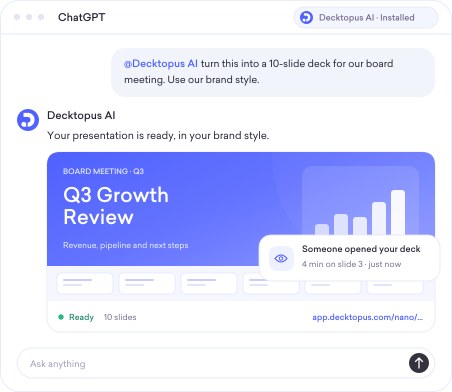
3 simple steps
How it works
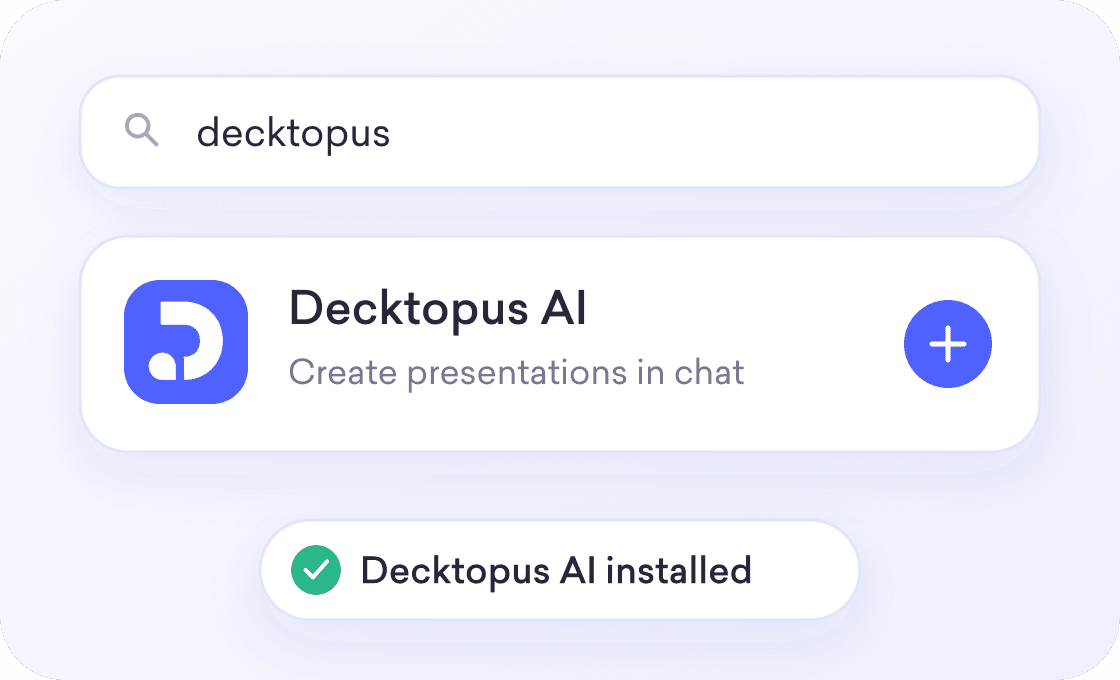
1
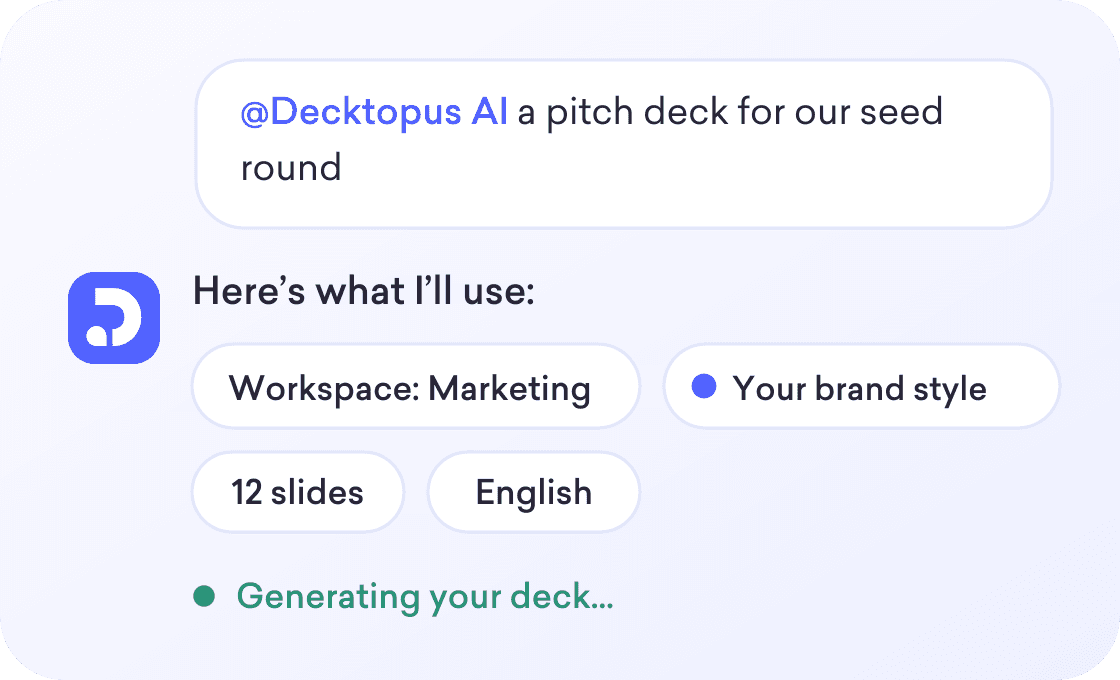
2

3
Features
What you can do from ChatGPT
Everything our AI presentation maker does, available right inside your chat.

Presentations and carousels
Build a slide deck or a social carousel from the same prompt.

Your brand, applied automatically
Paste your website URL and Decktopus pulls your logo, colors and fonts into the deck.

Grounded in your files
Point it to documents so the slides use your real content.

Any language
Generate the deck in the language your audience reads.

Bring in decks you already have
Import a PPTX, PDF or HTML file and get a trackable link for it.

See who read it
Find out who opened the deck, how long they stayed on each slide, and where they stopped.
ChatGPT on its own
You get an outline or a basic file.
You still have to design every slide.
Your logo, colors and fonts are not applied.
You can’t see who opened it.
ChatGPT with the Decktopus App
You get a finished, designed deck.
Your brand is applied automatically.
You get a share link straight away.
You see who viewed it, and for how long.
Other AI assistants
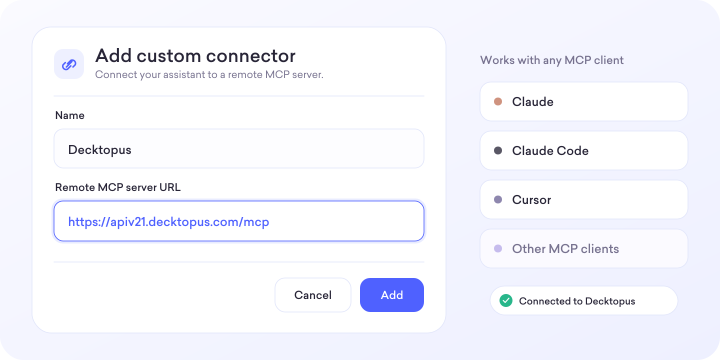
Using Claude, Cursor or another assistant?
Decktopus also works as an MCP server for Claude, Claude Code, Cursor and other MCP clients.
FAQ
Can ChatGPT make a PowerPoint presentation?
Yes. With the Decktopus App, ChatGPT creates a fully designed presentation from your prompt or conversation, while ChatGPT on its own only gives you an outline or a basic file you still have to design.
How do I add Decktopus to ChatGPT?
Find Decktopus AI in ChatGPT’s Apps directory, click the add icon and sign in to your Decktopus account. Then type @Decktopus AI in any chat to start a deck.
Does it use my brand?
Yes, from a brand style you’ve already saved or from your website URL. You can also describe a mood or color preference in your prompt and Decktopus applies it.
How do credits work?
Each slide costs 5 Decktopus AI credits, so a 10-slide deck uses 50 credits. AI edits cost 5 credits each, and the cost is shown before you apply a change.
Can I see who viewed my deck?
Yes. You see viewers, time on each slide and drop-off points, broken down by share link.
Can I edit the deck after it’s created?
Yes. Open the live link from ChatGPT to edit in Decktopus with Edit with AI or Edit Text, and your changes show up at the same share link.
Your next deck is one prompt away.
Add the Decktopus App to ChatGPT and turn your next conversation into a designed, trackable deck.