Marketing
TikTok Carousel Guide: How to Create Photo Slideshows
How to make a TikTok photo carousel or slideshow in 2026, including dimensions, photo limits, and a step-by-step workflow for designing slides before upload.


İlayda Tunaboylu
TikTok’s photo carousel format lives under “Photo Mode,” a separate posting flow from the main video camera, which is exactly why a lot of people miss it entirely. It’s not a video with photos edited in, it’s a native swipeable format, closer to an Instagram carousel than a TikTok slideshow video, and it’s been getting real algorithmic attention on the platform through 2026. TikTok’s Support Center has the current Photo Mode specs if they change.
This guide covers the actual TikTok photo carousel flow, the difference between it and the auto-play slideshow format most people think of first, the specs your images need to hit, and how to design the slides themselves before you ever open the TikTok app. Since this format is closest to Instagram’s version, how to make an Instagram carousel post and the Instagram Carousel Size & Dimensions Guide 2026 are useful references if you’re adapting the same slides across both platforms.
What Is a TikTok Carousel?
A TikTok carousel is a set of photos posted through “Photo Mode,” a native swipeable format where viewers manually swipe through each image at their own pace, closer to an Instagram carousel than to a TikTok video. It’s a different post type from the auto-play slideshow most people picture when they hear “TikTok slideshow,” which transitions photos automatically and gets saved as a single video file rather than individual images. The next section breaks down that distinction in full, since confusing the two is the most common reason people end up building the wrong format.
Quick Answer
To create a TikTok carousel, design your slides first, then post through TikTok’s “Photo Mode” (not the video camera), selecting 4 to 35 images at a 9:16 vertical aspect ratio. TikTok renders these as a swipeable carousel rather than an auto-playing slideshow.
Swipeable Carousel vs. Auto-Play Slideshow
TikTok has two separate photo-based formats, and confusing them is the most common reason people end up with the wrong post type.
Swipeable carousel (Photo Mode) | Auto-play slideshow | |
|---|---|---|
How it plays | Viewer swipes manually, at their own pace (auto-advances after a few seconds if they don’t) | Photos transition automatically, synced to music |
Feels most like | An Instagram carousel | A video montage |
Best for | Tutorials, product details, text-heavy or list content | Aesthetic storytelling, travel recaps, emotional content |
Engagement signal | Swipe-through rate, time per slide | Watch time, completion rate |
Saved as (by viewers) | Individual images | A single video file |
This guide focuses on the swipeable carousel, since that’s the format that maps directly onto a designed set of slides, the same way a LinkedIn or Instagram carousel does.
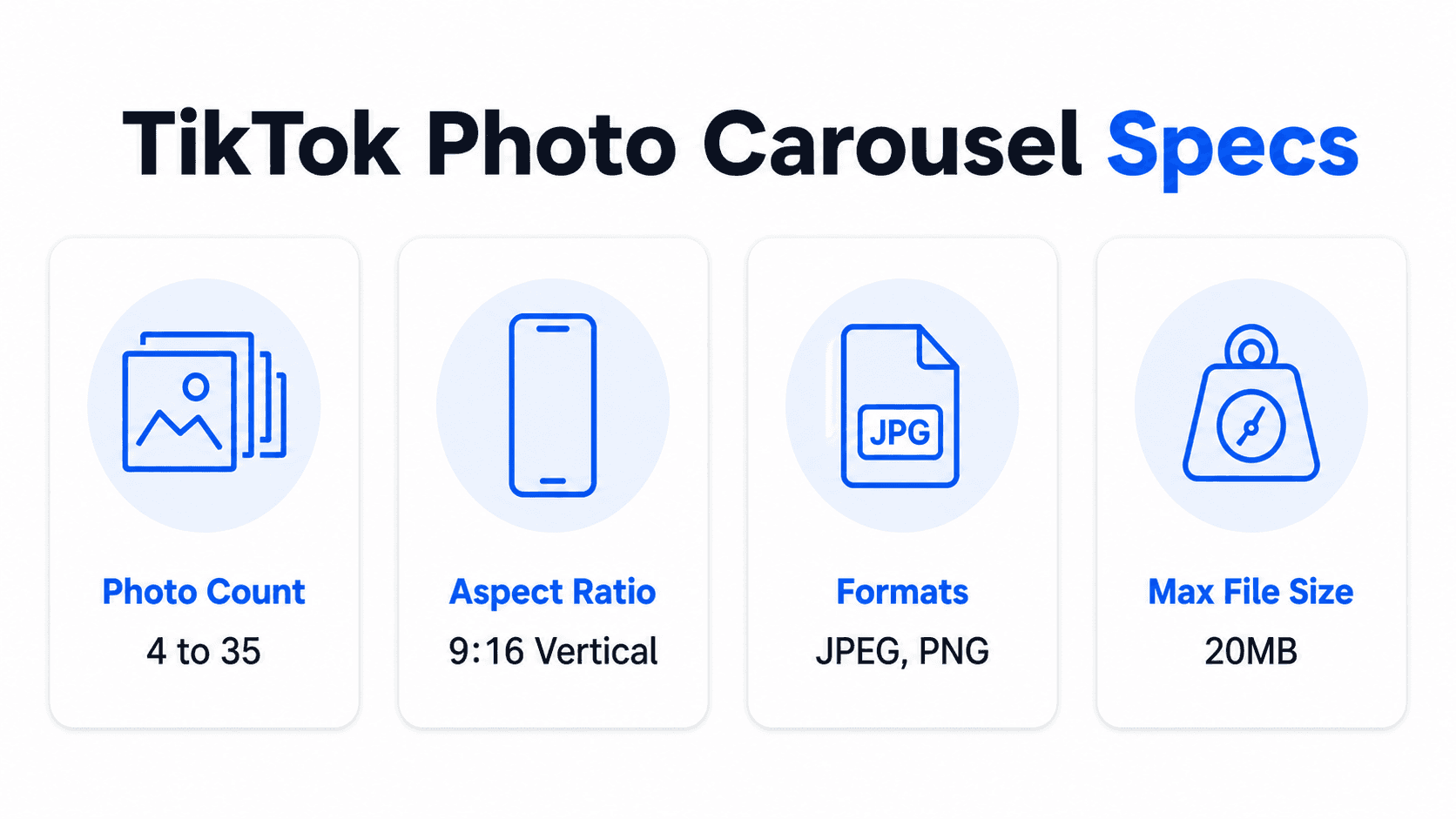
TikTok Photo Carousel Specs
Requirement | Spec |
|---|---|
Photo count | 4 to 35 photos per carousel |
Recommended aspect ratio | 9:16 vertical |
Recommended resolution | 1080 x 1920 px minimum |
Supported formats | JPEG, PNG |
Recommended file size | Under 20 MB per photo |
Off-ratio photos | Cropped to fit; square or horizontal photos may show letterboxing |
Vertical 9:16 fills the full screen, which is why it’s the recommended shape even though TikTok’s Photo Mode technically accepts other ratios. A square or horizontal photo won’t get rejected, but it will render smaller with visible bars around it, which undercuts the point of a full-screen swipe experience. Note the floor on the low end too: TikTok’s Photo Mode requires at least 4 photos, so a 2 or 3-image idea needs to expand before it qualifies as a carousel at all.
Manual swipe isn’t the only way viewers see it. Photo Mode lets viewers swipe at their own pace, but if someone doesn’t swipe, TikTok will auto-advance to the next photo after a few seconds, similar to a slideshow. Viewers can turn this off, but you should design assuming some portion of your audience never touches the screen. That means your text needs to land within a few seconds even for someone who’s just watching it play out rather than actively swiping.
Step-by-Step: Making a TikTok Photo Carousel
Step 1: Design your slides first
Work out the full sequence, hook slide, content slides, closing slide, before you touch the TikTok app. Photo Mode is fast to post from, but it’s not built for designing text-heavy layouts on the fly, so doing that work ahead of time in a design tool produces a cleaner result than typing text directly onto photos in the app.
Step 2: Open TikTok and switch to Photo Mode
Tap the + button, then look for Photo at the bottom of the camera screen. If it’s not visible, tap Upload instead and switch to the Photos tab.
Step 3: Select and order your photos
Choose your designed slides from your camera roll in the exact order you want them to appear. TikTok numbers each one as you tap it, and you can drag to reorder afterward.
Step 4: Add music
Photo carousels still play with background music, even though the viewer controls the pace. Pick a track under Sounds that fits the tone of the content without competing with any text on the slides themselves.
Step 5: Write hook-driven text on the carousel post
Beyond the text already designed into your slides, TikTok lets you add a caption to the post itself. Use it to reinforce the hook, not repeat it word for word, since both the caption and slide one are competing for the same attention.
Step 6: Set privacy and download settings
Decide whether to allow downloads. Since photo carousels save as individual images rather than a single video, disabling downloads is a reasonable option if content protection matters more than easy resharing for a specific post.
Step 7: Post
Add hashtags relevant to the content and publish. Watch swipe-through and save rate on this post specifically, since those are the two signals most tied to how TikTok treats carousel content differently from standard video.
Worked Example
A carousel titled “4 phone camera settings that instantly improve your photos”:
Slide 1 (hook): “4 camera settings you’re probably getting wrong (and it’s not your phone’s fault)”
Slide 2 (setting 1): Named setting, one-line explanation, before/after visual
Slide 3 (setting 2): Same structure
Slide 4 (setting 3): Same structure
Slide 5 (setting 4): Same structure
Slide 6 (CTA): “Save this before your next trip. Follow for more phone photography tips.”
Six slides, each carrying one setting plus a closing save-prompt slide, sits comfortably inside the 5-10 slide range that tends to perform best for tutorial-style carousel content.
Content Ideas That Fit the Photo Carousel Format

Not every idea that works as a video works as a photo carousel, and vice versa. These formats consistently translate well into TikTok’s swipeable format specifically.
Numbered lists and rankings. “5 books that changed how I think about money” or “ranking every coffee shop I tried this month” map directly onto one item per slide, which is the same structure that works on LinkedIn and Instagram carousels.
Before-and-after transformations. A single side-by-side comparison slide, followed by a breakdown of what changed, works especially well in the 9:16 format since both images can be shown large and legible.
Step-by-step tutorials. Recipe steps, a makeup look, a DIY process, anything with a clear sequence gives viewers a reason to swipe through methodically rather than skip ahead, which supports completion rate.
Text-heavy opinion or hot-take posts. A single bold claim on slide one, followed by supporting points across the next few slides, works well precisely because Photo Mode lets viewers read at their own pace, unlike a fast-moving video where text has to be timed to disappear.
Product or item showcases. One item per slide with a short description underneath suits e-commerce and recommendation content, and it’s a format that tends to get saved for reference, which is a stronger algorithm signal than a quick like.
Designing the Slides Before You Upload in Decktopus AI
TikTok’s Photo Mode is a posting tool, not a design tool, so the slide design itself typically happens somewhere else first. Here’s how that worked example moves from an idea to a set of ready-to-upload images in Decktopus AI.
1. Enter the topic as a prompt. Type “4 phone camera settings that instantly improve your photos” into Decktopus AI, or paste in a more detailed outline if you already know exactly what each slide should say.
2. Choose your visual direction. Pick a previously used style, a Brand Import pulling colors and typography from your website URL, or let the AI generate a fresh look, since there’s no template library involved.
3. Review the card-by-card outline. Check that each setting has its own slide and that the hook and closing slide are doing their jobs before the design is finalized.
4. Generate the full design. Decktopus builds the complete set of slides from the approved outline.
5. Refine with Edit with AI or Edit Text. Adjust wording, tighten a slide that’s too dense, or fix a specific line directly.
6. Export as PNG, standard or compressed quality, as individual image files. This gives you the exact set of images to select, in order, inside TikTok’s Photo Mode. There’s no direct publish-to-TikTok step, so exporting and manually uploading through Photo Mode is the workflow.
Start designing your TikTok carousel slides on Decktopus AI before you open the TikTok app.
What Makes a TikTok Carousel Get Swiped Through
The first slide has one job. It’s your only shot at earning the swipe, so it needs to be a specific claim or a curiosity gap, not a vague topic label.
Fewer, denser slides tend to outperform padded ones. A 6-slide carousel where every slide earns its place will usually get swiped through more completely than a 15-slide one with filler in the middle.
Text needs to survive a fast swipe. Viewers move through carousels quickly. Large, high-contrast text that’s readable in under a second per slide matters more here than it does on a slower-paced format.
Consistency across slides builds trust mid-swipe. The same font, color palette, and layout structure across all slides signals a finished, intentional post rather than a rushed one, which affects whether someone swipes to the end.
Keep key text out of TikTok’s own interface. The like, comment, and share icons sit along the right edge of the screen, and the caption and username occupy the bottom of the frame. Text placed in either zone gets covered by TikTok’s UI rather than your design. Keep the message of each slide centered in the middle of the frame, away from both edges.
How TikTok Carousels Compare to LinkedIn and Instagram Carousels
If you’re already building carousels for other platforms, it helps to know exactly what carries over and what doesn’t.
TikTok | |||
|---|---|---|---|
Upload format | Individual images, selected in Photo Mode | Single document (PDF, PPT, PPTX, DOC, DOCX) | Individual images |
Recommended ratio | 9:16 vertical | Flexible, document-based | 1:1, 4:5, or 1.91:1 |
Slide/photo limit | Up to 35 | Up to 300 pages | Up to 20 |
Primary engagement signal | Swipe-through rate, saves | Dwell time, reactions, comments | Saves, shares |
Native scheduling | No | No (native to LinkedIn’s composer) | Yes, through Meta’s tools |
The design principles (a strong hook, one idea per slide, consistent branding) transfer across all three. What doesn’t transfer is the file format and aspect ratio: a set of images built for Instagram’s 4:5 portrait ratio will show black bars on TikTok’s full-screen 9:16 display, and neither format uploads as the single-document type LinkedIn requires. If you’re repurposing the same content across all three, plan for at least two separate export passes, one for TikTok and Instagram’s image-based formats (which can sometimes share a 4:5 or 9:16 export depending on how tightly you’re optimizing per platform), and a separate PDF export for LinkedIn. Platforms and formats keep shifting though: how AI is reshaping modern marketing is worth a periodic check if you want to stay ahead of where distribution is heading next.
Reading Your Own Carousel Performance

Once you’ve posted a few carousels, TikTok Analytics gives you enough signal to refine future ones, if you know which numbers to actually weigh. This is really the “did my TikTok carousel actually work” question, and it has a more specific answer than just checking the view count.
Swipe-through rate matters more than total views for carousels specifically. A carousel with fewer total views but a high percentage of viewers swiping past slide one is doing its job better than one with more views but most people bouncing after the first image.
Save rate is a stronger signal than likes for this format. Carousels get saved at meaningfully higher rates than standard video content, since swipeable, reference-style content (tutorials, lists, comparisons) is exactly the kind of thing people bookmark to revisit. A carousel with a strong save rate relative to its view count is a signal that format and topic are working together.
Compare completion rate across your own carousels, not against a universal benchmark. There’s no single “good” completion rate across all niches and content types; what matters is whether a given carousel completes better or worse than your own previous posts, since that comparison controls for audience and format in a way an external benchmark can’t.
Common Mistakes
Confusing Photo Mode with the auto-play slideshow. They’re different formats with different controls. Posting through the wrong flow means viewers get an experience you didn’t design for.
Using square or horizontal photos. They render smaller with visible bars, undercutting the full-screen impact that makes vertical carousels work on TikTok specifically.
Typing text directly onto photos in the app. TikTok’s in-app text tool is fine for quick captions, but it’s not built for a designed, consistent look across many slides. Designing slides beforehand produces a cleaner result.
Overloading the slide count. 35 photos is the ceiling, not a target. Most carousels perform better in the 5 to 15 range, matched to how much the topic actually needs.
Ignoring the caption. The in-post caption and slide one’s hook are both competing for the same attention. A caption that just repeats the hook wastes an opportunity to add a second angle.
FAQ
What’s the difference between a TikTok photo carousel and a slideshow?
A photo carousel (Photo Mode) is swipeable and viewer-controlled. A slideshow is auto-play, with photos transitioning automatically to music. They’re separate posting flows inside the TikTok app.
How many photos can I put in a TikTok carousel?
Between 4 and 35. Most carousels perform best in the 5 to 15 range; the higher end is really only worth using for content that genuinely needs the depth, like a full tutorial or a long list. If an idea only needs 2 or 3 images, it needs to expand before it qualifies as a Photo Mode carousel at all.
Does a TikTok photo carousel auto-advance, or does the viewer have to swipe?
Both, depending on the viewer. Swiping is the primary interaction Photo Mode is built around, but if someone doesn’t swipe, TikTok auto-advances to the next photo after a few seconds on its own, similar to a slideshow. Viewers can turn this off, but design each slide assuming some people will just watch it play out rather than swipe through it themselves.
What size should my TikTok carousel photos be?
1080 x 1920 pixels at a 9:16 vertical ratio is recommended. That ratio fills the full screen; square or horizontal photos get cropped or show bars around the edges.
Can I design my TikTok carousel slides outside the TikTok app?
Yes, and it’s the more reliable approach for anything text-heavy or branded. Design the full slide sequence in a separate tool, export as images, then select them in order inside TikTok’s Photo Mode.
How do I know if my TikTok carousel actually worked?
Weigh save rate and swipe-through more heavily than raw views. A carousel with fewer total views but a high proportion of saves and comments is performing better than one with more views but most people bouncing after the first slide. Compare a given carousel against your own past posts rather than an external number, since niche, audience size, and posting frequency all affect what a “good” rate looks like for your account specifically.
Does TikTok’s algorithm favor photo carousels over regular videos?
TikTok has been giving photo carousel content real reach through 2026, and carousels tend to see higher save rates than standard video, which is a meaningful algorithm signal. That said, the platform still weighs standard engagement (likes, comments, shares, follows) alongside carousel-specific signals like swipe-through rate.
Can I schedule a TikTok carousel post in advance?
Not natively through the TikTok app itself for photo carousels. TikTok’s built-in Video Scheduler (which requires a Creator or Business account) covers video posts only, not Photo Mode carousels, so there’s no native path to schedule one at all. Scheduling a carousel requires a separate third-party tool; check the current terms of whichever scheduler you’re considering, since platform-level scheduling support changes.
Can I reuse the same carousel across TikTok, LinkedIn, and Instagram?
The content and design principles carry over, but the export doesn’t. TikTok favors 9:16 vertical images, LinkedIn needs a single PDF or PPT document instead of individual images, and Instagram supports square, portrait, and landscape ratios. Plan on at least two separate exports if you’re repurposing one carousel across all three platforms.
Do TikTok photo carousels need captions written differently than a video caption?
Not fundamentally, but since the swipe format means viewers spend longer with a carousel than a fast video, a caption that adds context or a secondary angle tends to work better than one that just repeats the hook already shown on slide one.
Posting the same content to LinkedIn too? How to Make a LinkedIn Carousel covers that platform’s process step by step, and 10 LinkedIn Carousel Ideas That Get Saves & Shares is a good source of ideas, many adapt directly to this format.
Conclusion
A TikTok photo carousel succeeds or fails on the same fundamentals as any other carousel format: a hook that earns the first swipe, one clear idea per slide, and consistent design that holds together through to the closing slide. The one TikTok-specific detail worth remembering is the format split, Photo Mode versus auto-play, since posting through the wrong one changes the entire viewing experience you’re designing for.
Ready to design your next TikTok carousel before you open the app? Start a carousel on Decktopus AI, or see the full feature set on the carousel maker landing page.
Related posts

How AI Voice Agents Help Sales Teams Prepare and Deliver Better Presentations
Learn how AI voice agents help sales teams turn call insights into focused slides, stronger delivery, and more confident customer presentations at every stage.
Marketing

Instagram Carousel Size & Dimensions Guide (2026)
Instagram carousel size in 2026: exact dimensions for square, portrait, and landscape, plus file limits and safe zones, verified across sources.
Marketing

LinkedIn Carousel Size, Dimensions & Format Guide 2026
LinkedIn carousel size in 2026: exact dimensions, file limits, aspect ratios, and formatting rules so your slides never get cropped.
Marketing