Templates & How-to
Create a Website with AI for Free: Beginner Guide (No Coding Needed)
Learn how to create a website with AI for free using AI website builders and no coding required. Step by step guide for beginners, freelancers, and small businesses.


Decktopus Content Team
Best Free AI Website Builders Summarised
Neo Sites: A beginner-friendly AI website builder that generates a website based on basic business details you enter. It also provides a free domain with the website, making it easy to launch quickly.
Wix: Uses AI to create personalized website layouts after asking a few questions about your goals. It also offers many templates and a drag-and-drop editor for easy customization.
Durable: Known for generating a complete website in under a minute using AI. It automatically creates layouts, text, and sections for quick website setup.
SITE123: A simple website builder with a permanent free plan, hosting, and a subdomain. Its guided setup helps beginners create a website step by step without coding.
How to create a website for free with AI
Creating a website used to require significant capital, technical expertise, and coding proficiency. Artificial intelligence has completely changed that today. Anyone can launch a website in minutes with modern AI website builders, even if they don’t know how to design or code.
AI tools make it easier than ever to make a website, whether you’re a freelancer, entrepreneur, small business owner, or just starting a side project. You just tell AI what you want, and it makes the structure, content, and design for you.
In this guide, you’ll learn how to create websites with AI for free, which tools to use, and simple steps to get your website live quickly.
Why AI Website Builders Are Changing Website Creation
Building a website the traditional way usually means handling a lot of things - design, coding, hosting, and writing the content. For someone new to it, that can feel confusing and time-consuming.
AI website builders change that. Rather than starting from scratch, the tools can generate layouts, recommend content, and arrange pages based on your desired website type.
Because of this, more people are starting to use AI tools to get their websites online faster.
No Coding Required
Free AI website builders without code platforms let people make complete websites by just answering a few questions.
Faster Website Creation
What used to take days or weeks can now be done in minutes.
Lower Cost
Many platforms allow you to build websites with AI for free, making them perfect for startups and small businesses.
AI-Generated Content
Some tools also help generate text, headlines, and layouts, so you don’t need to write everything yourself.
AI has made website creation accessible to almost anyone.
Best AI Website Builder Free Options
If you want to create a website with AI for free, several tools can help you get started quickly. Each platform offers slightly different features, but all aim to simplify website creation.
1. Neo Sites
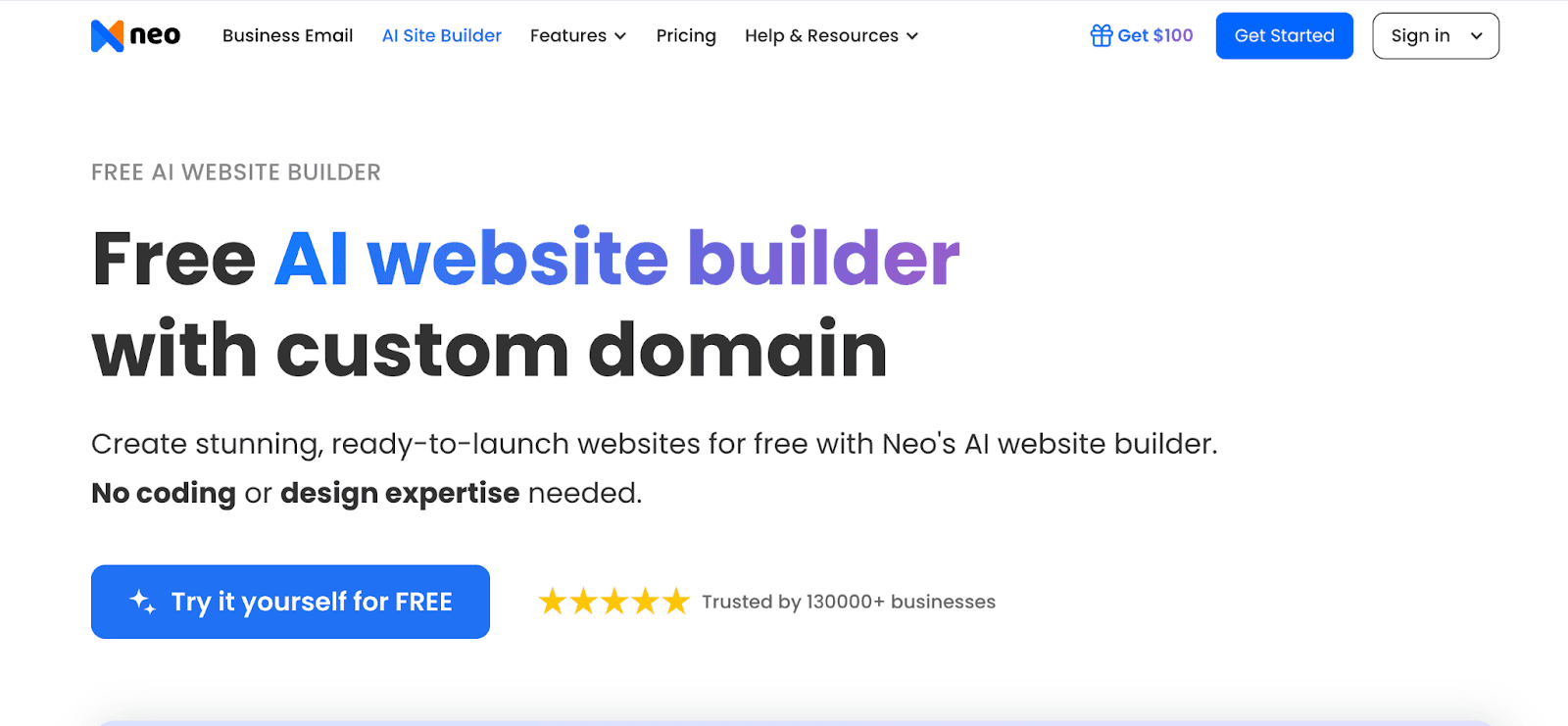
Neo Sites is a simple AI-powered website builder designed for small businesses and individuals. One of its most useful features is that it provides a free domain along with the website, which helps beginners launch their site quickly without extra setup.
Users can generate a website by entering basic information about their business, and the AI automatically creates a ready-to-use site with layouts and sections. Apart from that, Neo Mail is one of the most popular business email providers, which offers a custom email with a free domain and many AI productivity features
2. Wix
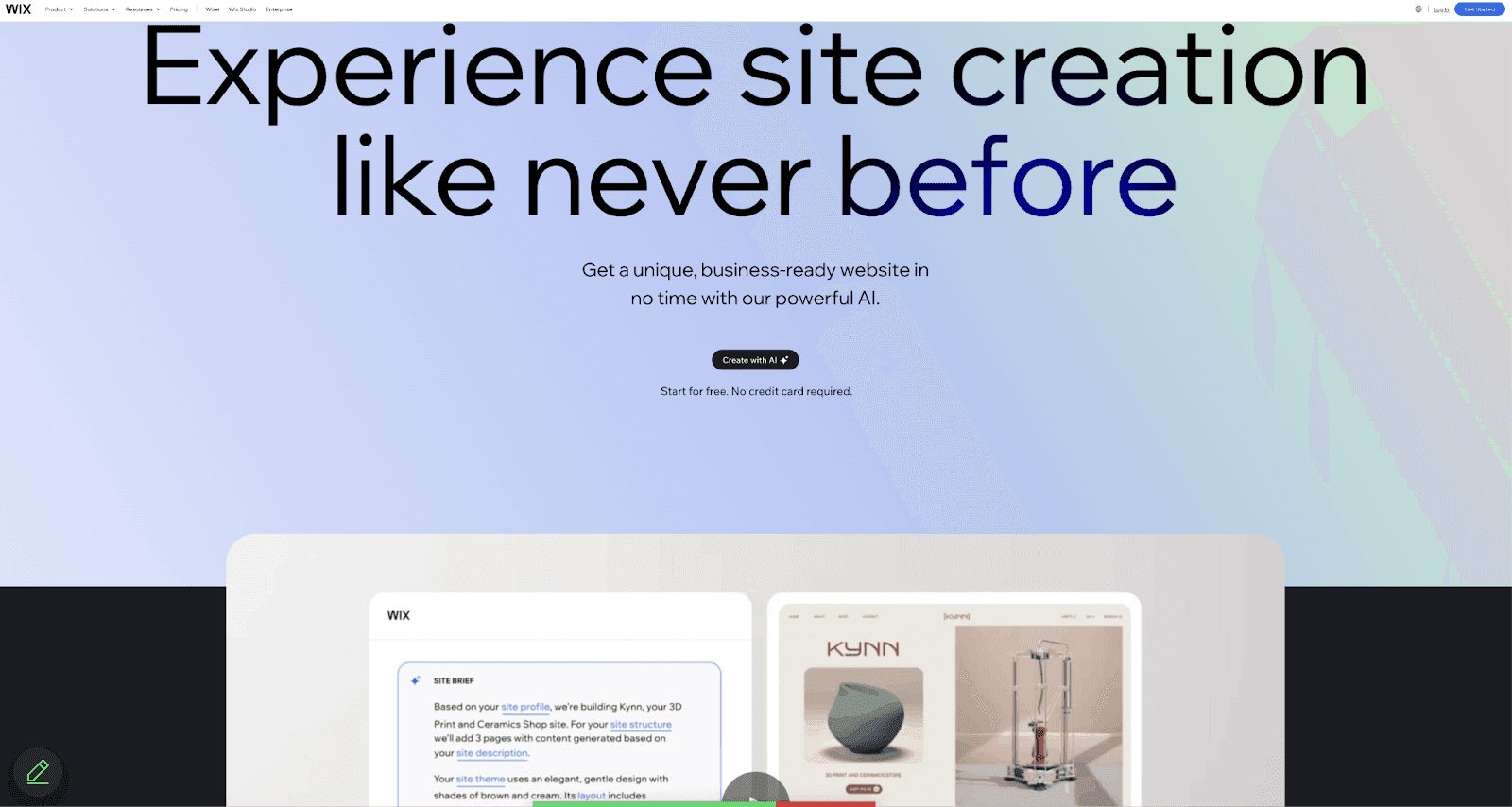
Wix provides an AI-driven website-creation tool that asks a few questions about your goals and then generates a personalised website layout. It also includes templates, design suggestions, and customization tools.
Many beginners prefer Wix because it combines AI assistance with drag-and-drop editing.
3. Durable
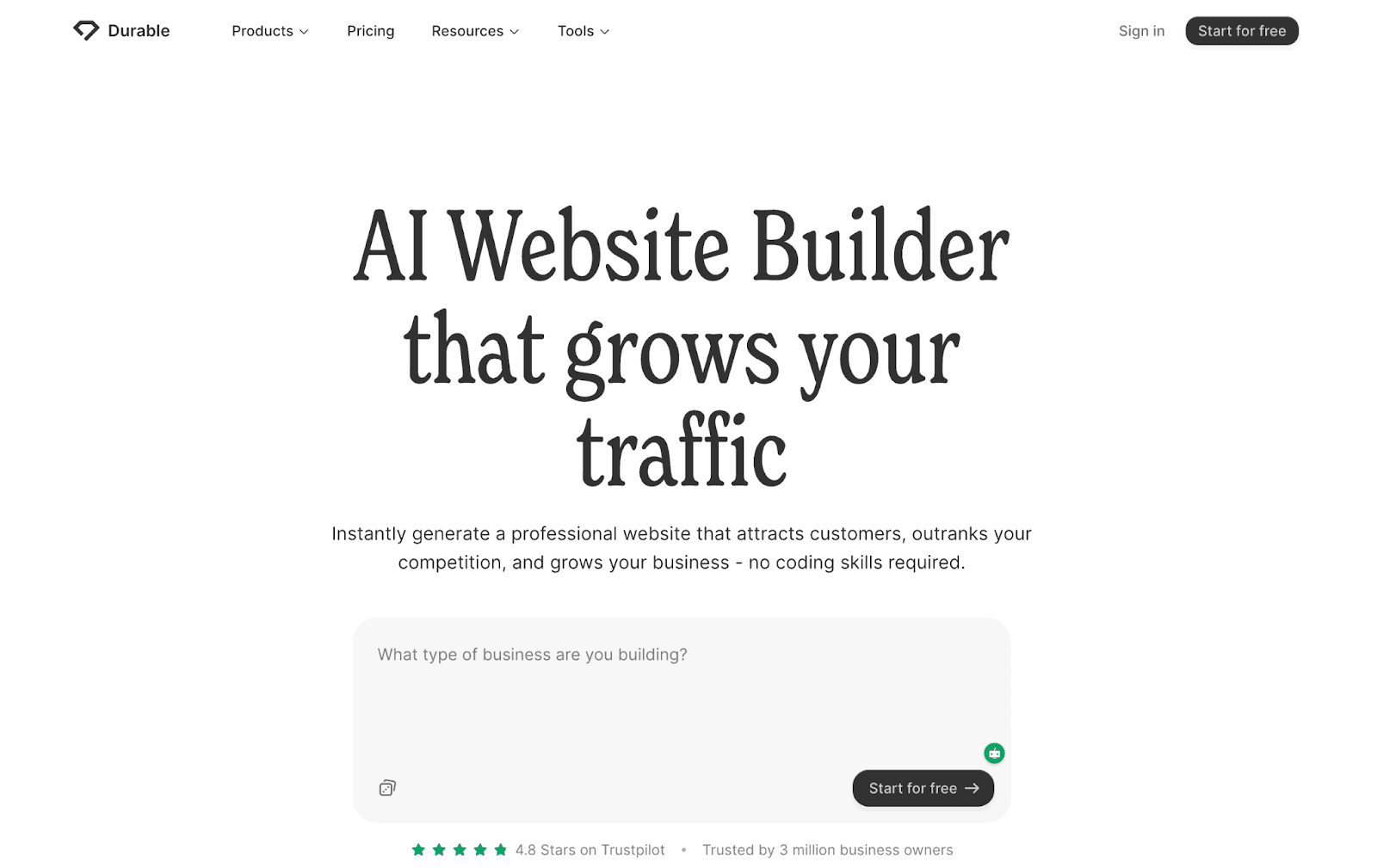
Durable is known for its ability to generate a complete website in under a minute. Users simply enter the business type and location, and the AI builds a site with text, images, and sections.
This makes Durable one of the fastest ways to build website with AI.
4. SITE123
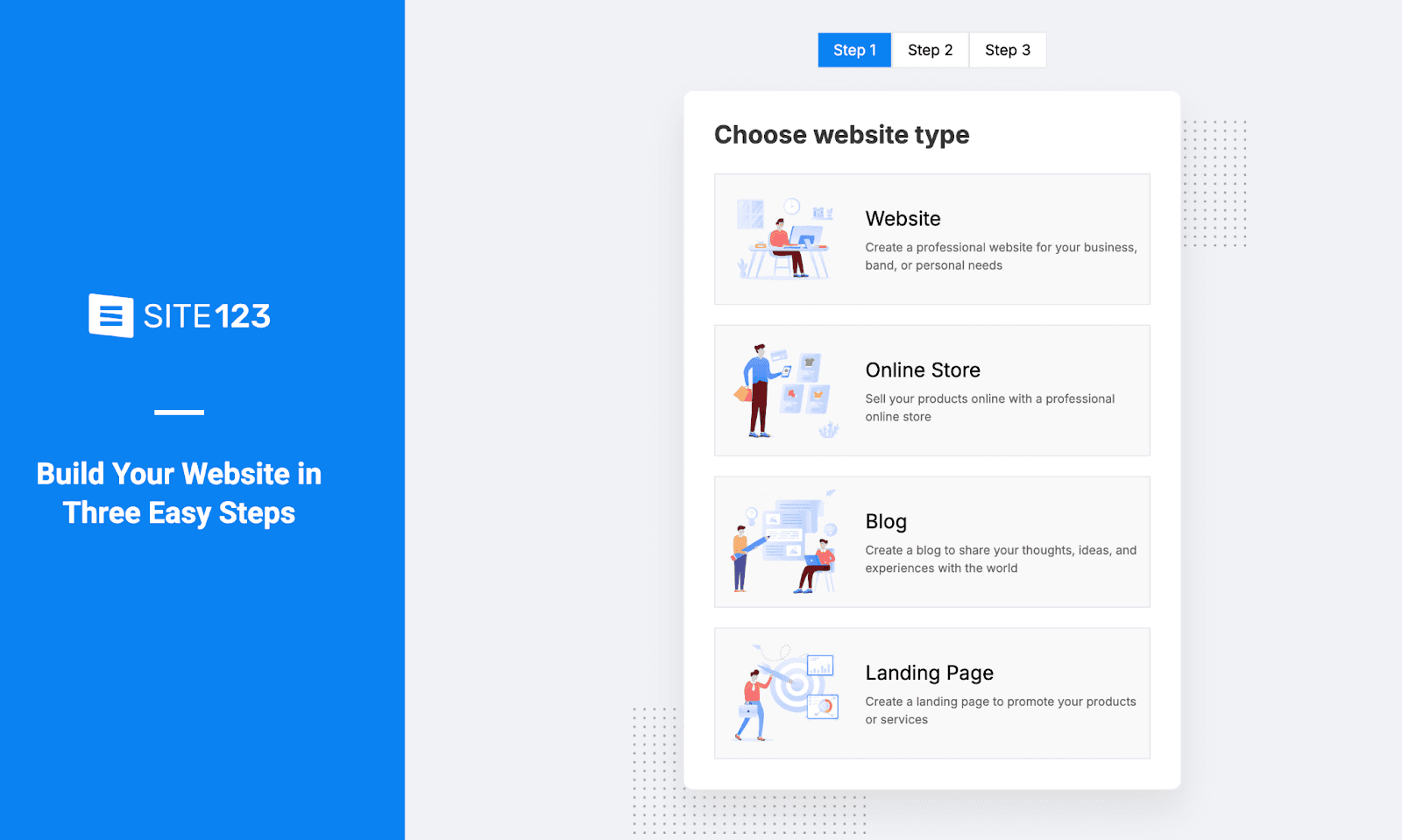
SITE123 is a beginner-friendly website builder that makes it easy to get a simple site online quickly. It offers a permanent free plan with hosting and a subdomain, and its AI-assisted tools help create website layouts and structure automatically, so you can launch a site without needing any coding experience.
Step-by-Step Guide: Create a Website with AI for Free
Building a website today is far easier than it used to be. AI website builders simplify the entire process by automatically generating layouts, sections, and even content suggestions.
Instead of writing code or designing pages manually, you simply describe your business, and the AI creates the website structure for you.
Here is a simple step-by-step process to create website with AI for free.
Step 1: Choose an AI Website Builder
The first thing you need to do is pick a platform that lets you build a website with AI without too much effort.
Many AI website builders such as Rocket offer free plans that come with ready-made templates, basic hosting, and simple editing tools. Instead of building everything from scratch, the AI creates a website layout based on the information you enter about your business or project.
When looking for the best AI website builder free, it helps if the platform includes:
AI-generated website layouts
An interface that’s easy for beginners to use
Free hosting or a subdomain
Simple drag-and-drop editing
Mobile-friendly templates
Picking the right tool can make a big difference, especially if this is your first time creating a website.
Step 2: Enter Basic Information About Your Website
Once you sign up for the platform, the AI system will ask a few questions about your website or business.
These questions help the AI understand what type of website you want to create. For example, it may ask:
What type of business or project is this?
What services or products do you offer?
Who is your target audience?
What style or design do you prefer?
Your answers help the AI generate a website that matches your goals. For example, a portfolio website for a freelancer will look different from a website for a restaurant or an online store.
The more clearly you describe your website, the better the AI can design the structure.
Step 3: Let the AI Generate Your Website Layout
After you provide the necessary information, the AI automatically creates the website layout.
This usually takes only a few seconds. The AI organizes your website into logical sections and pages that most businesses need.
For example, it may automatically generate pages such as:
Homepage
About Us
Services or Products
Testimonials
Contact Page
The platform may also add sample text, images, and design elements so the website already looks complete.
This step is where AI saves the most time. Instead of starting from a blank page, you receive a ready-to-edit website structure.
Step 4: Customize the Website Design and Content
Once the AI creates your website, you can customize it to match your brand and preferences.
Most AI website builders include simple editing tools that allow you to make changes without technical knowledge.
Some common customizations include:
Editing headlines and text
Replacing placeholder images
Changing colors and fonts
Rearranging sections
Adding new pages or features
For example, you might update the homepage headline to clearly explain what your business offers or add your contact details to the contact page.
This step allows you to make the AI-generated website feel more personal and aligned with your brand identity.
Step 5: Optimize Your Website for Visitors
Before publishing your website, it’s helpful to review the content and make sure everything is clear and useful for visitors.
Ask yourself a few simple questions:
Does the homepage clearly explain what the website is about?
Is the contact information easy to find?
Are the services or products explained clearly?
Is the navigation simple and easy to understand?
Making small improvements at this stage can greatly improve how visitors interact with your website.
Some AI platforms also offer built-in tools that help improve SEO, suggest content edits, or optimize layouts for better user experience.
Step 6: Publish Your Website
After finalizing the design and content, the last step is publishing your website.
Most AI website builders allow you to publish your site with a single click. Once published, your website becomes accessible online and can be shared with customers, clients, or visitors.
Depending on the platform, you may receive:
A free subdomain (such as yoursite.builder.com)
Free hosting
The option to connect a custom domain later
Once the website is live, you can continue updating it whenever needed. AI website builders make it easy to edit pages, add new content, and expand your website as your business grows.
Using AI Tools to Improve Website Content
Creating a website is only the first step. The quality of your content plays a major role in attracting visitors.
AI tools can help generate content ideas, write headlines, and organize information clearly, making effortless content creation much easier for beginners and businesses alike.
For example, platforms like Decktopus AI are widely used for generating structured content, organizing ideas, and creating presentations for businesses and marketing teams.
Entrepreneurs and freelancers often use AI tools like Decktopus AI to:
Organize website content
Structure marketing presentations
Brainstorm product messaging
Prepare business proposals
Using AI tools alongside website builders can help improve clarity and consistency in your online presence.
Helpful Tips When Building a Website with AI
AI tools make website creation easier, but a few best practices can improve results significantly.
Keep Your Message Clear
Explain what your business does in simple language.
Focus on One Goal
Every website should guide visitors toward a clear action, such as contacting you or booking a service.
Use High-Quality Images
Visuals help build trust and make your website more engaging.
Keep Navigation Simple
Too many pages or sections can confuse visitors.
Update Content Regularly
Even AI-generated websites benefit from fresh content updates.
Following these tips will help your AI-generated website look more professional and effective.
Final Thoughts
Artificial intelligence has made website creation faster, easier, and more accessible than ever before. Today, anyone can create a website with AI for free without needing coding skills or technical knowledge.
AI website builders automate many parts of the process, from generating layouts to suggesting content. This allows entrepreneurs, freelancers, and small businesses to focus on their ideas instead of technical setup.
By choosing the best AI website builder free platform and following a simple step-by-step approach, you can launch a professional website in a matter of minutes.
As AI technology continues to evolve, building and managing websites will become even more efficient - opening new opportunities for creators and businesses around the world.
FAQ
1. Can I create a website with AI for free?
Yes. Many platforms allow users to create website with AI for free using templates, AI-generated layouts, and basic hosting.
2. Do I need coding skills to build a website with AI?
No. Most AI website builders are designed for beginners and require no coding knowledge.
3. How long does it take to create a website using AI?
In many cases, a website can be generated within minutes. Customizing it may take additional time depending on your needs.
4. What is the best free AI website builder for beginners?
Several platforms offer beginner-friendly AI builders such as Neo Sites, Wix AI Website Builder, Durable, and SITE123 Website Builder. These tools provide simple setup, AI-generated layouts, and easy editing, making it easier for beginners to create a website quickly.
5. Can AI tools help plan website content before building it?
Yes. AI tools like Decktopus AI help organize ideas and outline pages, and many AI presentation tools support custom brand fonts and colors, making it easier to keep your website content aligned with your brand.
Related posts

How to Build Confidence When Speaking in Public (2026 Guide)
The science behind speaking confidence, the CONFIDENT framework, and the AI practice method that turns nervous presenters into calm, credible speakers.
Templates & How-to

How to Practice Public Speaking Alone (With and Without AI)
The 4 rehearsal methods that actually build public speaking skill, why mirror practice fails, and how AI simulates a real audience for structured feedback.
Templates & How-to

How to Give a TED Talk: Delivery Tips from the Best Speakers (2026)
A structured breakdown of what makes TED talks land, the delivery framework used by top speakers, and the AI practice method that closes the gap.
Templates & How-to