Loop: AI Presentation Coach
The Problem
The deck was never
the hard part.
Practicing alone doesn’t show you where things actually fall apart. Be honest: how many of these are true for you?
You don’t really know who’s in the room, or what they care about
Your slides are a stack of bullet points, not a story
The first time you hear the hard question is live, in front of everyone
You’re talking too fast, saying “um” a lot, or just don’t sound as confident as you are

Inside Loop
It’s not one coach. It’s a whole room of them.
Loop isn’t just about cleaning up filler words. Four specialists work on your presentation like a private accelerator. It’s the kind of prep team most people never get before a big pitch.
Stage 01
The Profiler
Actually researches who you’re presenting to (their LinkedIn, their company, what they’d care about), so you’re not guessing who’s in the room.
↻ Remembers this across sessions, so you don’t re-explain it every time

Stage 02
The Architect
Turns your slides into an actual story, not just a stack of bullet points: a real beginning, a turn, and a close you can follow without reading off the deck.
Stage 03
The Red Team
Plays your toughest audience through a live avatar, asking the hard follow-up questions you’ll actually face, not the easy ones you’d ask yourself.


Stage 04
The Mirror
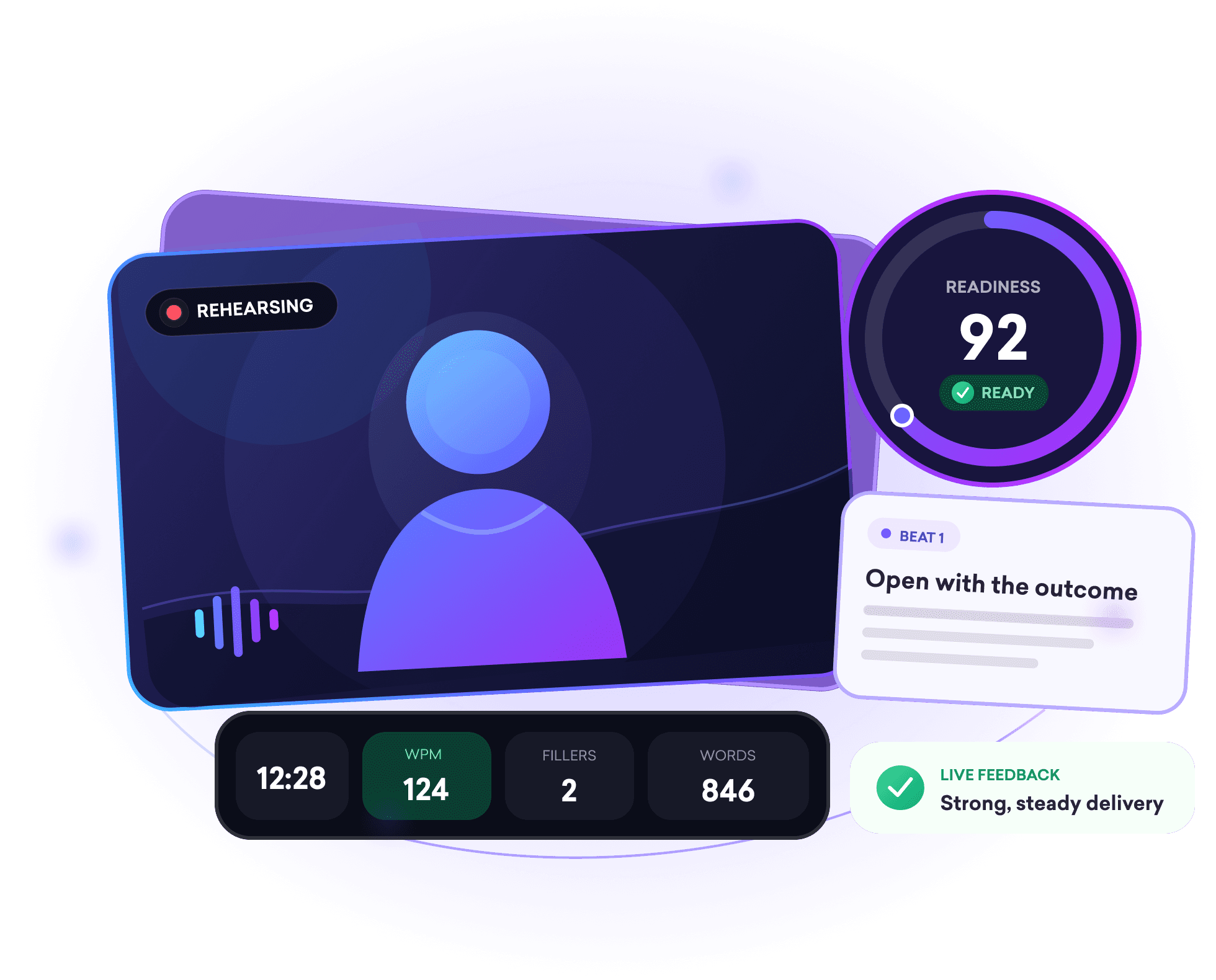
You rehearse out loud, and it talks back with live, conversational feedback on your delivery while you’re still speaking, not a report you read afterward.
∞ Why Loop remembers
Coaching that gets sharper, not repetitive.
Most feedback tools start from zero every session. Loop keeps what it learned about you: the coaching in session four is built on what happened in sessions one through three, so it stops repeating advice you’ve already acted on and starts pushing on what’s actually still weak.
Session 1
Rushed intro comes up as the main issue.
Session 2
Same rushed intro flagged again. Loop pushes harder on it.
Session 3
Intro’s solid now. Coaching has moved on to the Q&A.
Your rehearsals stay private
You’re often practicing real material here: pitch numbers, negotiation terms, things you wouldn’t want anywhere public. Loop’s coaching runs on your session only, and it’s built to be used with material like that in mind.
Practicing alone
Just your own gut sense, after the fact
First time you hear the hard question is live, in the room
Hard to tell if you’re actually improving
Easy to repeat the same mistake without noticing
Practicing with Loop
Live coaching while you’re actually talking, not after
Tough questions rehearsed against a Red Team before they’re real
Loop remembers what came up last time and follows up on it
Repeat habits get called out, and flagged again if they come back
Built for the moments that matter
Whatever you’re preparing for, rehearse it here first.
Works the same whether it’s just you, or you’re rolling it out across a whole sales or consulting team.
Investor & sales pitches
Run the pitch before the real thing. Know your timing, your flow, your energy, and have real answers ready for the hard questions.
Conference talks
Run the full talk end to end. Catch the parts you rush through and the parts that drag before an audience does.
Job interviews
Practice your answers until they sound like you, not like a script you memorized the night before.
Salary negotiations
Say the actual number out loud before you have to say it for real. It gets easier the second time.
Internal presentations
Tighten a quarterly update or a proposal to leadership before it’s in front of the people who decide.
Sales & consulting teams
Give every rep a private coach and get visibility into how the whole team is actually improving.
For teams
Give your whole team the confidence to walk in ready.
Individual practice is self-serve, starting above. For sales, consulting, or customer success teams that present constantly, Loop can standardize coaching across everyone instead of relying on whoever happens to be a strong presenter already.
• Every rep gets a private coach, not a shared generic script
• Managers see where the team is actually improving
• New hires ramp on delivery faster
• Consistent presentation quality without repeating the same 1:1 coaching
Good fit for
Sales teams
Consulting firms
Customer success
Founders
Executive teams
Marketing teams
The full system
One system for the entire presentation process
1
2
3
FAQ
Is Loop included with Decktopus AI?
Loop is available as an add-on for Pro and Business plans.
Can I use Loop without building a deck first?
Yes. You can practice from a script, bullet points, or just a topic. Slides are optional.
What happens to my rehearsal audio?
It's used to generate your feedback and coaching memory for that account.
How is this different from an AI presentation maker?
Presentation makers help you build the slides. Loop helps you rehearse actually saying them out loud.
Does this replace real presentation training?
No. It gives you a coach for every practice rep in between, which is usually the part that's missing.
Who is Loop actually for?
Anyone who presents: sales teams, founders, consultants, executives, educators, and students.
Your presentation isn’t finished when
the slides are.
The parts people remember are almost never the slides. They’re how you said it. Build the deck with Studio. Rehearse it with Loop.